Retro Handheld Operating Systems Explained
Updated October 2026
Onion OS and GarlicOS are not rivals on the same hardware. Onion OS runs on the Miyoo Mini and Mini Plus, GarlicOS runs on the Anbernic RG35XX family, and your handheld decides which one you can install. The operating system (or custom firmware) shapes the user experience, performance and what systems you can play, so this guide compares both, then covers the newer options: muOS, Knulli, NextUI, CrossMix OS, Android and SteamOS.
Onion OS vs Garlic OS: The Short Answer
Pick Onion OS if you want the easiest retro handheld you can buy: a Miyoo Mini Plus with WiFi ROM transfer, themes and RetroAchievements. Pick GarlicOS only if you already own, or want, an original Anbernic RG35XX and prefer a plain launcher. If you own a newer Anbernic such as the RG34XX or RG40XX, neither is an option, and muOS or Knulli is the usual answer.
| Question | Onion OS | GarlicOS |
|---|---|---|
| Runs on | Miyoo Mini and Mini Plus | RG35XX (GarlicOS 1); RG35XX Plus, H and SP (GarlicOS 2) |
| Wireless ROM transfer | Yes, over WiFi | No, copy ROMs with a card reader |
| Install | About 15 minutes with Onion Desktop Tools | GarlicOS 2 needs a two-card manual install |
| Status, October 2026 | Stable; the latest official release is v4.3.1-1 (June 2024) and the project is in maintenance mode | Described as effectively abandoned in a March 2026 roundup |
| Best device | Miyoo Mini Plus ($79.99) | Anbernic RG35XX ($38.59) |
Sources: the OnionUI releases page, the March 2026 custom firmware roundup and the GarlicOS setup guide. Prices are from our device catalogue, October 2026.
OnionOS - Beginner Friendly Excellence

OnionOS - The beginner-friendly firmware for Miyoo devices
What is OnionOS?
OnionOS is a custom Linux-based firmware built for the Miyoo Mini and Miyoo Mini Plus. It's designed to be user-friendly while offering plenty of features under the hood. Think of it as the "it just works" option for retro gaming. Our OnionOS guide covers which version to install, and the install walkthrough takes about fifteen minutes.
Key Features:
✅ WiFi ROM Transfer: No need to remove SD card, transfer games wirelessly
✅ Beautiful UI: Clean, modern interface with themes
✅ Pre-configured Emulators: Everything works out of the box
✅ RetroAchievements: Built-in achievement tracking
✅ Activity Tracker: See your gaming stats
✅ Easy Updates: One-click firmware updates via WiFi
Pros:
✅ Easiest to use for beginners
✅ Well documented, with a large community and plenty of themes and guides
✅ WiFi features are game-changing
✅ Very stable and reliable
✅ Reversible: it lives on the SD card, so the stock card can go back in
Cons:
❌ Official support covers only the Miyoo Mini and Mini Plus
❌ Updates have slowed: the latest official release, v4.3.1-1, dates from June 2024
❌ Limited to retro systems (no Android apps)
❌ Can't play modern games or use cloud gaming
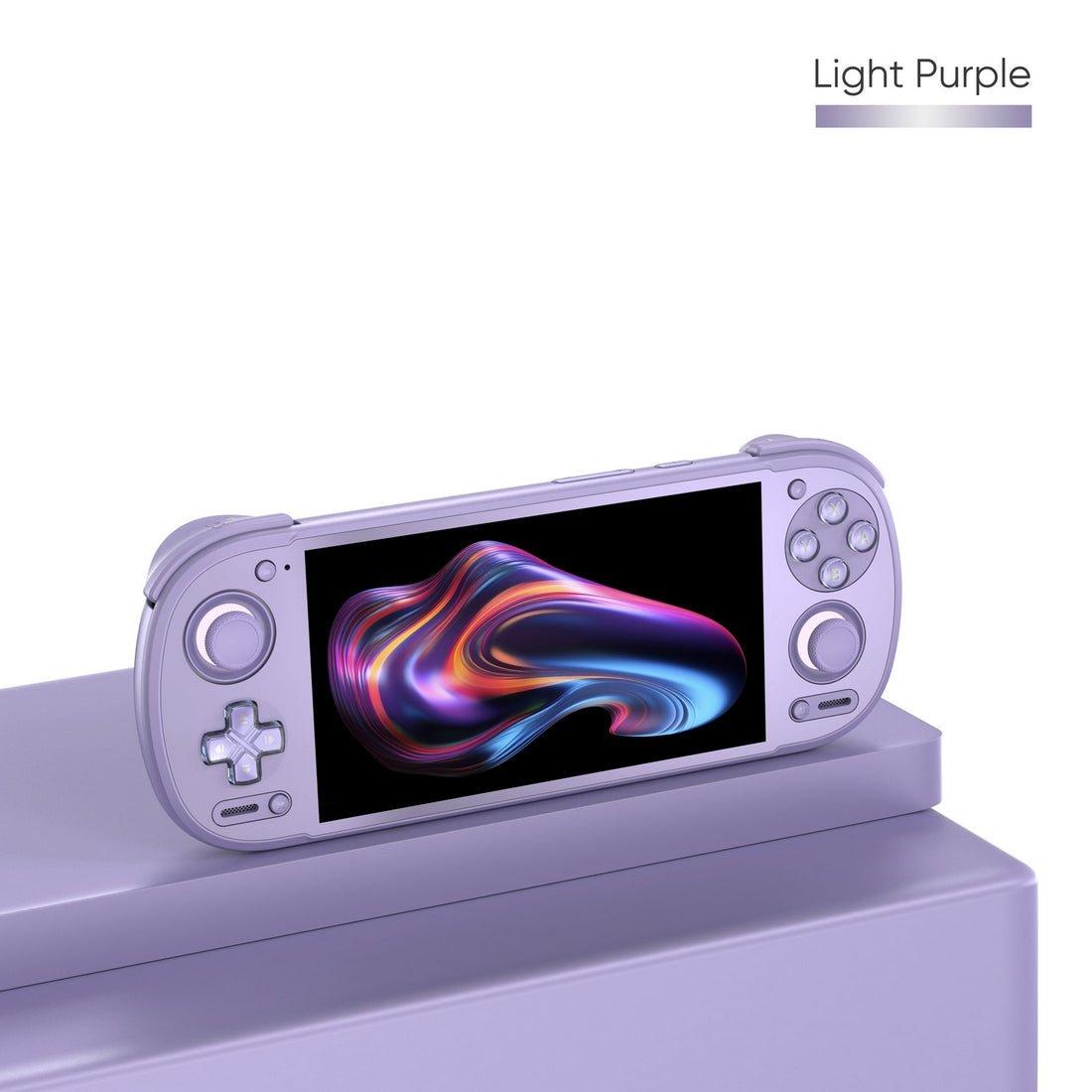
The Miyoo Mini Flip is not an official Onion device. Sellers ship it with a vendor-adapted build, and lid sleep and audio routing are the usual weak spots. Our Miyoo Mini Flip guide explains what works. The community default for the Flip is Allium, whose v1.0.2 release landed in September 2026.
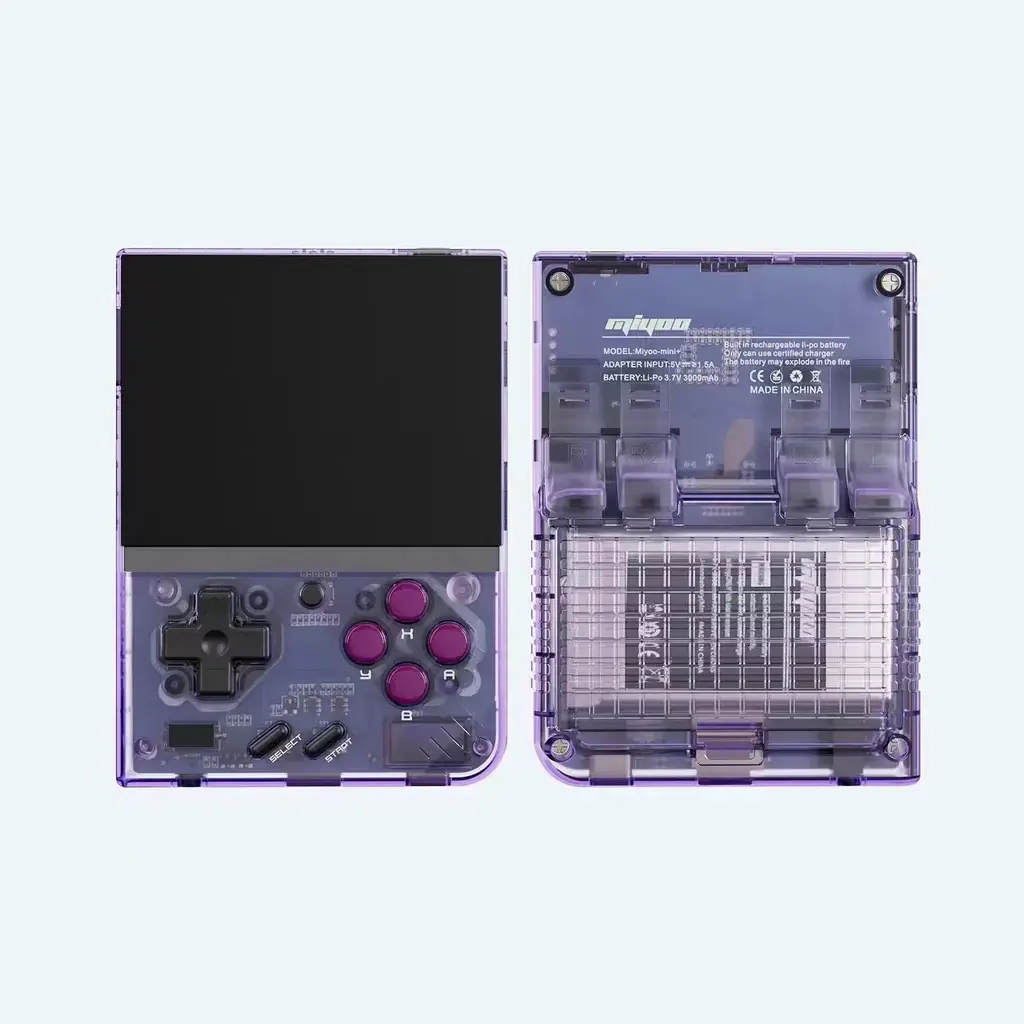
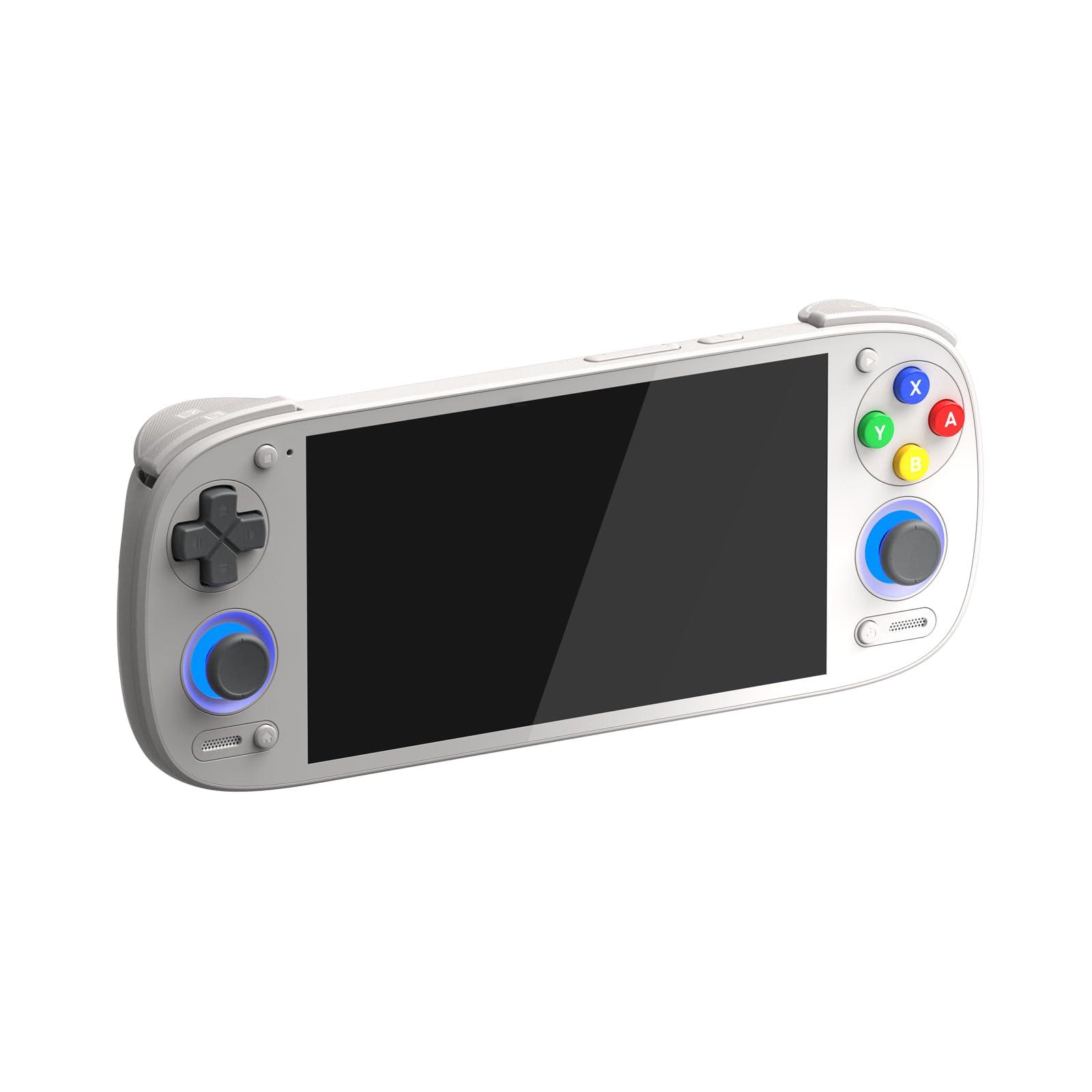
🧅 Best OnionOS Device: Miyoo Mini Plus
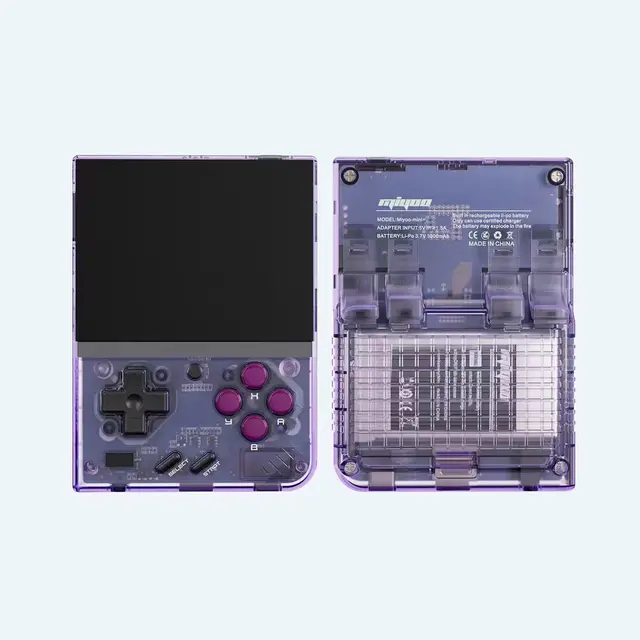
Miyoo Mini Plus - $79.99
OnionOS was made for the Miyoo Mini Plus. WiFi ROM transfer means you never need to remove the SD card, and RetroAchievements adds modern features to classic games. It is a 3.5-inch pocket handheld built for Game Boy and 16-bit games, which makes it a good first retro handheld. Our Miyoo Mini Plus vs Anbernic RG34XX comparison shows how it stacks up against an Anbernic.
Buy Miyoo Mini Plus →GarlicOS - Simple & Stable

GarlicOS - Simple and stable firmware for Anbernic RG35XX devices
What is GarlicOS?
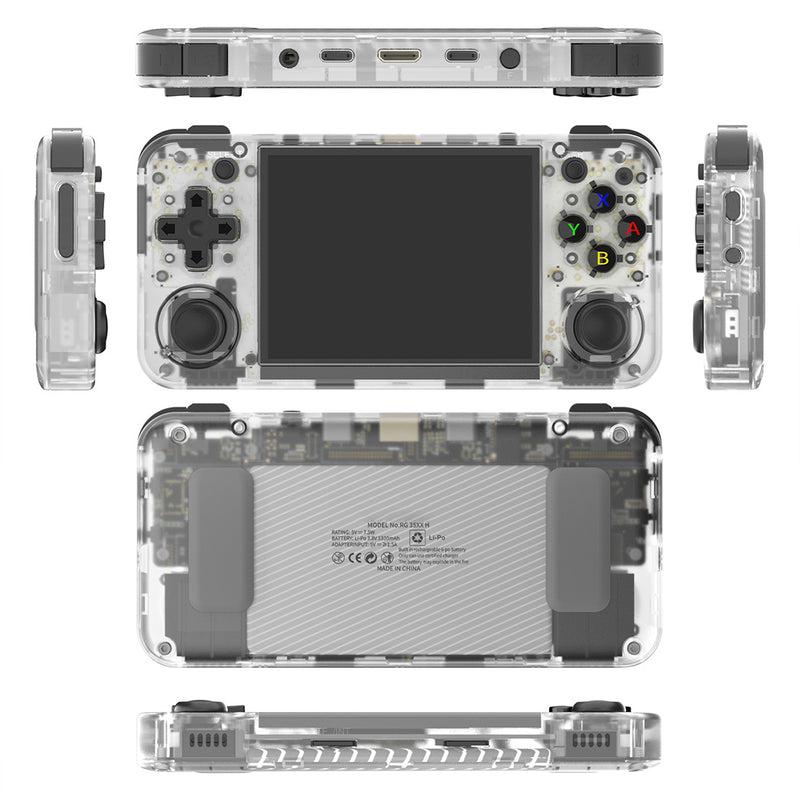
GarlicOS is a custom firmware for the Anbernic RG35XX family. GarlicOS 1 targets the original RG35XX and installs from a disk image. GarlicOS 2 targets the RG35XX Plus, H and SP and uses a two-card manual install. Think "OnionOS for Anbernic": a plain launcher focused on retro gaming with minimal fuss. It does not support the RG34XX, RG40XX, RG28XX or RG CubeXX, which should run muOS or Knulli instead. Our guide to adding box art in OnionOS and GarlicOS covers the one job both share.
Key Features:
✅ Clean Interface: Simple, easy to navigate menu
✅ Optimized Emulation: Tuned for the RG35XX hardware
✅ Good Battery Life: Efficient power management
✅ RetroArch Integration: Advanced users can tweak settings
✅ Stable & Reliable: Rarely crashes, just works
Pros:
✅ Good for users who want simple retro gaming
✅ Very stable and well-tested
✅ Open source, and GarlicOS 1 is a finished release that was last updated in 2023
✅ Works on affordable devices ($38.59 for the original RG35XX)
Cons:
❌ No built-in wireless ROM transfer (must remove SD card for ROMs)
❌ Only for the Anbernic RG35XX family
❌ Development has stalled: a March 2026 roundup calls it effectively abandoned
❌ Less flashy UI compared to OnionOS
❌ Limited to retro systems
🧄 Best GarlicOS Device: Anbernic RG35XX

Anbernic RG35XX - $38.59
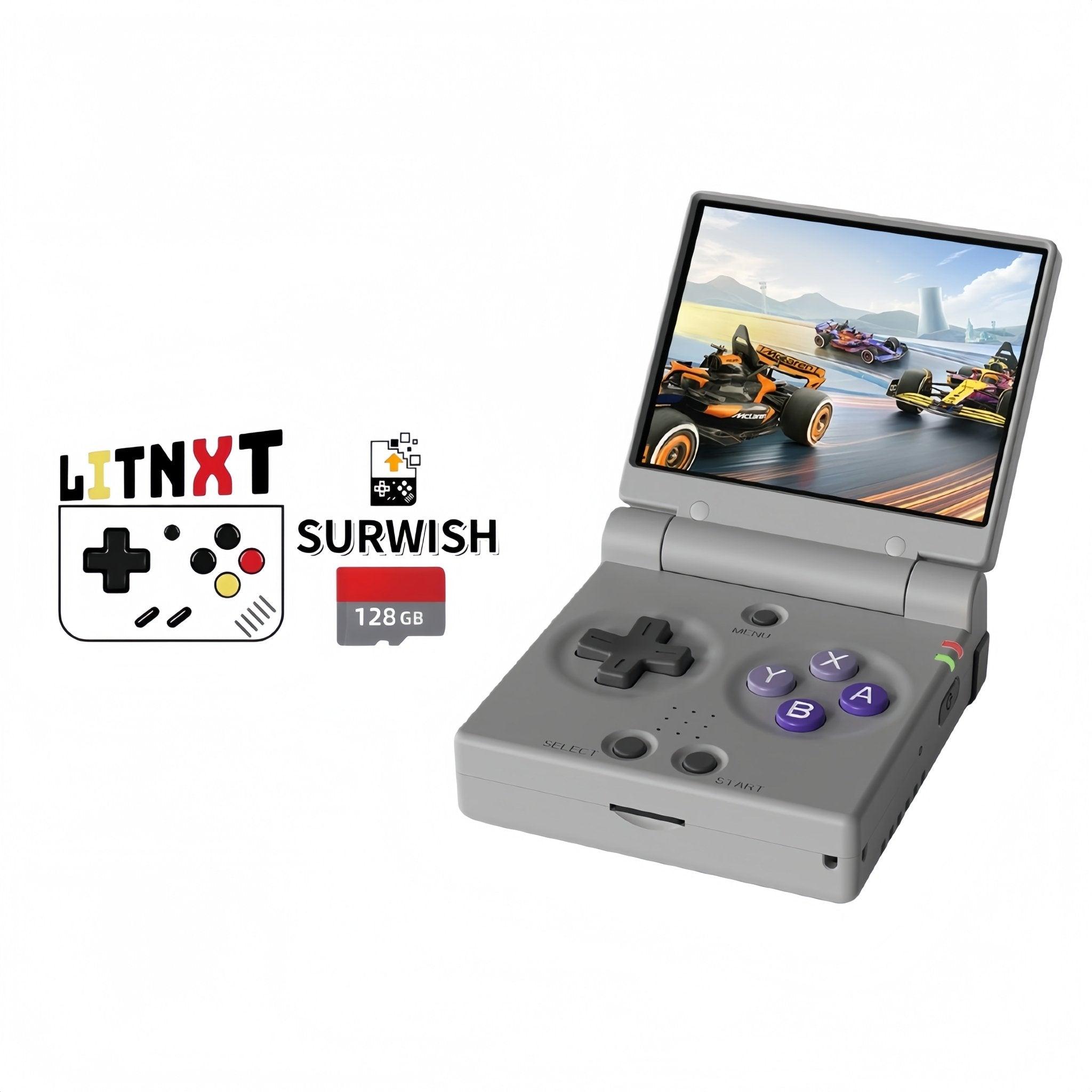
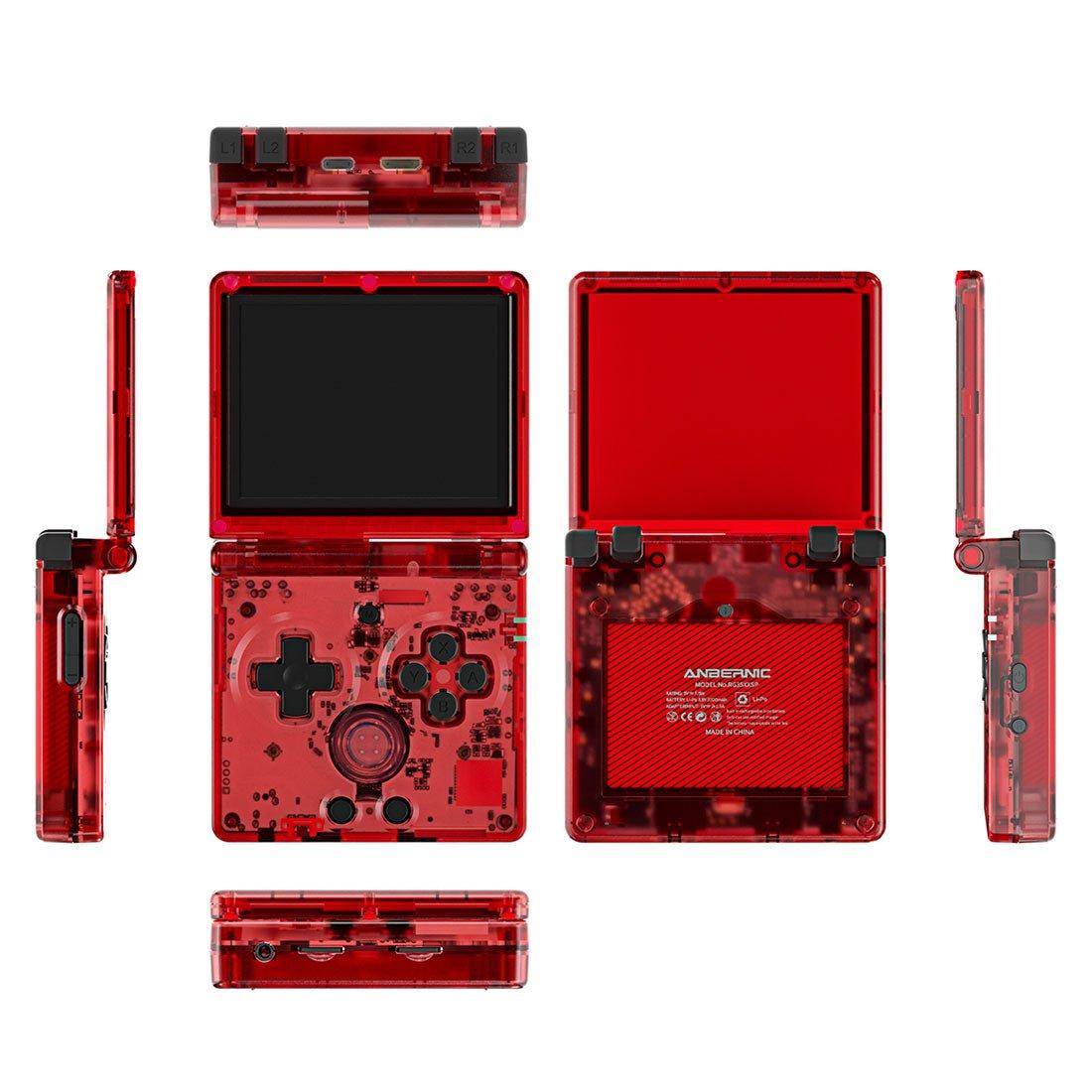
The original RG35XX is the device GarlicOS was written for, and it costs less than any other handheld on this page. It is a 3.5-inch, Game Boy-style design made for Game Boy Advance games. If you want the clamshell version, the RG35XXSP is the GBA SP-style option, and GarlicOS 2 supports it. The RG35XX Plus and H run GarlicOS 2 as well.
Buy RG35XX →CrossMix OS - Power User's Choice
What is CrossMix OS?
CrossMix OS is a custom firmware for TrimUI devices that keeps the stock TrimUI interface and rebuilds the emulators and tools behind it. The result is a clean interface without being overwhelming. The official GitHub project last tagged v1.3.0 in December 2024 for the Smart Pro, and retailers sell newer-numbered cards, so read our CrossMix OS guide before you buy.
Key Features:
✅ Built on the TrimUI stock OS: Familiar menu with better emulator setup behind it
✅ Modern UI: Clean, responsive interface
✅ Network File Transfer: Easy ROM management
✅ Good Emulator Selection: Well-configured out of the box
TrimUI owners have a second choice. NextUI is a MinUI fork for the TrimUI Brick, Brick Hammer, Smart Pro, Smart Pro S and Brick Pro, and it shipped v6.15.0 on 13 October 2026. See the NextUI setup guide and the TrimUI Brick Pro review.
⚙️ Best CrossMix Device: Trimui Smart Pro

Trimui Smart Pro - $89.99
CrossMix OS was written for the Smart Pro, a 4.96-inch handheld. The listing says it handles everything up to Dreamcast and PSP with CrossMix OS. It sits between simple Linux firmware and full Android in both price and effort.
Buy Trimui Smart Pro →Android - The Versatile Powerhouse
What is Android for Retro Handhelds?
Premium retro handhelds run full Android (Android 11 on the Retroid Pocket 5, Android 13 on the RG406V), giving you access to the Google Play Store, modern apps and the emulators for the heaviest systems. This opens up possibilities beyond retro gaming.
Key Features:
✅ Google Play Store: Access to all Android apps and games
✅ Emulators for heavy systems: Dolphin (GameCube), NetherSX2 (PS2), PPSSPP (PSP) and Azahar (3DS)
✅ Cloud Gaming: Xbox Game Pass, GeForce Now, Steam Link
✅ Media Apps: YouTube, Netflix, Spotify while you game
✅ Bluetooth Support: Connect wireless controllers, headphones
✅ Modern Games: Play actual Android games from Play Store
Two emulator names have changed. AetherSX2, the old PS2 emulator, stopped getting updates in early 2023 and the community fork NetherSX2 carries it on. Citra, the 3DS emulator, ended official development in March 2024, and its fork Azahar is the one to install now. Our emulation performance guide shows which device handles which system.
Android Front-Ends:
Android handhelds boot to a normal home screen, so most owners install a front-end that lists games by system. Daijisho and ES-DE are the common choices, and Cartridge is a newer free option that shows your library as 3D cartridges and discs. All three launch the emulators you already have installed.
Pros:
✅ Most flexible - gaming device + tablet
✅ Access to emulators that are constantly updated
✅ Can play modern games and stream from PC/cloud
✅ Full ecosystem of apps and customization
✅ Can replace a tablet for media consumption
Cons:
❌ Steeper learning curve for beginners
❌ More expensive devices ($117.99 to $429.99 in our catalogue)
❌ Shorter battery life than Linux-based devices
❌ Requires more setup and configuration
❌ Can be overwhelming with too many options
🤖 Best Value Android Device: Retroid Pocket 5
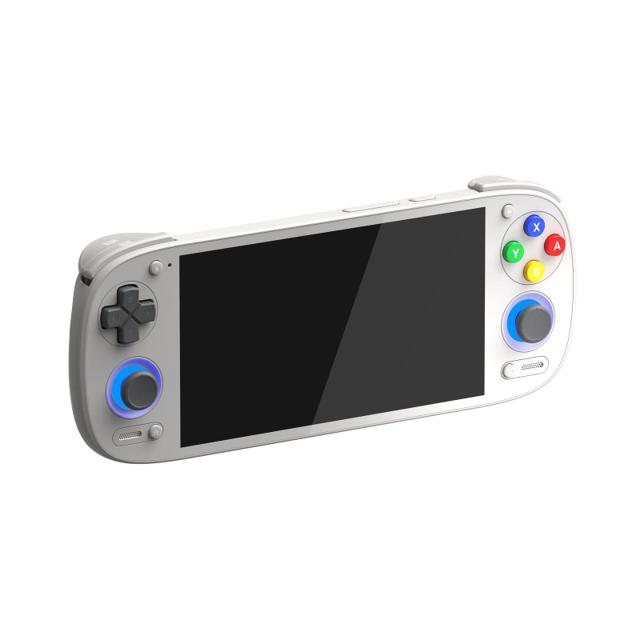
Retroid Pocket 5 - $259
The Retroid Pocket 5 is a 5.5-inch Android handheld for PSP, Dreamcast and GameCube emulation. Install Dolphin for GameCube, or use Xbox Game Pass for cloud gaming. Published reviews we summarise in our Retroid Pocket 5 review say most of the GameCube library runs at full speed and PS2 needs per-game configuration.
Buy Retroid Pocket 5 →Other Great Android Devices:
- Retroid Pocket 6 ($429.99): 5.5-inch 120Hz AMOLED Snapdragon 8 Gen 2 handheld for Switch and PS2.
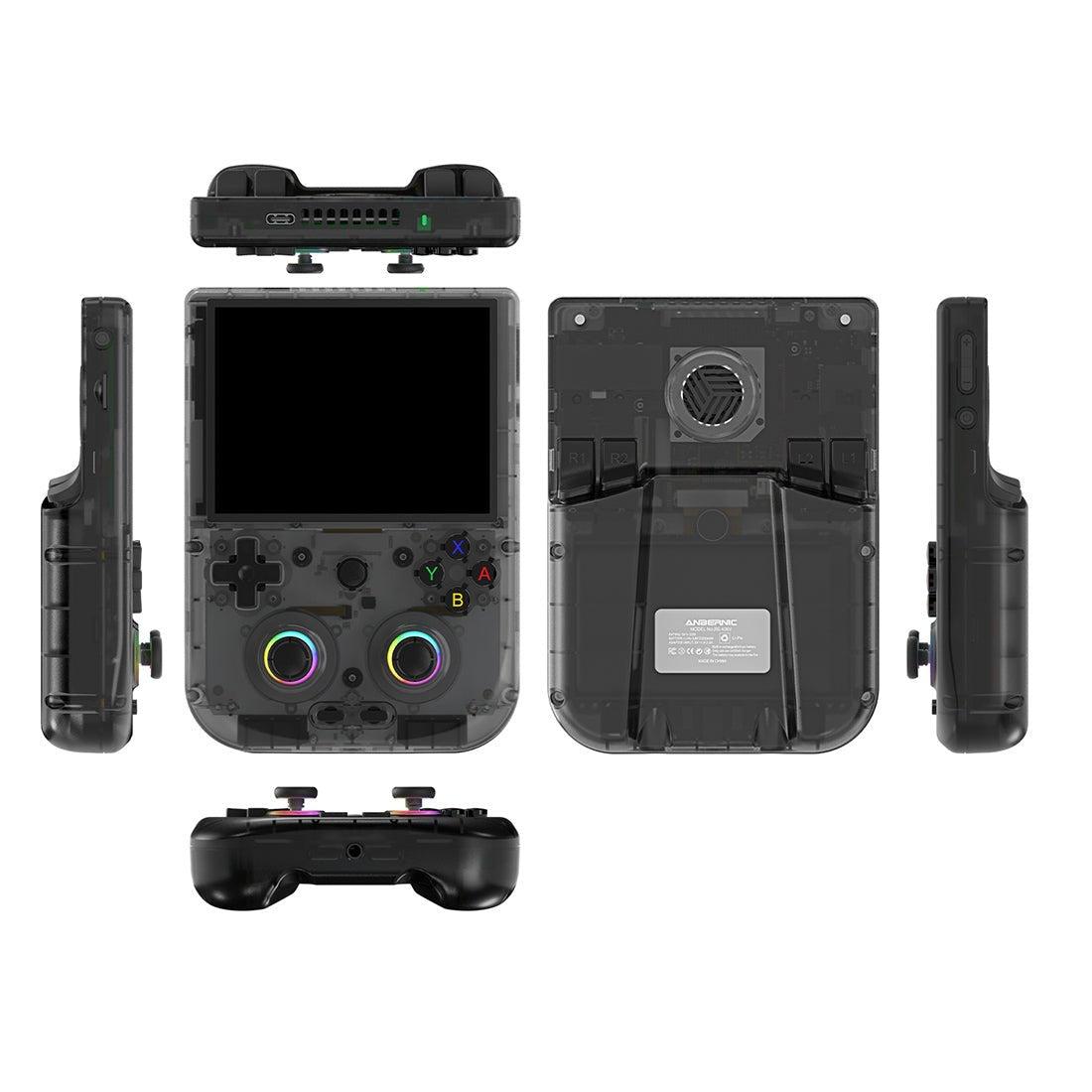
- Anbernic RG406V ($239.99): Vertical 4-inch IPS Android handheld with Hall sticks for GameCube and PS2.
- Anbernic RG405M ($117.99): Metal-bodied 4-inch Android handheld that runs Dreamcast and PSP well.
- Anbernic RG476H ($239.99): 4.7-inch laminated Android handheld for PS2 and GameCube emulation.
Ark OS - Ultra Budget Option
Ark OS (ArkOS) is a basic Linux firmware found on budget Rockchip devices such as the R36S and the BATLEXP G350. It is functional but lacks the polish of OnionOS, and it has stopped: the ArkOS repository is archived and the last release, v2.0, dates from 1 August 2025. Knulli and ROCKNIX are the active choices for the same hardware, and both are covered below.
When to Accept Ark OS:
- Budget is extremely tight (under $60)
- You only play simple 8-bit games
- You're tech-savvy enough to work around limitations
Newer Firmware: muOS, Knulli, ROCKNIX and NextUI
Most of the firmware development in 2026 happens outside Onion and Garlic. Here is where each project stands as of October 2026, from the projects' own release pages.
| Firmware | Runs on | Latest release we found |
|---|---|---|
| muOS | Anbernic RG28XX H, RG34XX H and SP, RG35XX 2024, H, Plus, Pro and SP, RG40XX H and V, RG CubeXX; TrimUI Brick and Smart Pro | 2601.1 Funky Jacaranda, per muos.dev |
| Knulli | Many Anbernic H700 handhelds including the RG34XX, plus TrimUI, Powkiddy, R36S and BATLEXP G350 | Scarab, 11 May 2026, on GitHub |
| ROCKNIX | Rockchip handhelds; the JELOS successor, with an H700 build also published | 20261001, on GitHub |
| NextUI | TrimUI Brick, Brick Hammer, Brick Pro, Smart Pro and Smart Pro S | v6.15.0, 13 October 2026, on GitHub |
| MinUI | Miyoo Mini, RG35XX and TrimUI hardware | Moderate activity, by design, per the March 2026 roundup |
| JELOS and ArkOS | Older Rockchip handhelds | JELOS archived May 2024; ArkOS archived after v2.0 (August 2025) |
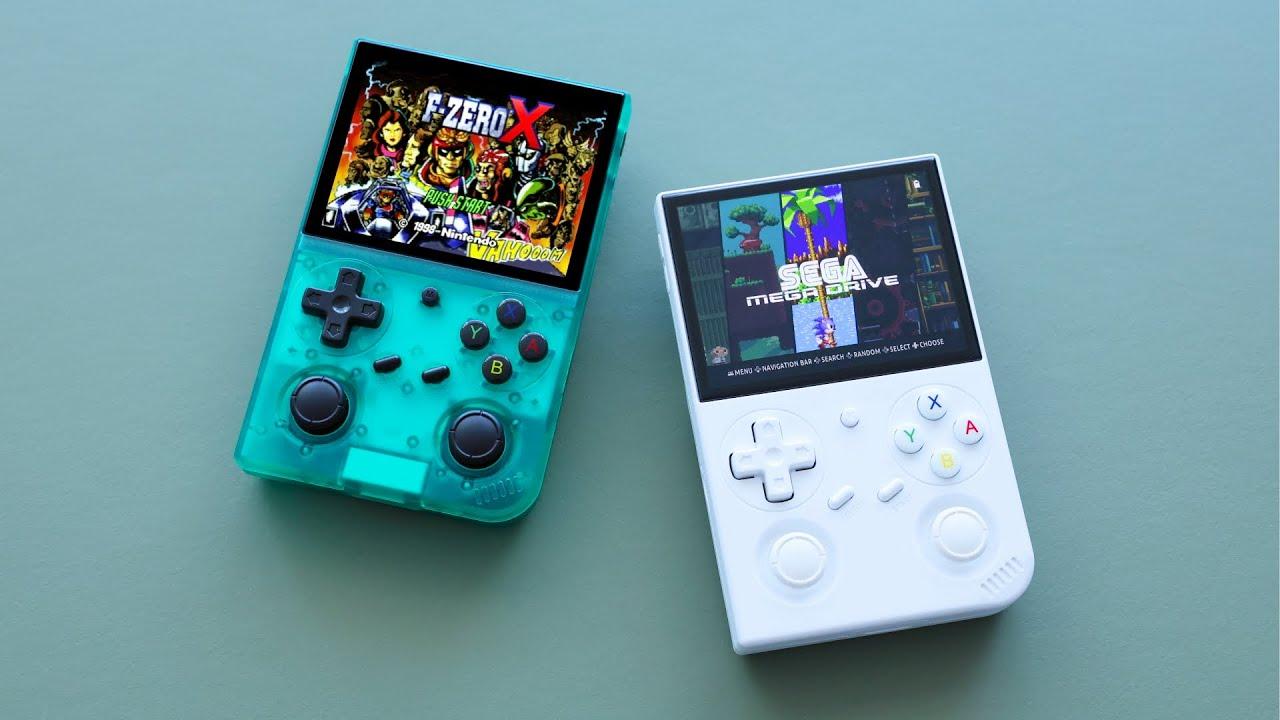
muOS is the firmware the March 2026 roundup recommends for Allwinner (H700) devices, and Knulli is a fork of Batocera that suits owners with several different handhelds. Batocera itself is still in active development. If you own an Anbernic RG34XX, our RG34XX review covers the hardware; install muOS or Knulli rather than looking for GarlicOS.
SteamOS - The PC Gaming Champion
SteamOS (found on the Steam Deck, $639) is a Linux-based OS optimized for PC gaming. It can also run emulators through desktop mode, which makes it the most flexible option for emulation and modern gaming together. Some Android handhelds can now run Steam games too, which our guides on Steam games on Android handhelds and DroidDeck cover.
Best For:
Users who want to play modern Steam games and emulate retro systems. The Steam Deck can emulate everything from the NES up to the PS3 and Xbox 360 generation, although how many games run well varies by system, and it plays thousands of PC games.
Operating System Comparison
| Feature | OnionOS | GarlicOS | CrossMix OS | Android |
|---|---|---|---|---|
| Difficulty | Beginner | Beginner | Intermediate | Intermediate |
| Setup Time | About 15 minutes | Longer on GarlicOS 2 (two-card install) | SD card install | Longest: emulators and a front-end to set up |
| WiFi ROM Transfer | ✅ Yes | ❌ No | ✅ Yes | ✅ Yes |
| RetroAchievements | ✅ Built-in | ⚠️ Possible | ✅ Yes | ✅ Yes |
| Android Apps | ❌ No | ❌ No | ❌ No | ✅ Yes |
| Cloud Gaming | ❌ No | ❌ No | ❌ No | ✅ Yes |
| Battery Life | ⭐⭐⭐⭐⭐ | ⭐⭐⭐⭐⭐ | ⭐⭐⭐⭐ | ⭐⭐⭐ |
| Customization | ⭐⭐⭐ | ⭐⭐ | ⭐⭐⭐ | ⭐⭐⭐⭐⭐ |
| Typical Price | $70-$76 (Mini Plus and Flip) | $48-$90 (RG35XX family) | $90-$123 (Smart Pro and Pro S) | $120-$430 |
Which Operating System Should You Choose?
Choose OnionOS If:
✅ You're a complete beginner to retro handhelds
✅ You want WiFi ROM transfer
✅ You primarily play Game Boy through PS1
✅ You want the easiest possible experience
✅ RetroAchievements matter to you
Choose GarlicOS If:
✅ You already own an original RG35XX, or want the cheapest Game Boy-style handheld
✅ Simplicity and stability are priorities
✅ You don't mind removing SD card for ROM management
✅ You don't need regular updates from the developer
✅ Battery life is important
Choose muOS or Knulli If:
✅ You own a newer Anbernic such as the RG34XX, RG40XX, RG28XX or RG CubeXX
✅ You want a firmware that is still getting releases
✅ You own several different handhelds and want one consistent system (Knulli)
Choose Android If:
✅ You want GameCube, PS2, or 3DS emulation
✅ You want cloud gaming capability
✅ You want a device that can also be a tablet
✅ You want access to modern Android games
✅ Customization and tweaking appeals to you
✅ You're willing to invest in a premium device
Can You Install Different Operating Systems?
Yes and no. OnionOS officially supports only the Miyoo Mini and Mini Plus. GarlicOS only works on the RG35XX family. Android devices usually can't run Linux firmware, although a few, such as the Anbernic RG VITA Pro, ship with both. Newer projects like muOS and Knulli cover many Anbernic and TrimUI models, so on those handhelds you can swap firmware by writing a new SD card image. Your choice of device determines your OS options.
The Bottom Line
For beginners: OnionOS is unbeatable. The Miyoo Mini Plus with OnionOS is the smoothest, most user-friendly retro gaming experience you can buy. WiFi ROM transfer alone is worth it.
For classic gaming purists: an RG35XX with GarlicOS still works. It is simple, stable and focused on retro gaming. If you would rather have a firmware that is still being updated, put muOS or Knulli on an RG34XX or RG35XX instead.
For power users and GameCube fans: Android is necessary. The Retroid Pocket 5, Retroid Pocket 6 or RG406V with Android gives you the full emulation ecosystem and modern features.
Frequently Asked Questions
Is Onion OS or Garlic OS better?
For most beginners Onion OS is the better pick, but the two do not run on the same hardware, so the handheld usually decides. Onion OS runs on the Miyoo Mini and Mini Plus and adds WiFi ROM transfer, RetroAchievements and themes. GarlicOS runs on the Anbernic RG35XX family and is simple and stable, but a March 2026 firmware roundup calls it effectively abandoned.
Can you run Garlic OS on the Anbernic RG34XX?
GarlicOS 1 covers the original RG35XX and GarlicOS 2 covers the RG35XX Plus, H and SP. The RG34XX is not on that list. Both muOS and Knulli list the RG34XX as supported, so use one of those instead.
Does Onion OS work on the Miyoo Mini Flip?
Not officially. The OnionUI project targets the Miyoo Mini and Mini Plus. Sellers ship the Flip with a vendor-adapted Onion build, and the community often points Flip owners to Allium. Lid sleep, audio routing and overlays are the usual rough edges.
What is the best OS for a retro handheld?
It depends on the chip inside. Miyoo Mini and Mini Plus handhelds suit Onion OS. Anbernic H700 handhelds such as the RG34XX, RG35XX and RG40XX suit muOS or Knulli. TrimUI handhelds suit NextUI or CrossMix OS. Android handhelds ship with Android and use front-ends such as Daijisho or ES-DE.
Are JELOS and ArkOS still maintained?
No. JELOS was archived in May 2024 and continues as ROCKNIX, which published a release on 1 October 2026. ArkOS has stopped too: its repository is archived and its last release, v2.0, is dated 1 August 2025.