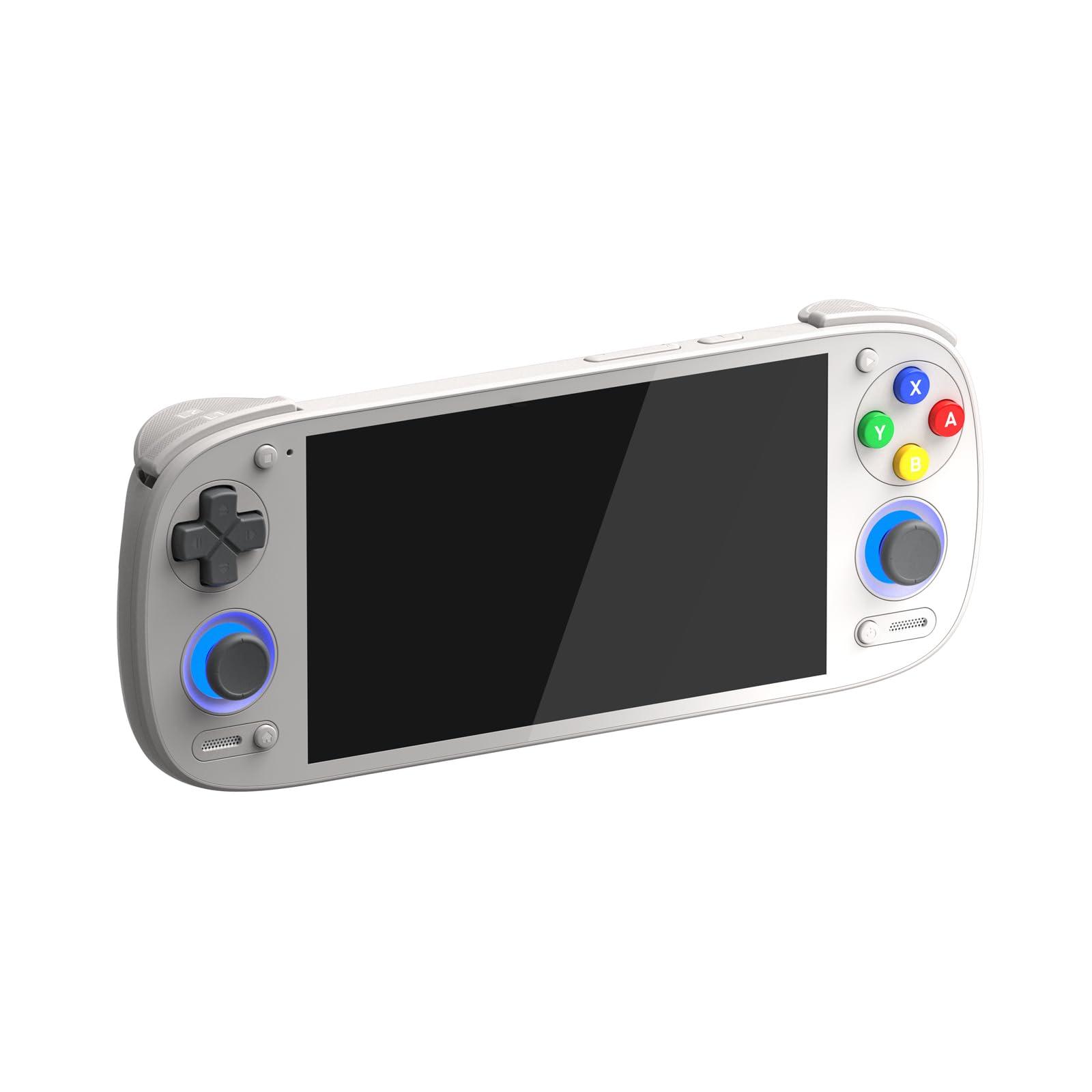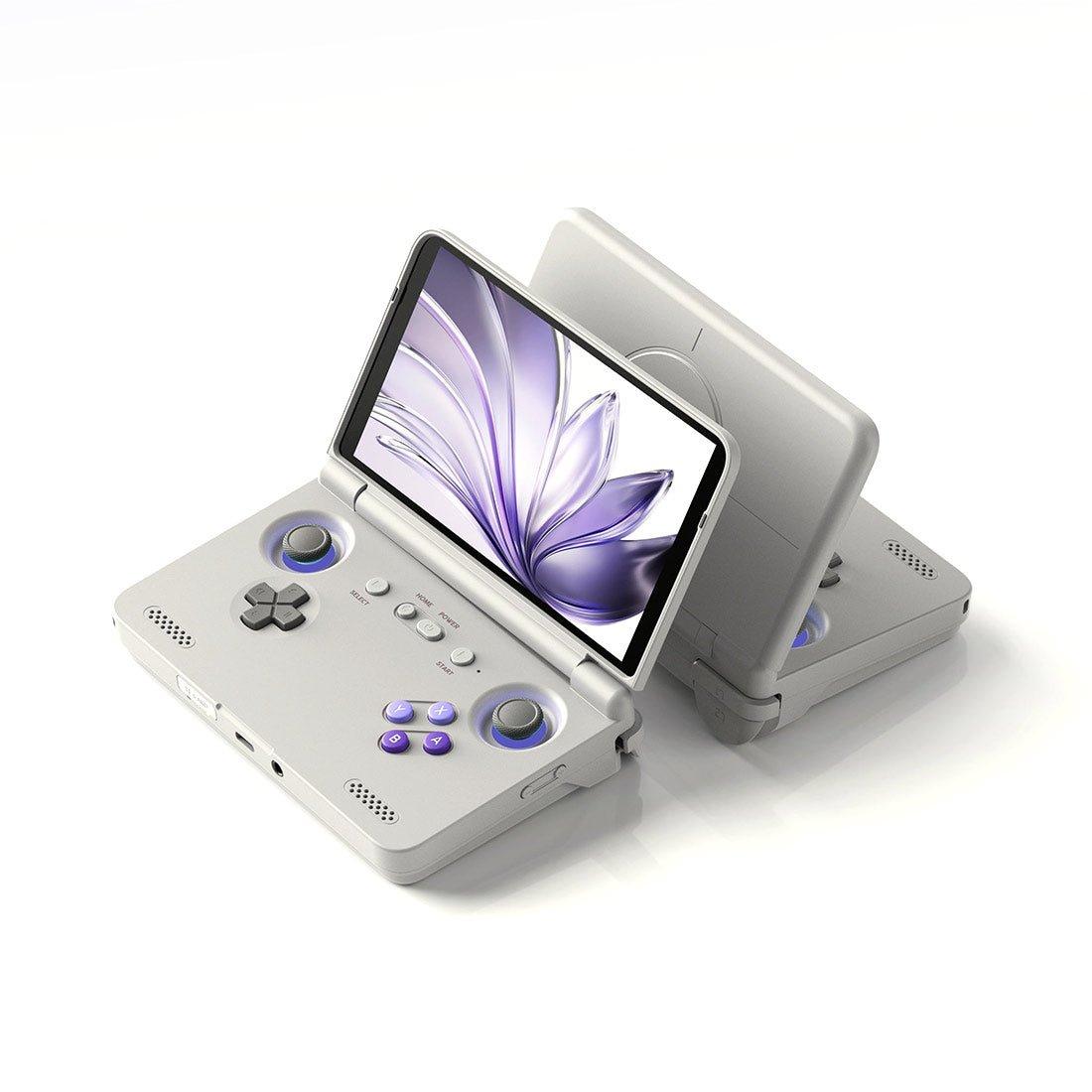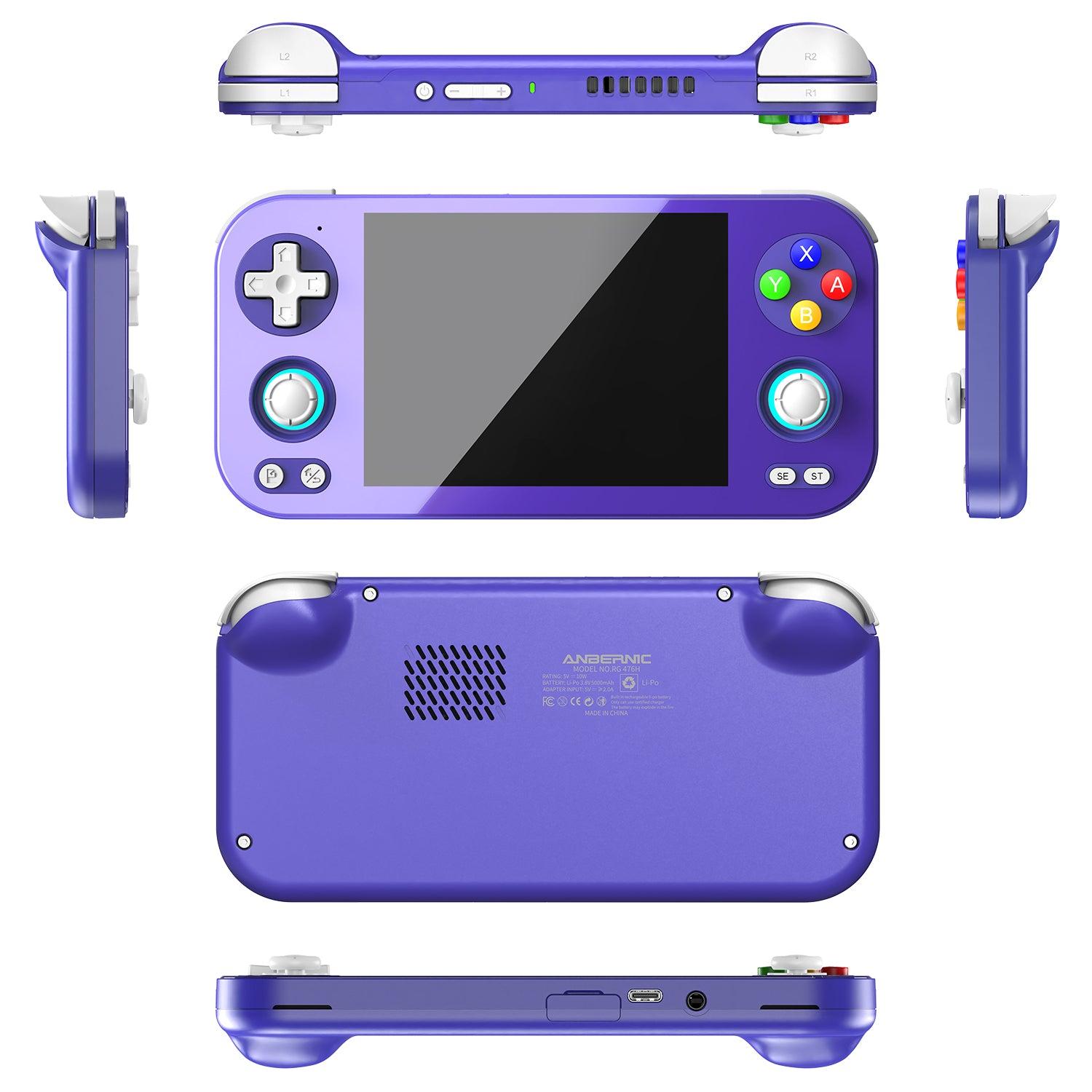
You can play Steam games on an Android handheld in two ways. The first is native: the game's Windows build runs on the handheld itself through a compatibility layer, and the apps that do this in October 2026 are GameNative, GameHub (and its community build GameHub Lite), the three-week-old DroidDeck, and Winlator. The second is streaming: the game runs on a PC and Valve's free Steam Link app sends the picture to the handheld. Native play needs a Snapdragon 8 Gen 2-class chip and, realistically, 12GB of RAM for anything beyond indies and older releases, which is why the Retroid Pocket 6 ($429.99), Retroid Pocket Nova ($389.99) and AYN Thor (Base $469.99) are the three devices this question is usually about. Prices are from the LitNXT and MechDIY listings fetched on 13 October 2026.
This is an explainer, not a review. We do not have these units in hand, so every performance claim below is attributed to the outlet or developer that made it, and every spec and price comes from the store listings fetched today.
The five routes at a glance
| Route | Needs a PC? | Sign in to Steam on the handheld? | Best for | Current version |
|---|---|---|---|---|
| GameNative | No | Yes | First thing to try: Steam, Epic, GOG and Amazon libraries with cloud saves, open source | v1.2.1, 13 September 2026 |
| GameHub / GameHub Lite | No | Yes | Heavier games; GameSir's build has the most tuned DXVK and VKD3D | GameHub 5.3.5; Lite v5.1.8, 2 July 2026 |
| DroidDeck | No | Yes | Valve's real Steam client in Big Picture, with Proton | 0.4.0, 12 October 2026 |
| Winlator | No | No, DRM-free copies only | GOG installers, older PC games, longest battery | 11.2, 19 August 2026 |
| Steam Link | Yes | No, the PC is signed in | Your whole library at full settings, at home | Play Store build updated 14 July 2026 |
What the handheld needs
Three things decide whether a Steam game runs natively on Android: the GPU and its drivers, the RAM, and the internal storage.
- GPU. Every native app leans on Qualcomm Adreno GPUs and the community "Turnip" Vulkan drivers. DroiX's three-way comparison (DaveC, updated 4 September 2026) credits the Snapdragon 8 Gen 2 with "mature driver support" and runs its headline numbers on the Snapdragon 8 Elite. DroidDeck's own requirements ask for Adreno 730 or newer or the 8xx series, call Adreno 6xx experimental, and list Mali, Xclipse and PowerVR as unsupported. That rules out MediaTek and Exynos devices and the Snapdragon 865 handhelds.
- RAM. The GameNative developer, Utkarsh Dalal, told Gardiner Bryant in April 2026 that "8 GB of RAM is generally sufficient for the kinds of PC games people are actually playing on Android handhelds today", while GameSir's GameHub team said in the same piece that 12GB "should be considered the 'minimum recommended' spec". Steam Deck HQ on the Thor and Notebookcheck's roundup on the Pocket 6 both end at the same advice: buy the 12GB model if PC games are the point.
- Storage. Notebookcheck notes that with GameHub, PC games "can't be stored on a microSD card", so a 128GB base model fills quickly. Held Games' Winlator guide, by contrast, keeps games on the card. Budget 20 to 60GB per modern game, plus about 4GB for DroidDeck's runtime before any game goes on.
| Handheld | Chip and GPU | RAM and storage | Screen | Price on 13 October 2026 |
|---|---|---|---|---|
| Retroid Pocket 6 | Snapdragon 8 Gen 2, Adreno 740 at 680MHz | 8GB LPDDR5x, 128GB UFS 3.1 (12GB variant exists) | 5.5-inch AMOLED, 1920x1080, 120Hz | $429.99 at LitNXT (8GB+128GB) |
| Retroid Pocket Nova | QCS8550, Adreno 740 at 680MHz | 8GB or 12GB LPDDR5x, 128GB UFS 3.1 | 4.5-inch AMOLED, 960p, 120Hz, 4:3 | $389.99 (8GB) or $459.99 (12GB) at MechDIY |
| AYN Thor | Snapdragon 8 Gen 2 (the Lite tier uses the Snapdragon 865) | 8GB/128GB, 12GB/256GB or 16GB/1TB | 6-inch AMOLED, 1080x1920, 120Hz, plus a 3.92-inch AMOLED second screen | Base $469.99, Pro $599.99, Max $789.99 at LitNXT |
| AYN Odin 3 | Snapdragon 8 Elite | 12GB/256GB or 16GB/512GB | 6-inch 1080p OLED, 120Hz | Pro $659.99, Max $759.99 at LitNXT |
The QCS8550 in the Nova is Qualcomm's IoT-branded sibling of the 8 Gen 2. Both the LitNXT and MechDIY spec sheets list the same Adreno 740 at 680MHz as the Pocket 6, so the GPU side is a match; the differences are the screen and the battery.
Method 1: GameNative
GameNative is the open-source route (GPL-3.0) and the one to try first. It began as a fork of Pluvia, an unofficial Steam client for Android whose last release was in March 2025, and is now developed by Utkarsh Dalal with a Discord the README puts at over 35,000 members. Release 1.2.1 went up on GitHub on 13 September 2026.
What it does, per the project README: signs in to your Steam, Epic, GOG and Amazon accounts, downloads games you own, syncs cloud saves between PC and handheld, applies community-found configurations automatically so "many games just work out of the box", and supports Steam DLC, Workshop content and beta branches. There is a controller and touch layer with a custom control editor and on-screen HUD. A public compatibility list at gamenative.app/compatibility shows what other people have managed to run.
Steps:
- Download
gamenative-v1.2.1.apkfrom the GitHub releases page (there is a separate "legacy-xr" build; you want the plain one) and install it. - Open the app and sign in to Steam.
- Check the compatibility list for the game before downloading. If someone has already found a working config, the app applies it for you.
- Install the game, then press Play. The first launch of any game is slow while the container is built.
- If a game misbehaves, there are per-game container settings. For help, the project asks you to use its Discord; GitHub issues are closed automatically.
One thing to know: GameNative collects anonymous launch, session-length and average-FPS data by default to build that compatibility database. The README states that no names, emails, IPs or device identifiers are collected, and the optional feature analytics can be switched off under Settings, Info, Usage Analytics.
Method 2: GameHub and GameHub Lite
GameHub is GameSir's closed-source launcher, distributed from gamehub.xiaoji.com. Version 5.0 in September 2025 added the features that made it the popular choice: Retro Handhelds (Jim Gray, 9 September 2025) reported that it lets users "directly download Steam games, change the configuration of each game, sync their saves with Steam's servers and even choose which Proton compatibility layer to launch games with". DroiX calls the 5.3.5 build the "Performance King" for heavy titles and reports Cyberpunk 2077 at 720p Low holding 60+ FPS on an AYN Odin 3 with 16GB of RAM.
The catch is the app itself. The GameHub Lite project documents 31 permissions in the stock app and six analytics SDKs, including Umeng, Firebase and JPush. GameHub Lite, maintained by Producdevity, is a patch set that rebuilds GameHub 5.1.0 without the telemetry, without the cloud-streaming and Xbox Cloud Gaming sections, and without the GameSir account requirement, cutting the app from 118MB to 52MB. Version 5.1.8 shipped on 2 July 2026. You still sign in to Steam inside it to download your library; what goes is the GameSir login.
Two things to weigh before choosing Lite. It is built from 5.1.0, so it lacks the newer DXVK and VKD3D work DroiX credits for GameHub's AAA numbers. And the release page offers several APKs with different package names (the "antutu", "ludashi" and "pubg" variants) because some phones only apply their performance mode to apps they recognise; the plain GameHub-Lite-v5.1.8.apk is the one to start with.
Steps, the same for both:
- Install the APK: GameHub from gamehub.xiaoji.com, Lite from the Producdevity/gamehub-lite releases page.
- Open it and let it fetch its components.
- Sign in to Steam and pick a game from your library. It installs to internal storage.
- Launch. If it stutters or fails, open the game's configuration and change the Proton layer, resolution or Box64 preset.
Method 3: DroidDeck
DroidDeck is the newest and loudest thing in this space. The repository was created on 24 September 2026, Retro Game Corps and ETA Prime both covered it in the first ten days of October, and release 0.4.0 landed on 12 October 2026. Rather than wrapping Wine in its own launcher, it runs Valve's actual Steam client in Big Picture mode inside a Linux runtime on the handheld and launches Windows games through Valve's ARM64 Proton. The 0.4.0 notes add GOG, Epic Games and Amazon Games sign-in, with cloud saves for GOG and Epic, and a KDE Plasma desktop with a "Return to Gaming Mode" button, which is as close to SteamOS as Android has come.
Requirements from the README: Android 9 or newer, an Adreno 730-or-newer or 8xx GPU, no root, about 3GB for the runtime plus 1.1GB more for the desktop and emulators. All three handhelds in this guide qualify on paper; the project itself warns that "compatibility and performance vary by device; hardware validation is limited".
Steps:
- Download
DroidDeck-0.4.0.apkfrom the Droid-Deck/DroidDeck GitHub releases page and nowhere else. The team says there is no official website and that download links from any site claiming to be them should not be trusted (Dexerto, Callum Doyle, 11 October 2026). - In Android's Developer options, turn off Restrict child processes. On Android 12 and 13 devices where that toggle is missing, the first Steam launch shows a "Fix it for me" button.
- Install the Linux runtime when prompted, press Play and sign in to Steam. The Steam client downloads itself on first launch.
- Install a game as you would on a Steam Deck and launch it; Proton handles the Windows build.
Treat it as a preview. It is GPL-3.0 and moving fast, but it is weeks old, and the README notes the desktop compositor uses software rendering. Our DroidDeck 0.4.0 news piece has the full change list.
Method 4: Winlator
Winlator by brunodev85 is the original Android Windows container, built on Wine and Box86/Box64, and the foundation the launchers above build on. It does not sign in to Steam. It runs executables you give it, which makes it the right tool for GOG installers and older games and the wrong one for a Steam library with DRM. Version 11.2 was released on 19 August 2026, and the repository showed 19,400 GitHub stars when checked.
Held Games' setup guide (Cole Stubblefield, 18 July 2026, updated 12 October 2026) is the reference. Its sequence: install the APK from the official site or GitHub, let the container data install, create a container, copy the game files to a folder the app can see (the guide recommends "DRM-free installers and portable copies from your GOG library" and keeps games on the microSD card), browse to the executable and launch. Its settings advice: "the Turnip driver family usually gives the best results, with DXVK translating DirectX to Vulkan"; use the Box64 Performance preset on weaker chips and Compatibility for games that will not start otherwise; run at 720p or lower; and make a separate container for any game that needs its own configuration.
DroiX's verdict is that Winlator has the lowest battery drain of the three and the fullest support for non-game Windows software, at the cost of the most setup. The same comparison measured The Witcher 3 at 720p Medium at 55 to 60 FPS on the community "CMOD" fork.
Method 5: Steam Link and other streaming
If you own a gaming PC, streaming skips every compatibility question. Steam Link is Valve's free app. Valve's Remote Play page lists Android 5.0 and newer, and its streaming requirements recommend a 5GHz Wi-Fi 5 router and a wired connection between the PC and the router. The Play Store build was last updated on 14 July 2026.
Steps:
- On the PC, open Steam and confirm Remote Play is enabled under Settings, Remote Play.
- Put the handheld on the same network as the PC, on the 5GHz band.
- Install Steam Link from the Play Store, let it find the PC, and type the PIN it shows into the PC.
- Use the handheld's built-in controls or pair a Bluetooth pad, then pick a game.
Away from home, Steam Link can reach the PC over the internet if your router allows it, though latency then depends on both connections. The usual alternative is Moonlight on the handheld with Sunshine on the PC, which streams the whole desktop rather than only Steam. NVIDIA GeForce NOW is the no-PC option: it runs supported games from your Steam library on NVIDIA's servers through an Android app, with a free tier and paid tiers.
Retroid Pocket 6: what runs
The Pocket 6 is the value pick, and the one with the most hands-on reporting. Gardiner Bryant's hands-on (dash, 4 April 2026) tested the 8GB model through GameNative: Hades held 60 FPS with low RAM use, DREDGE and RKGK ran without complaint, and Cassette Beasts took about five minutes to load and showed missing textures. The author's conclusion was that for older AAA releases, indies and lighter games, 8GB performs adequately and the GPU and drivers matter more than RAM.
Notebookcheck's roundup (Habeeb Onawole, 25 January 2026) of the Retro Game Corps and Tech Dweeb reviews says the Pocket 6 "suffices for playing PC games using software such as Gamehub", with the advice to get the 12GB/256GB model because of the extra RAM and because "PC games can't be stored on a microSD card".
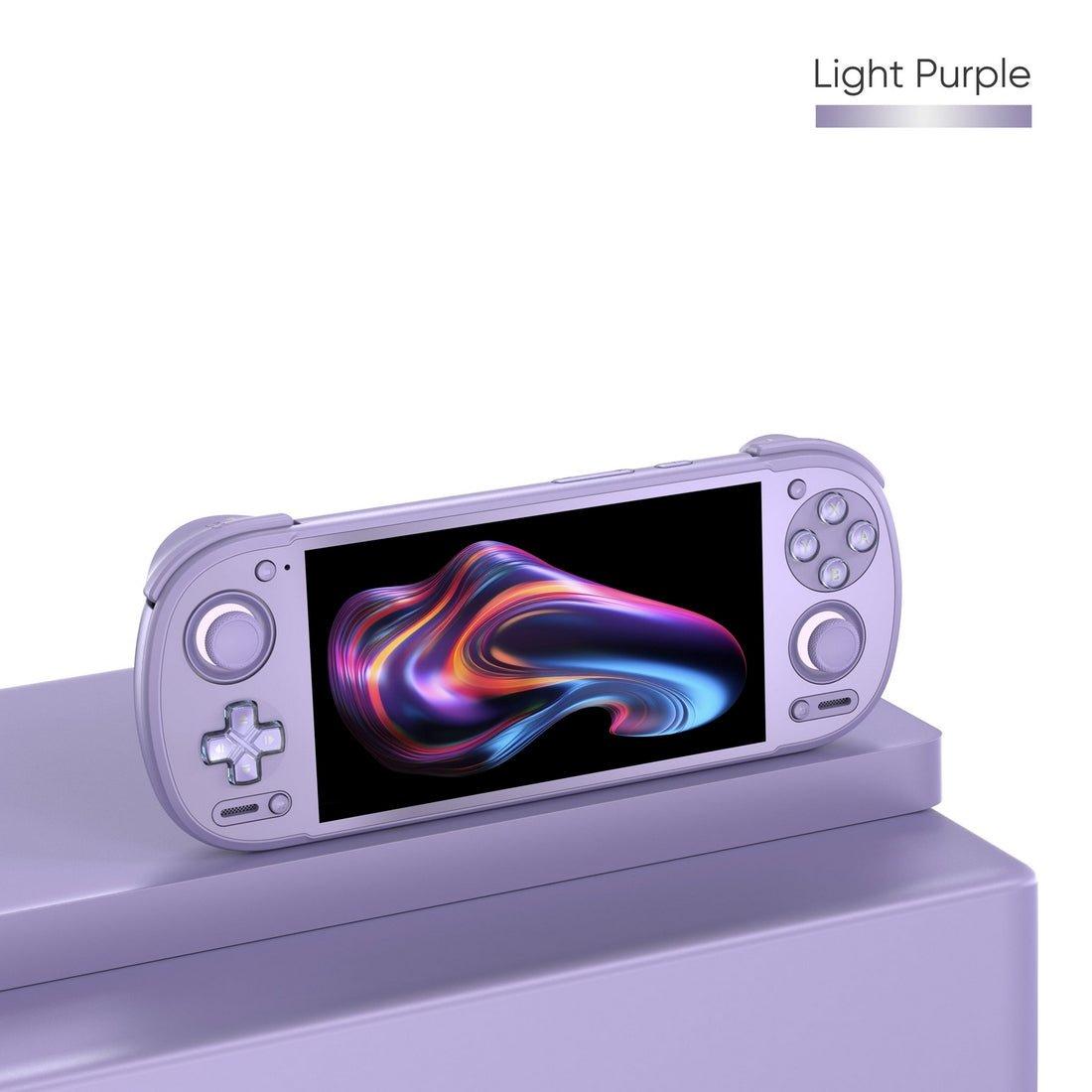
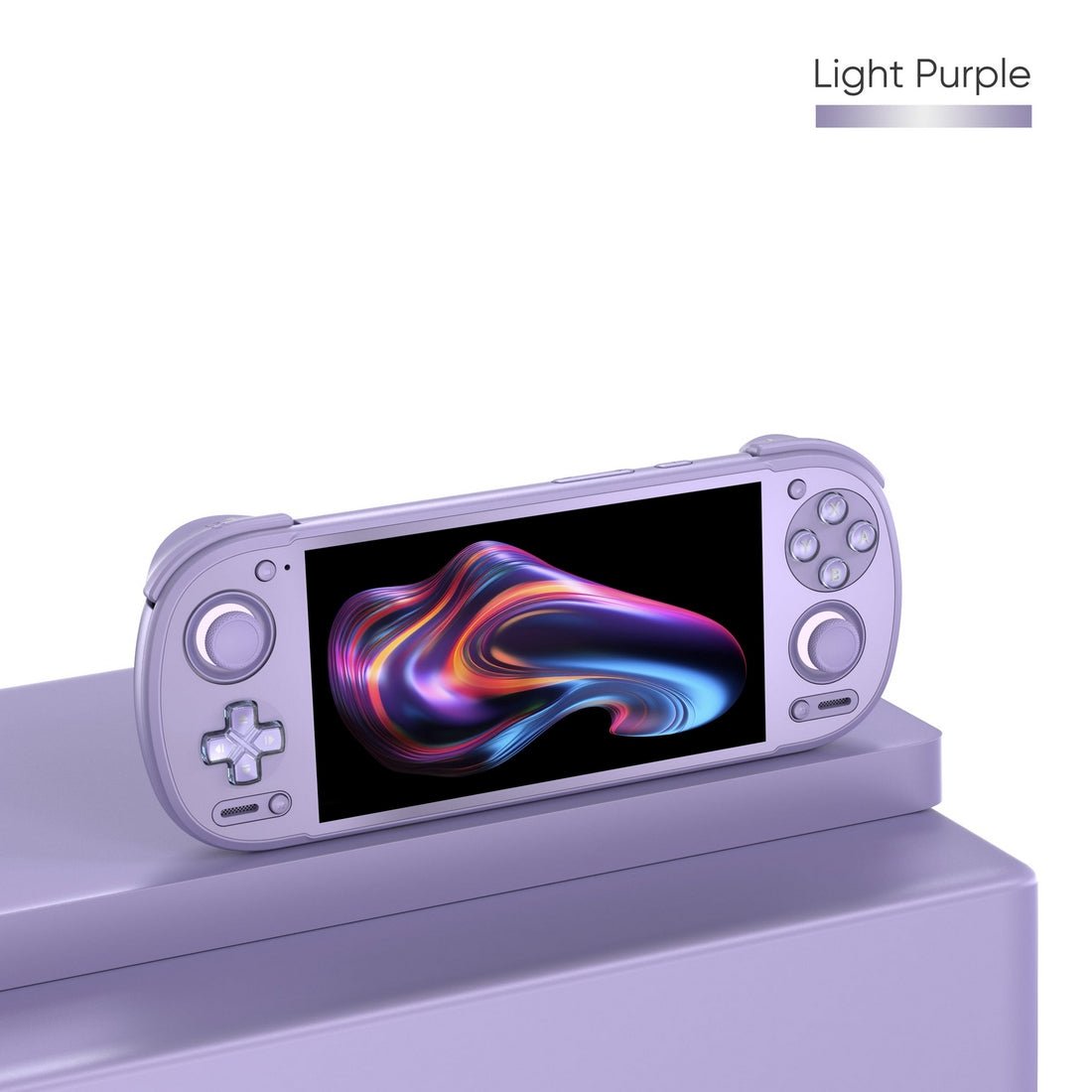
Two spec-sheet points in its favour: the 5.5-inch panel is 16:9, which is what PC games expect, and the USB-C port carries DisplayPort video out at 4K 60Hz, so it docks to a monitor. LitNXT lists only the 8GB+128GB configuration today, at $429.99, with Black, Silver and 16-bit in stock and the Purple "Legends" and Orange variants out of stock. For the announcement specs and the cheaper Pocket G2, see our Retroid Pocket 6 and G2 announcement post.
Retroid Pocket Nova: the screen problem
The Nova is a retro-console handheld that happens to have a Steam-capable GPU, and the screen is the reason to be careful. Time Extension's review (Nick Rowan, 18 August 2026, 9/10), on the 8GB model, found it has "enough power to handle light Switch and PC emulation, but you'll run into problems with aspect ratio and screen size." The specific line: "Most games force a 16:9 resolution, which is comically small (4.1 inches) after the intense letterboxing." The workaround the review suggests is USB-C video output, with the output resolution set to widescreen in settings.
So the Nova is the right buy if PS2-and-below is the main job (Time Extension measured 4 to 5 hours of PS2 and 8 to 10 hours of SNES) and Steam is a bonus for pixel-art and 4:3-friendly games. It is the wrong buy if Steam is the point. Prices today: $389.99 for 8GB+128GB and $459.99 for 12GB+128GB at MechDIY, in stock in most colours; LitNXT has it on pre-sale at $399.99 and $479.99.
AYN Thor: skip the Lite
The Thor is sold as one listing in four tiers, and the first rule is to ignore the cheapest. The LitNXT spec sheet lists the Lite on the Snapdragon 865; only the Base, Pro and Max use the Snapdragon 8 Gen 2. Steam Deck HQ's review (Noah Kupetsky, 6 November 2025) tested the Base model (8GB, 128GB) with GameNative: Hollow Knight "runs very well", BALL x PIT was "playable" with "some slowdowns here and there", and the verdict on RAM was direct: "If you are looking to play more of your Steam library, I would recommend going for the 12GB RAM model." The same review put Android gaming battery life at 2.5 to 3 hours.
The Thor's advantage for PC games is the 6-inch 16:9 main screen, the largest of the three, with the 3.92-inch second screen free for a walkthrough or touch controls while you play. On 13 October 2026, LitNXT lists the Base at $469.99, the Pro (12GB/256GB) at $599.99 and the Max (16GB/1TB) at $789.99, each with Black in stock and the other colours unavailable; the Lite shows no stock at $399.99, and the listing is still titled pre-order. Our AYN Thor availability post has the launch details.
Which one for Steam games?
- Retroid Pocket 6 if you want the cheapest 16:9 handheld that does this properly and you mostly play indies and older releases. The 12GB configuration is the one every reviewer recommends for PC games; LitNXT does not list it today.
- AYN Thor Pro (12GB/256GB, $599.99) if PC games are the priority and the second screen appeals. The extra RAM is the single most repeated recommendation across the reviews cited here.
- Retroid Pocket Nova only if retro consoles are the main job, because of the 4:3 panel.
- AYN Odin 3 (Snapdragon 8 Elite, 12GB from $659.99) is the ceiling in this bracket. DroiX's Cyberpunk 2077 figure was measured on it, and Retro Handhelds got PC games such as Enter the Gungeon running through GameHub and GameNative, as covered in our best handheld emulator roundup.
- A Steam Deck is still the answer if you want the whole library without compatibility lists, in a different size and price class.
Our compare tool puts the spec sheets side by side, and the devices page tracks the current prices.
Problems you will hit
- The game will not start. Switch the Box64 preset to Compatibility, check the GameNative compatibility list for a known config, and try the other graphics driver option in the container settings.
- It stutters. Drop to 720p first, then try the Performance preset. Held Games' advice to run "at 720p or lower" applies to all of these apps.
- Storage is full. GameHub installs to internal storage only. Winlator can keep games on the microSD card. Uninstall what you are not playing.
- DroidDeck will not launch Steam. The "Restrict child processes" developer option has to be off; the README is explicit about it.
- Controls are wrong. GameNative has a control editor and HUD. Steam Link uses whatever controller configuration the PC side has for that game.
- Battery. Steam Deck HQ measured 2.5 to 3 hours of Android gaming on the Thor; expect similar or less for Proton titles. DroiX rates Winlator as the gentlest of the native options.
- Heat. All three handhelds have active cooling per their spec sheets, so a fan running during a PC game is normal.
Where to buy
| Device | Configuration | Price, 13 October 2026 | Store | Stock today |
|---|---|---|---|---|
| Retroid Pocket 6 | 8GB + 128GB | $429.99 | LitNXT | Black, Silver, 16-bit in stock |
| Retroid Pocket Nova | 8GB + 128GB / 12GB + 128GB | $389.99 / $459.99 | MechDIY | In stock in most colours |
| AYN Thor | Base 8GB + 128GB | $469.99 | LitNXT | Black in stock |
| AYN Thor Pro | 12GB + 256GB | $599.99 | LitNXT | Black in stock |
| AYN Thor Max | 16GB + 1TB | $789.99 | LitNXT | Black in stock |
| AYN Odin 3 | Pro 12GB + 256GB / Max 16GB + 512GB | $659.99 / $759.99 | LitNXT | In stock, all colours |
Prices and stock were read from each store's product listing on 13 October 2026 and will move; the device pages update when the listings do.
Frequently asked questions
- Can you play Steam games on Android?
- Yes, two ways. Natively, the Windows build of the game runs on the handheld through a compatibility layer such as GameNative, GameHub, DroidDeck or Winlator, which needs a Snapdragon 8 Gen 2-class chip. Or streamed, where the game runs on your PC and Valve's free Steam Link app sends the video to any Android 5.0 or newer device.
- How do you play Steam games on Android without a PC?
- Install GameNative, GameHub (or GameHub Lite) or DroidDeck, sign in to your Steam account inside the app and download a game you own to the handheld's internal storage. The game runs through Wine or Proton on the device. It works best on a Snapdragon 8 Gen 2 or newer with 12GB of RAM, and indie and older titles run far more reliably than current AAA releases.
- Does the Retroid Pocket 6 run Steam games?
- Yes. Gardiner Bryant's April 2026 hands-on ran Hades at 60fps and DREDGE without problems on the 8GB model through GameNative, while Cassette Beasts loaded slowly with missing textures. Notebookcheck's roundup of Retro Game Corps and Tech Dweeb advises the 12GB/256GB configuration for PC games because GameHub cannot store them on a microSD card.
- Can the AYN Thor play Steam games?
- The Base, Pro and Max tiers can, since they use the Snapdragon 8 Gen 2. Steam Deck HQ ran Hollow Knight very well and BALL x PIT with some slowdown on the 8GB Base model through GameNative and recommends the 12GB model for a wider library. The Lite tier uses the older Snapdragon 865 and is the wrong choice for PC games.
- Is there a Steam emulator for Android?
- Not an emulator in the strict sense. GameNative, GameHub and Winlator translate the x86 Windows game to run on the ARM chip using Wine, Box64 and Vulkan drivers, and DroidDeck runs Valve's real Steam client with Proton inside a Linux runtime. Pluvia, the earlier open-source Steam client, has not had a release since March 2025 and GameNative is its continuation.
- What is the best handheld for Steam games on Android?
- For native play, reviewers keep landing on 12GB of RAM and a Snapdragon 8 Gen 2 or newer, which points to the AYN Thor Pro at $599.99 or the AYN Odin 3 Pro at $659.99 as of 13 October 2026. The Retroid Pocket 6 at $429.99 is the value pick if you mostly play indies and older games. If you want the whole library with no compatibility lists, that is still a Steam Deck.