Cartridge 0.4.9.3 became free for everyone on 13 October 2026, with downloads for Android, SteamOS, Windows and both Intel and Apple Silicon Macs. Cartridge is a controller-first emulation frontend that shows your library as 3D cartridges, discs and boxes and hands each game to the emulator you already use. This release adds RetroAchievements to every game's menu, an apps drawer on Android, automatic UI scaling up to 150% and a cleaner bottom screen on the dual-screen AYN Thor. Paying members got it on 8 October. The free download is on the project's Patreon page and needs no pledge.
We have not run it ourselves. Everything below comes from the developer's Patreon posts and YouTube video descriptions, read on 17 October 2026, and from the outlets named.
Image: Cartridge's 0.4.9.3 release artwork, from the Cartridge Patreon. The header image is rearranged from the project's Patreon banner. Used with credit; Cartridge is not affiliated with this site.
What Cartridge is
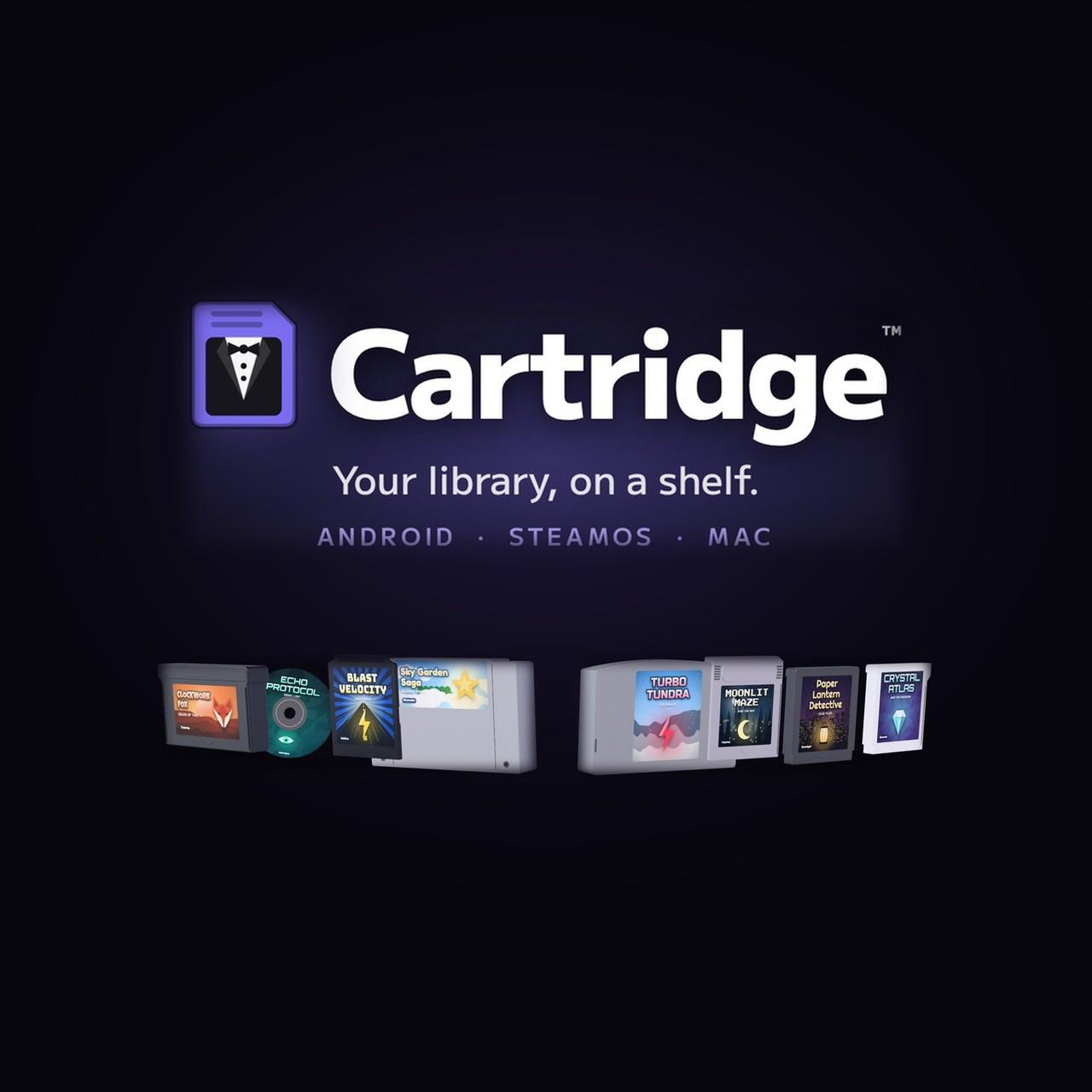
Cartridge is a launcher. It does not emulate anything itself. You point it at your ROM folders, and it finds the games, downloads box art and lays them out as physical-looking media: GBA carts, PlayStation discs, boxed sets. It then launches RetroArch or a standalone emulator when you pick one. The developer's own summary on Patreon describes "a 3D emulation frontend built for controllers and handhelds" where "your games show up as real-looking cartridges, discs and boxes, with box art, themes and music."
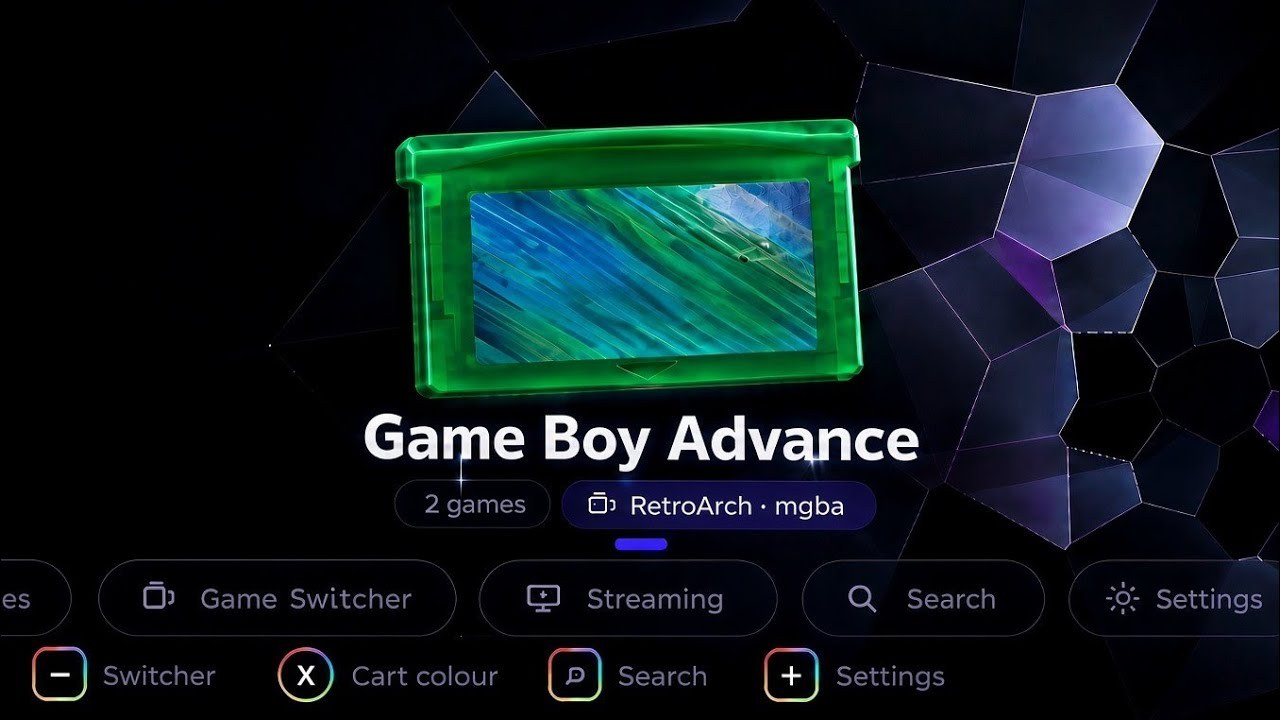
The Game Boy Advance shelf, with the system's emulator (RetroArch with the mGBA core) shown under the cart. Frame from the developer's 28 September trailer.
The first public beta, 0.4.9, went up on 29 September 2026 (the files inside were numbered 0.4.9.2) for Android, SteamOS and Mac. According to that post, it shipped with:
- four library views: Carousel, Grid, Shelf and Tower
- automatic box-art downloads
- support for RetroArch and standalone emulators
- a Game Switcher for jumping back into recent games
- Dark, Light, Galaxy and Waves themes, plus a music player with a visualizer
- controller, touch and keyboard input
- an option on Android to make Cartridge the home screen (Settings › About › Home screen)
- second-screen support on dual-screen handhelds like the AYN Thor
That last item is why Cartridge has caught on with Thor owners. The beta post is candid that "bottom-screen functionality is still undecided", and users can vote on what it should do.
The project moved quickly. The trailer went up on YouTube on 28 September, the Patreon page and free beta followed on 29 September, and Plus downloads arrived on 30 September. A Discord opened on 4 October, Plus members got 0.4.9.3 on 8 October, and free users followed on 13 October. On 14 October the developer posted a video titled "Cartridge: Now Available on Windows!" The free 0.4.9.3 announcement video had 176,863 views by 17 October. On the same day the Patreon page listed 863 members, 41 of them paying.
What 0.4.9.3 changes
From the 13 October release post:
| Area | Change |
|---|---|
| RetroAchievements | Achievements can be opened from any game's menu |
| Android | New apps drawer, so every installed app can be opened from Cartridge's dock |
| Performance | The developer describes it as "a smoother, lighter experience overall" |
| Interface size | Automatic scaling now goes up to 150%; check Settings › Appearance › Interface size after updating |
| Battery icon | Shows a bolt while charging |
| Button hints | Stay matched to your controller layout |
| AYN Thor | Cleaner bottom-screen layout |
| Fixes | The Confirm button setting; Cemu (Wii U) compatibility and performance on Mac |
| Plus only | A new Electric theme, per the release video |
The update installs over the previous version, and the post says your library and settings stay intact.
Downloads and file sizes
| Platform | File | Size |
|---|---|---|
| Android | Cartridge-0.4.9.3-Android.zip | 9.6 MB |
| SteamOS | Cartridge-0.4.9.3-SteamOS.zip | 125 MB |
| Mac (Apple Silicon) | Cartridge-0.4.9.3-Mac-Apple-Silicon.zip | 128 MB |
| Mac (Intel) | Cartridge-0.4.9.3-Mac-Intel.zip | 134 MB |
| Windows | Cartridge-0.4.9.3-Windows-test.zip | 158 MB |
Sizes are the attachment sizes on the Patreon post, read on 17 October 2026.
From the developer's 14 October Windows video.
Treat the Windows build as early. Its file carries a "test" suffix, and the Patreon About text still read "Windows is on the way" on 17 October. The beta post told SteamOS users to add the --no-sandbox launch option for best results and to send logs from ~/Applications/Cartridge Logs with any bug report. Each ZIP includes an INSTALL.txt.
Free and Plus
The free edition is the full app. Cartridge Plus comes with the Player 1 tier at $5 a month and adds:
- the Lava, Plume, Grove, Shimmer and Diamond themes from the teaser, plus Electric from 0.4.9.3
- custom cart colours, engraving, wear and tear, and 3D boxes
- new builds a few days before free users (0.4.9.3 came five days early)
- a vote on what gets built next, through a members' area of the Discord
Any Plus theme can be previewed for 30 seconds from Settings › Appearance. The tier description also says "the Plus build you download keeps working even if you leave", so one month at $5 gets you a permanent copy of that build.
How it compares with Socket and NeoStation
Cartridge is not the first frontend to treat ROMs as physical media. Socket, from a developer called depmosts, got there first. Retro Dodo's Brandon Saltalamacchia reported in July 2026 that Socket's first alpha went only to Patreon supporters at about $6.50 a month, with a free release promised once it leaves beta. Cartridge's developer addressed this in the launch post: Cartridge "isn't meant to be a diss or a replacement statement toward Socket," and is "simply something I built around my own preferences." The developer also said that is why most of Cartridge is free.
NeoStation is the other frontend Thor owners keep mentioning. It is open source (GPL-3.0, neostation.dev) and built with Flutter. It runs on Windows, Linux, macOS and Android, and it uses a conventional themed interface with no 3D media. Its latest GitHub release is Beta 0.14.0 from 27 September 2026. Its feature list has been converging with Cartridge's. RetroPup's 3 October video on NeoStation covered RetroAchievements leaderboards, an Android Apps tab and extra UI scaling on the Thor, the same three areas Cartridge 0.4.9.3 touched a week later. RetroPup contributes code to NeoStation, so keep that in mind when reading the channel's comparisons.
| Cartridge | Socket | NeoStation | |
|---|---|---|---|
| Look | 3D carts, discs and boxes | 3D carts and discs | Themed menus, no 3D media |
| Price | Free; Plus $5/month | Patreon-only alpha (about $6.50/month, July 2026) | Free, GPL-3.0 |
| Platforms | Android, SteamOS, Mac, Windows (test) | Android | Android, Windows, Linux (including Steam Deck), macOS |
| AYN Thor second screen | Yes, layout still evolving | Not stated | Yes, per its bottom-screen fixes in the release notes |
| RetroAchievements | In each game's menu (0.4.9.3) | Not stated | Leaderboards and Achievement of the Week |
The only hands-on impressions so far come from YouTube. RetroPup tried Cartridge on an AYN Thor on 5 October in "I Tried This AYN Thor Frontend Completely Blind…". In the video's description, RetroPup says there are "definitely some similarities to Socket" but that Cartridge "immediately feels considerably more feature rich," with the Thor's dual-screen support standing out.
Other AYN Thor frontends
Cartridge joins a crowded field on the Thor. The Retro Game Corps dual-screen guide (Russ, first published 27 October 2025 and updated since) covers the established options:
| Frontend | Dual-screen support, per Retro Game Corps |
|---|---|
| Cocoon | The guide's "preferred launcher for dual-screen devices"; it "nicely replicates a 3DS-like experience" |
| ES-DE | "More focused on a single-screen experience"; a companion app adds a "rudimentary dual-screen setup" |
| Console Launcher | The latest beta "has recently added dual screen support"; the Play Store build is outdated |
| iiSU DS | A dual-screen frontend still in alpha that "lacks some promised features right now" |
| Beacon | "Works great with dual-screen handhelds, but will only show one screen at a time" |
| Daijisho | "Isn't specifically made for dual-screen handhelds but it still works fine" |
The YouTube comparisons searchers find first name the same group: Graves' "AYN Thor Frontends Compared" (25 May 2026) and RePlayGaming's "I Tried Every Major Frontend on the AYN Thor" (4 August 2026). What Cartridge adds is the 3D physical-media shelf, and it is one of the few free apps doing that. If you mainly want a 3DS-like use of both screens today, Retro Game Corps' pick, Cocoon, is the established choice. If you want the shelf, Cartridge is the free way to get it.
Where it runs best
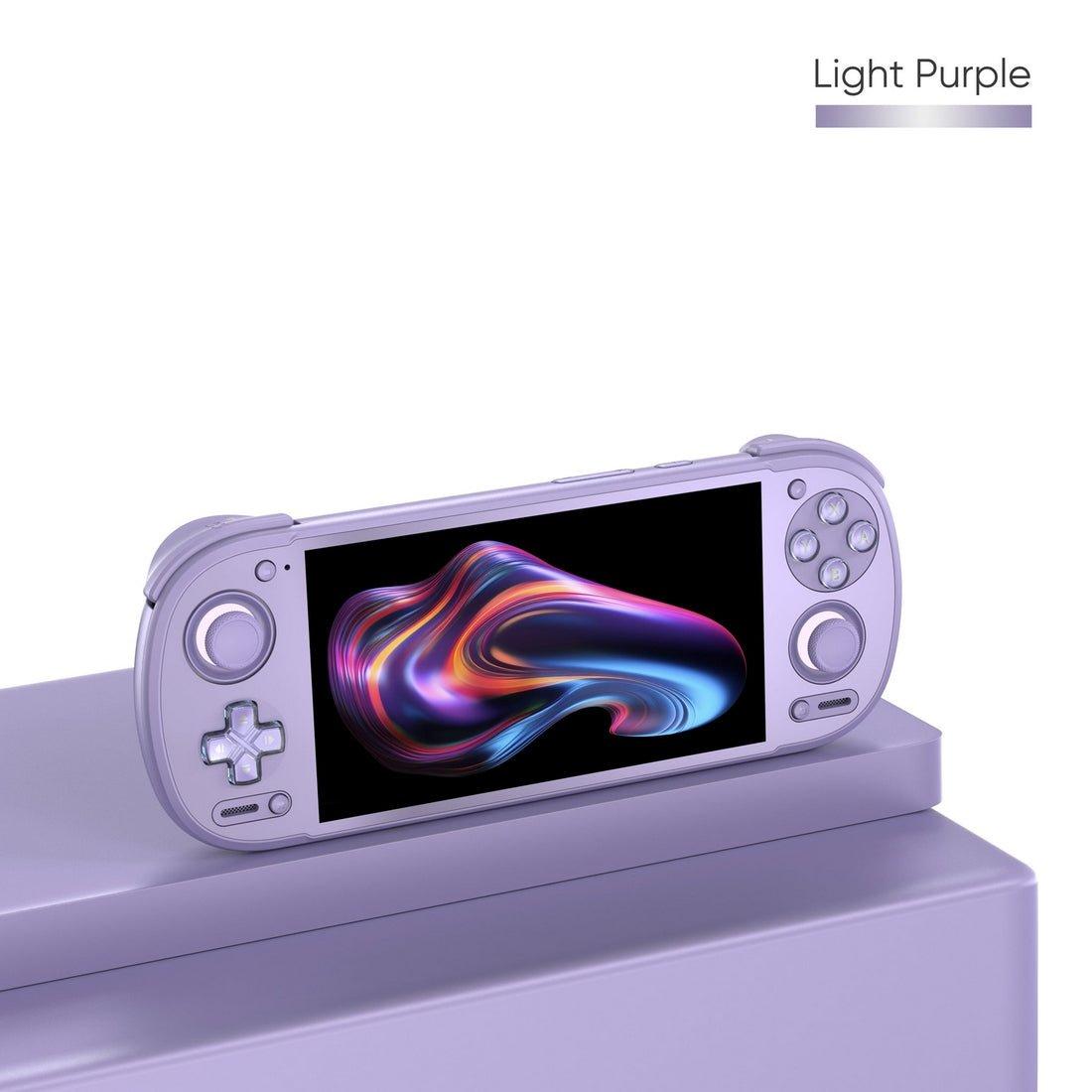
Cartridge leans hardest into the AYN Thor's two screens. If you are choosing hardware for it, the Thor is the device it is built around. LitNXT, which pays this site a commission, prices it as follows on 17 October 2026:
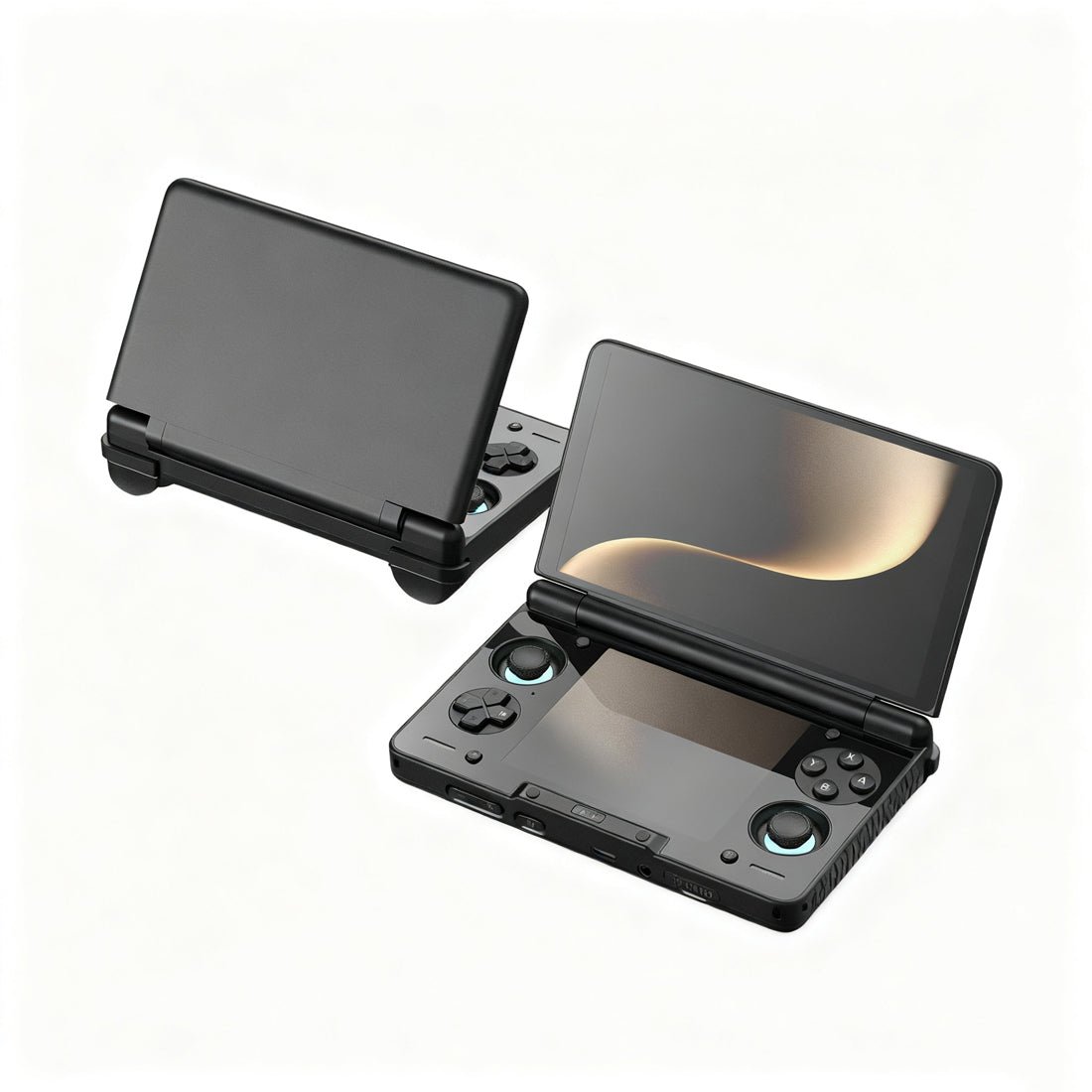
The AYN Thor's second screen is the one Cartridge's bottom-screen layout targets. AYN Thor product photo.
| AYN Thor tier | Memory and storage | Price at LitNXT, 17 October 2026 | Stock (Black) |
|---|---|---|---|
| Lite | 8GB + 128GB | $399.99 | Out of stock |
| Base | 8GB + 128GB | $469.99 | In stock |
| Pro | 12GB + 256GB | $599.99 | In stock |
| Max | 16GB + 1TB | $789.99 | In stock |
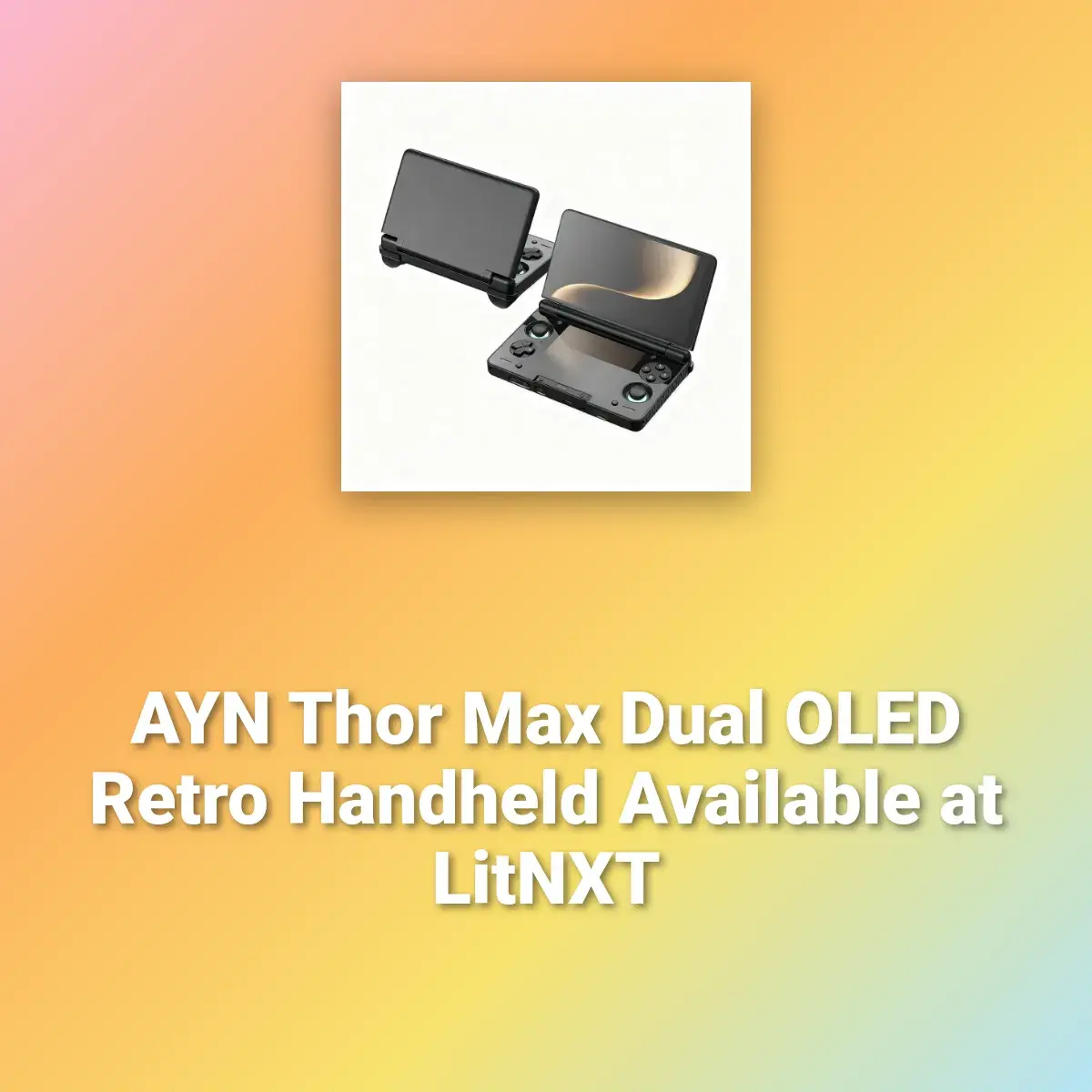
Our AYN Thor Max news piece covers the screens and chip. Any single-screen Android handheld on the devices page will run Cartridge too, since the Android download is under 10 MB and the heavy lifting is done by the emulators. On SteamOS it runs on a Steam Deck or ROG Ally. If you also want PC games on an Android handheld, DroidDeck is the other project changing what these devices can do this month.
What to watch
Three things. First, the Windows build: it shipped as a test file, and a non-test release would mean Cartridge covers every platform its rivals do. Second, the Thor's bottom screen. The developer has left that to a vote, and whatever wins will decide whether Cartridge stays the dual-screen frontend to beat or falls behind NeoStation. Third, the release rhythm: Plus members get each build a few days ahead, so the free 0.4.9.3 is already the version paying members had on 8 October, and the next update will show up on Patreon for members first.
Cartridge does not include games, BIOS files or emulators. You still need your own dumps and RetroArch or standalone emulators installed before it has anything to show.
Frequently asked questions
- What is the Cartridge emulation frontend?
- Cartridge is a controller-first emulation frontend that displays your games as 3D cartridges, discs and boxes in four views (Carousel, Grid, Shelf and Tower), downloads box art by itself and launches RetroArch or the standalone emulators you already have installed. It runs on Android phones and handhelds, SteamOS devices such as the Steam Deck and ROG Ally, Apple Silicon and Intel Macs, and Windows from version 0.4.9.3. It does not include games, BIOS files or emulators.
- Is Cartridge free?
- Yes. The free edition is the whole app, downloaded from the project's Patreon page with no pledge. Cartridge Plus comes with the $5-a-month Player 1 tier and adds extra themes (Lava, Plume, Grove, Shimmer, Diamond and, from 0.4.9.3, Electric), custom cart colours, engraving, wear and tear, 3D boxes and new builds a few days early. The developer says a Plus build you have downloaded keeps working if you stop paying.
- What is the best frontend for the AYN Thor?
- There is no single answer, because it depends on whether you want both screens used. Retro Game Corps' dual-screen guide names Cocoon as its preferred launcher for dual-screen devices, calls ES-DE more focused on a single screen, and lists Console Launcher, iiSU DS, Beacon and Daijisho as working options. Cartridge and NeoStation are newer choices with AYN Thor bottom-screen support; Cartridge is the one to try if you want your library shown as 3D cartridges and discs.
- Is RetroArch a frontend?
- Yes. RetroArch is the reference frontend for the libretro API: it loads emulator cores such as mGBA or Snes9x and gives them one shared menu, settings and save system. A launcher like Cartridge, ES-DE or Cocoon sits one level above it, showing your library and handing each game to RetroArch or to a standalone emulator. Cartridge shows which one it will use under each system, for example RetroArch with the mGBA core for Game Boy Advance.
- What is new in Cartridge 0.4.9.3?
- RetroAchievements reachable from any game's menu, an apps drawer on Android, a smoother and lighter interface, automatic UI scaling up to 150%, a charging bolt in the battery icon, button hints that follow your controller layout, a cleaner AYN Thor bottom screen, a fix for the Confirm button setting and Cemu (Wii U) fixes on Mac. It installs over the previous version without touching your library or settings.
- How is Cartridge different from Socket?
- Both show ROMs as 3D cartridges and discs, but they are separate projects. Socket, by the developer depmosts, released its first alpha only to Patreon supporters at about $6.50 a month according to Retro Dodo in July 2026, with a free release promised after beta. Cartridge launched with a free public beta for Android, SteamOS and Mac on 29 September 2026, and its developer says it was inspired by ideas in that space rather than written as a replacement for Socket.