CrossMix OS: The Complete Guide for TrimUI Handhelds
CrossMix OS v1.3.0 is the latest official release (Dec 2024). Where to download it, which TrimUI devices it runs on, why v1.4.0 never shipped, how to install.
 tutorials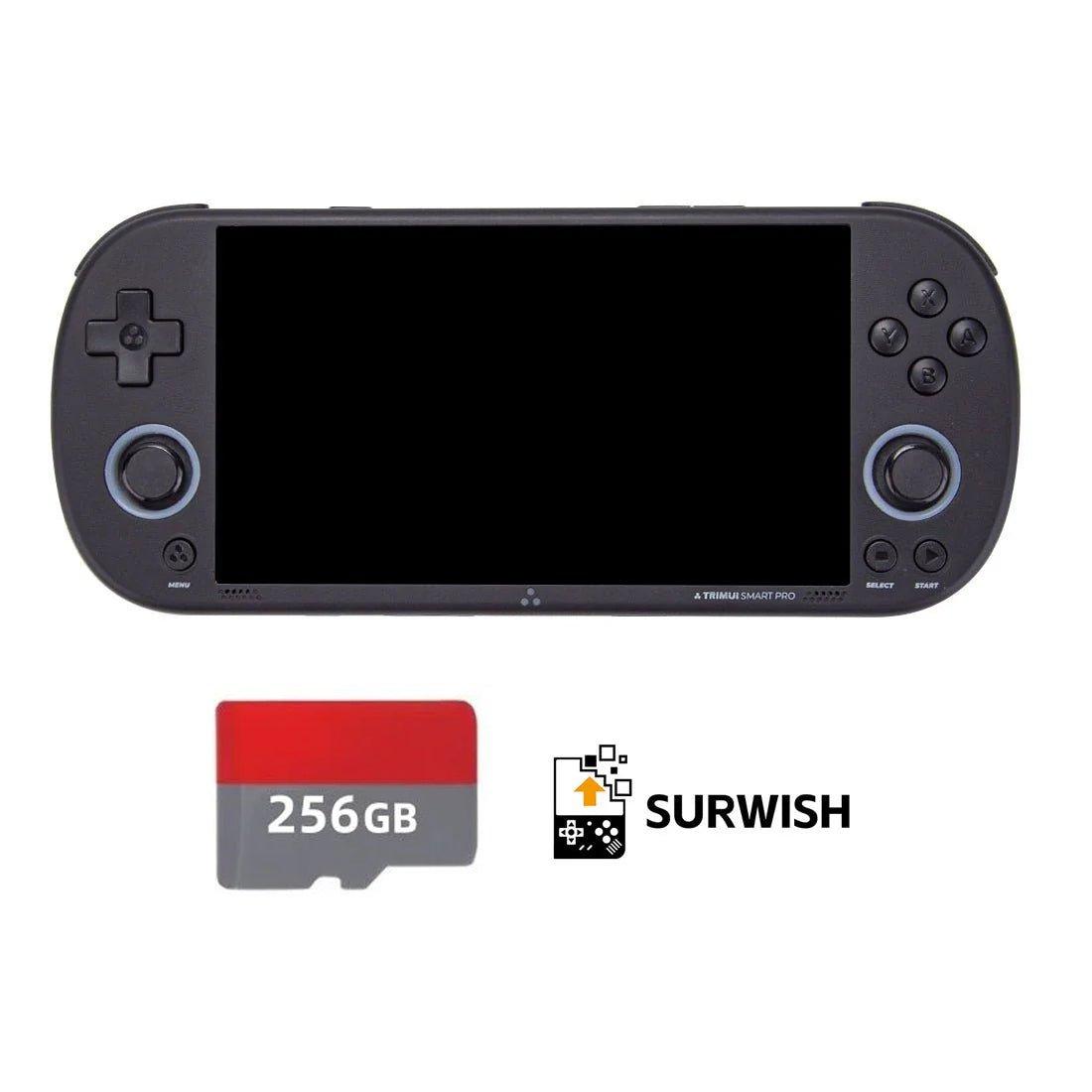
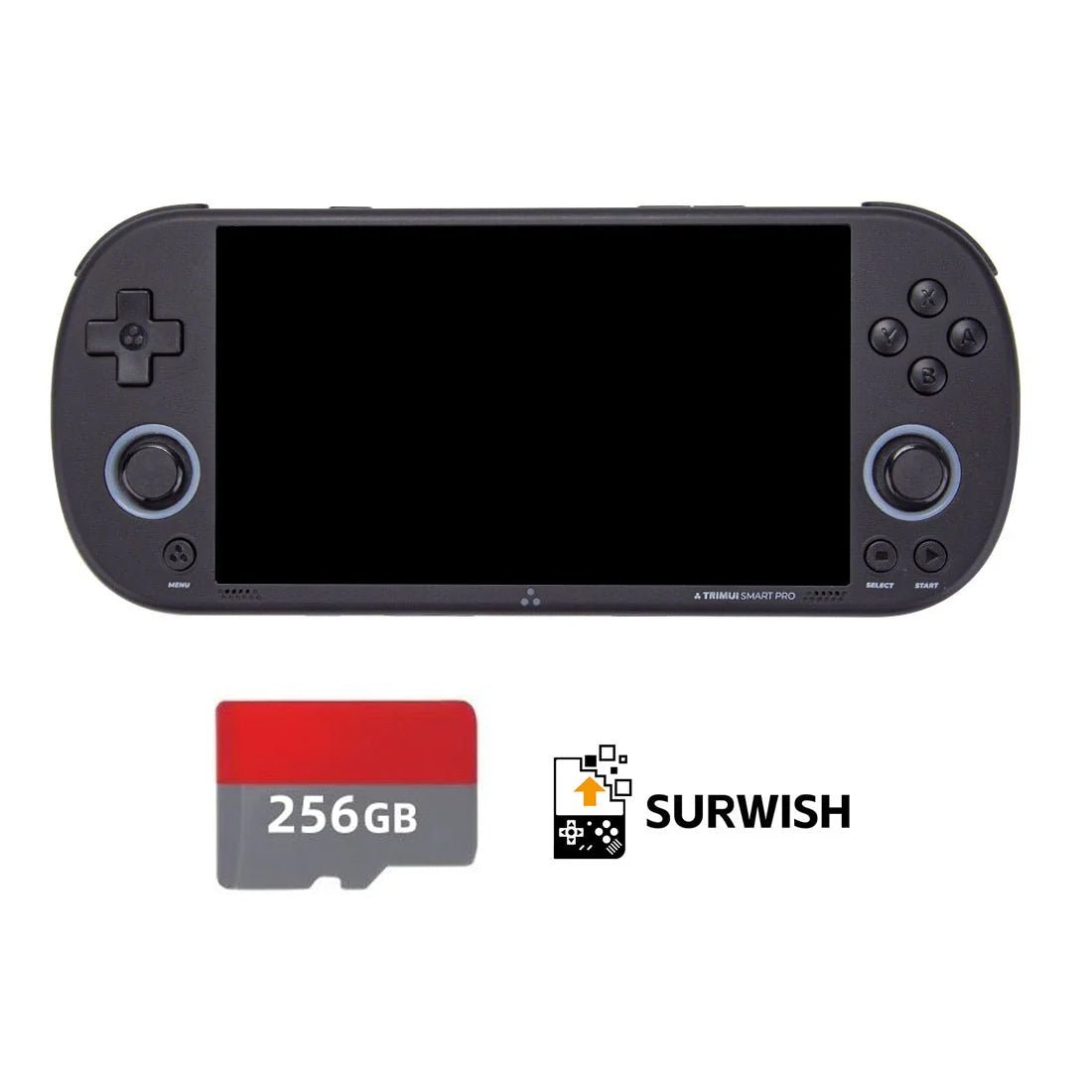
The latest official CrossMix OS release is v1.3.0, published on 22 December 2024, and you download it as CrossMix-OS_v1.3.0.zip (about 2.1GB) from the CrossMix-OS GitHub releases page. It officially supports the TrimUI Smart Pro; the TrimUI Brick runs CrossMix only through retailer builds such as Surwish's v1.3.9, because the promised Brick release, v1.4.0, has still not been tagged (checked 27 October 2026). The install steps are further down this page.
Most custom firmware replaces the interface you bought the device for. CrossMix OS does the opposite: it keeps TrimUI's stock interface and rebuilds everything behind it.
That is the whole pitch, and it is why CrossMix ended up as the firmware retailers pre-load onto SD cards. You get the menu you already know, plus 70-odd systems configured properly, a scraper for box art, network file transfer, PortMaster, and a set of tools the stock OS never shipped.
It is also the firmware with the most confusing version situation in the handheld scene, and nobody selling it explains why. That part is worth reading before you buy anything.
What CrossMix OS actually is
CrossMix-OS is an open-source project by a developer who goes by cizia64, published on GitHub under the GPL-3.0 licence. Its own description is deliberately narrow: "Enhanced OS for the TrimUI Smart Pro."
It is not a from-scratch firmware. It builds on the stock TrimUI operating system, which is exactly why the interface still looks and behaves like the one that came in the box. What changes is everything underneath — emulator selection and per-core configuration, overlays, an app layer, and a pile of quality-of-life fixes.
On 27 October 2026 the repository had 1,005 stars, 99 forks and 252 open issues and pull requests, which is a fair snapshot of a project that is popular, actively used, and carrying a real support burden.
The version problem, explained
This is the part that trips people up, so here it is plainly.
The official GitHub release list ends at v1.3.0, published 22 December 2024. That release carries an explicit warning: it is not compatible with the TrimUI Brick, and "CrossMix v1.4.0 will be the first version for the Brick." As of 27 October 2026, no v1.4.0 has ever been tagged on the official repository.
Meanwhile, retail listings sell cards labelled "Surwish CrossMix v1.3.9", and Surwish's own page describes v1.3.9 for the Brick and v1.2.1 for the Smart Pro — version numbers that do not appear anywhere in the official release list. That page also does not credit the upstream project.
| Where | Newest version | Devices |
|---|---|---|
| Official GitHub releases | v1.3.0 (Dec 2024) | Smart Pro; explicitly not the Brick |
| Official repository commits | still active — last commit 20 Aug 2026 | ongoing fixes, no tagged release |
| Surwish / retailer cards | v1.3.9 (Brick), v1.2.1 (Smart Pro) | Brick and Smart Pro |
None of this is necessarily improper — GPL-3.0 explicitly permits redistribution and modification. But it has two practical consequences worth knowing:
- A retailer card's build cannot be matched to an official changelog. If something behaves oddly on v1.3.9, there is no release note to check and the upstream issue tracker is not tracking that build.
- Brick support is not officially released. A community firmware roundup for the Brick lists CrossMix as available but describes it as experimental. The stable, documented, officially-supported target remains the Smart Pro.
The repository itself has not gone quiet. Commits in February 2026 added support for TrimUI's own firmware v1.1.1 and RetroArch 1.20/1.21 updates, and the most recent, on 20 August 2026, improved the Random Game Picker app. Development is continuing; formal releases simply are not.
If you own a Brick and want firmware with a current, documented release cycle, NextUI is the better-supported choice. CrossMix and NextUI are different projects for the same hardware, and they suit different people — more on that below.
Which devices run it
- TrimUI Smart Pro — the primary and officially supported target
- TrimUI Smart Pro S — the refreshed Smart Pro
- TrimUI Brick — via the redistributed builds; treat as experimental
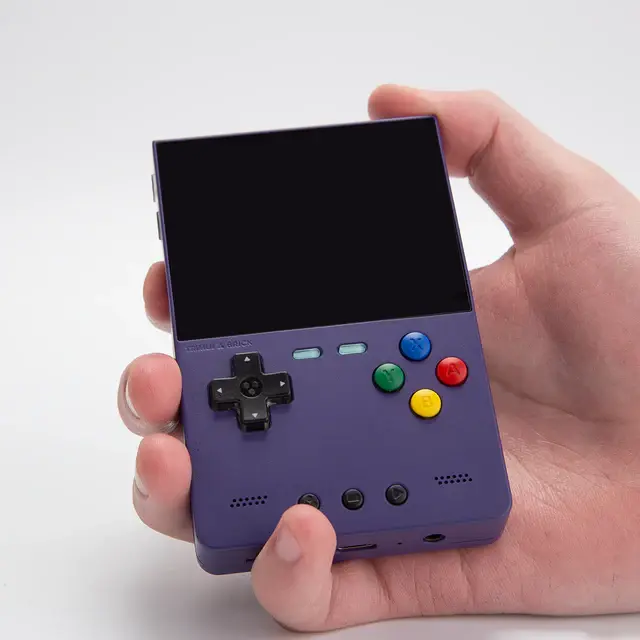
- TrimUI Brick Pro — sold pre-loaded, same caveat
Anything that is not a TrimUI is out of scope. Miyoo owners want OnionOS instead.
What you need
- A supported TrimUI handheld
- A genuine, name-brand microSD card. The project's own FAQ is blunt about this: do not use the SD card or USB reader that came with the console, as both are "very prone to data corruption and failure." This is the single most common cause of problems that get blamed on the firmware
- At least 7GB free on the card for the install
- A computer and a card reader
- Your own ROMs and BIOS files
Formatting the card
CrossMix wants FAT32, and — unusually — it specifies an allocation unit size that scales with card capacity:
| Card size | Allocation unit size |
|---|---|
| Under 128GB | 512 |
| Under 256GB | 1024 |
| Under 512GB | 2048 |
| Under 1TB | 4096 |
| Under 2TB | 8192 |
On Windows, Windows' own formatter will refuse FAT32 above 32GB, so the documentation points at the fat32format utility; label the card CrossMix and use Quick Format. On macOS, use Disk Utility, erase as MS-DOS (FAT) with a Master Boot Record scheme.
Formatting erases the card. Copy off anything you care about first.
Installing CrossMix OS
The install is a file copy and a first boot.
- Download the current
CrossMix-OS_v1.x.x.ziprelease from the project's GitHub releases page. - Format the card as above.
- Extract the archive directly to the root of the card — not into a subfolder. 7-Zip or equivalent; the archive is around 2GB, so give it time.
- Copy your BIOS files into the
BIOSfolder. - Copy your ROMs into the matching subfolders under
Roms. - Insert the card and power on. The first boot takes several minutes while components initialise — it is not frozen. If a firmware update prompt appears, follow it.
No firmware update is required beforehand; the documentation says the system will guide you if one is needed.
ROM folder names are not what you expect
Two details cause most of the "my games do not show up" reports:
- Folder and BIOS filenames are case sensitive.
- Several folder names differ from other firmware. PSP lives in
PSPrather thanPPSSPP, 3DO-era Panasonic content inPANASONICrather thanOPERA, and PICO-8 inPICOrather thanPICO8.
If you are migrating a card from stock or another firmware, expect to rename folders rather than drag the old Roms tree across wholesale.
What you get
The app layer is the reason people pick CrossMix over stock.
| App | What it does |
|---|---|
| System Tools | The core customisation app — the hub for OS settings |
| Scraper | Downloads box art from ScreenScraper or TheGamesDB over Wi-Fi |
| EmuCleaner | Hides emulators you have no ROMs for, so the menu shows only what you can play |
| PortMaster | Installs native game ports |
| Moonlight | Streams a PC's screen to the handheld |
| Syncthing / Tailscale | File sync and private VPN |
| FTP, SAMBA, SSH, HTTP file server | Add ROMs over the network instead of pulling the card out |
| Video and music players | mpv-based 1080p playback; audio with playlists |
| Random Game Picker | Picks something for you |
| Bootlogo, theme packs | Custom boot logos and combined theme/icon/background packs |
On emulation, the wiki documents 70+ systems across consoles, handhelds, arcade, computers and ports, with a default core marked for each. The picks for the demanding systems: PCSX-ReARMed for PS1 (with DuckStation and SwanStation as alternatives), Flycast for Dreamcast, YabaSanshiro for Saturn, PPSSPP standalone for PSP, and ParaLLEl N64 for Nintendo 64.
Held Games' Cole Stubblefield, writing in June 2026 after setting the firmware up, calls it "a polished, feature-packed firmware" that keeps the device's native feel while improving emulator support — and makes the point that matters most for anyone nervous about trying it: it runs from an SD card, so your stock setup stays intact on another card.
Shortcuts worth memorising
| Buttons | Action |
|---|---|
| START + L / R | Screen brightness, any time |
| START (in menu) | Switch between cover flow and grid view |
| X (on games list) | Show alternative launchers/cores for that game |
| A tap + L hold | Set default launcher for that game |
| A tap + R hold | Set default launcher for that whole system |
| MENU + START | Save and exit to the main menu |
| MENU + L2 / R2 | Load / save state |
| MENU + LEFT / RIGHT | Change save slot |
| MENU + R | Fast forward |
| MENU + X | Toggle FPS display |
| MENU + POWER (3s) | Force quit a crashed game |
Note that MENU replaced SELECT as the default hotkey in v1.3.0 — older guides and videos still show SELECT, which is why half the shortcuts you find online appear not to work.
CrossMix vs the alternatives
| Firmware | Devices | The pitch |
|---|---|---|
| CrossMix OS | Smart Pro (official), Brick (redistributed) | Stock interface, 70+ systems configured, big app layer |
| NextUI | Brick, Smart Pro, Smart Pro S, Brick Pro | Polished MinUI fork: box art, RetroAchievements, Paks, active releases |
| MinUI | Wide range | Deliberately minimal — fast list, instant resume, nothing else |
| Stock TrimUI OS | TrimUI family | Works, rarely updated |
The short version: choose CrossMix if you want maximum stuff and the familiar stock menu. Choose NextUI if you want a leaner, faster launcher and a project shipping tagged releases you can actually track. Both live entirely on the SD card, so trying one costs a spare card and an evening.
Buying: console, card, or both
Every TrimUI listing sells the same console at several prices, and the difference is the SD card. Prices below are the console-only options, taken from the store's own product data on 4 August 2026.
| Device | Console only | With 128GB CrossMix card | Buy |
|---|---|---|---|
| TrimUI Brick | $85.99 | $125.99 | LitNXT → |
| Trimui Smart Pro | $89.99 | $119.99 | LitNXT → |
| TrimUI Brick Pro | $105.79 | $135.99 | LitNXT → |
| Trimui Smart Pro S | $109.99 | $149.99 | LitNXT → |
Two things to watch on those listings:
The suspiciously cheap option is not a console. Every listing also sells a CrossMix card on its own for $49.99 (128GB) or $69.99 (256GB). If a "from" price looks too good, that is what you are looking at. Read the variant name before you check out.
The card premium is roughly $30–40. For that you get a card someone else has already formatted, loaded and configured. That is convenient — but the firmware is free, the card is the commodity, and given the FAQ's warning about cheap cards, a known-good SanDisk or Samsung plus an evening of setup is the option with fewer unknowns.
Related reading
- NextUI on the TrimUI Brick — the other major TrimUI firmware, and the one with current releases
- TrimUI Brick Pro review — the newest device in the family
- OnionOS on the Miyoo Mini Plus — the equivalent story on Miyoo hardware
- How to add box art in OnionOS or GarlicOS — the scraping concepts transfer
Sources: the CrossMix-OS repository and wiki, its release history, Surwish's CrossMix page, and Held Games' setup guide. Prices come from the retailer's own product data, checked 4 August 2026.
Frequently asked questions
- What is the latest version of CrossMix OS?
- The latest official release is CrossMix OS v1.3.0, published on GitHub on 22 December 2024 (checked 27 October 2026). The repository still receives commits, most recently on 20 August 2026, but none of them has been tagged as a new release. Version numbers such as v1.3.9 come from retailer builds, not from the official project.
- Where do I download CrossMix OS?
- Download CrossMix-OS_v1.3.0.zip from the releases page of the cizia64/CrossMix-OS repository on GitHub. The file is about 2.1GB. Extract it to the root of a FAT32 microSD card rather than into a subfolder, then boot the handheld with the card inserted.
- Is there a CrossMix OS v1.4.0?
- No. The v1.3.0 release notes say that v1.4.0 will be the first version for the TrimUI Brick, but as of 27 October 2026 no v1.4.0 tag or release exists on the official repository. The repository's Brick branch was last updated on 29 December 2024. A download offered as v1.4.0 elsewhere is not an official build.
- Does CrossMix OS work on the TrimUI Brick?
- Only through redistributed builds, such as the Surwish v1.3.9 cards that retailers sell. The official v1.3.0 release carries a warning that it is not compatible with the Brick. Treat Brick support as experimental, and look at NextUI if you want a Brick firmware with regular tagged releases.
- CrossMix OS or NextUI: which should I use?
- Choose CrossMix OS if you want TrimUI's stock menu with 70+ systems configured and a large app layer, mainly on the TrimUI Smart Pro. Choose NextUI if you want a lean, fast launcher with active releases: NextUI v6.15.0 shipped on 13 October 2026 and supports the Brick, Brick Pro, Smart Pro and Smart Pro S. Both run from the SD card, so you can try each on a spare card.
- Will CrossMix OS overwrite my stock system?
- No. CrossMix runs from the SD card and leaves the console's internal system alone. Keep your stock card and you can go back to it by swapping cards.
- Does CrossMix OS come with games?
- The official release does not include ROMs or BIOS files; you copy your own into the Roms and BIOS folders. Retailer cards advertise pre-loaded libraries, and what they include is up to the seller.
- Do I need Wi-Fi to use CrossMix OS?
- Not to install it or to play games. The scraper, PortMaster, Moonlight and the network file transfer tools all need a Wi-Fi connection.
- Why do my games not appear in CrossMix OS?
- It is almost always folder naming. Folder and BIOS file names are case sensitive, and some folders differ from other firmware: PSP games go in PSP, 3DO games in PANASONIC and PICO-8 games in PICO.