OnionOS on the Miyoo Mini Flip: What Actually Works
Official Onion does not support the Miyoo Mini Flip. Here is what the vendor builds actually are, what breaks, and what to run on the clamshell instead.
 tutorials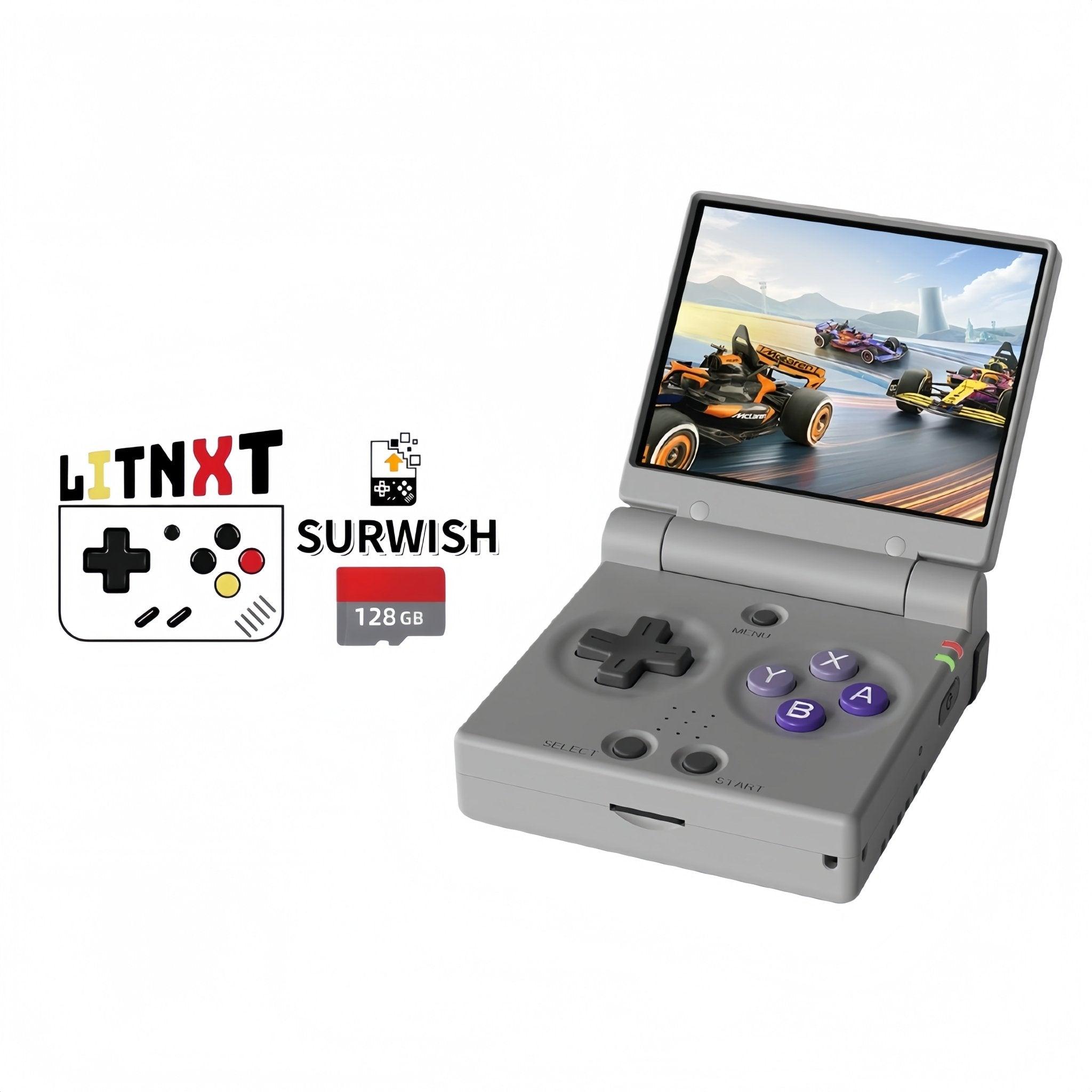
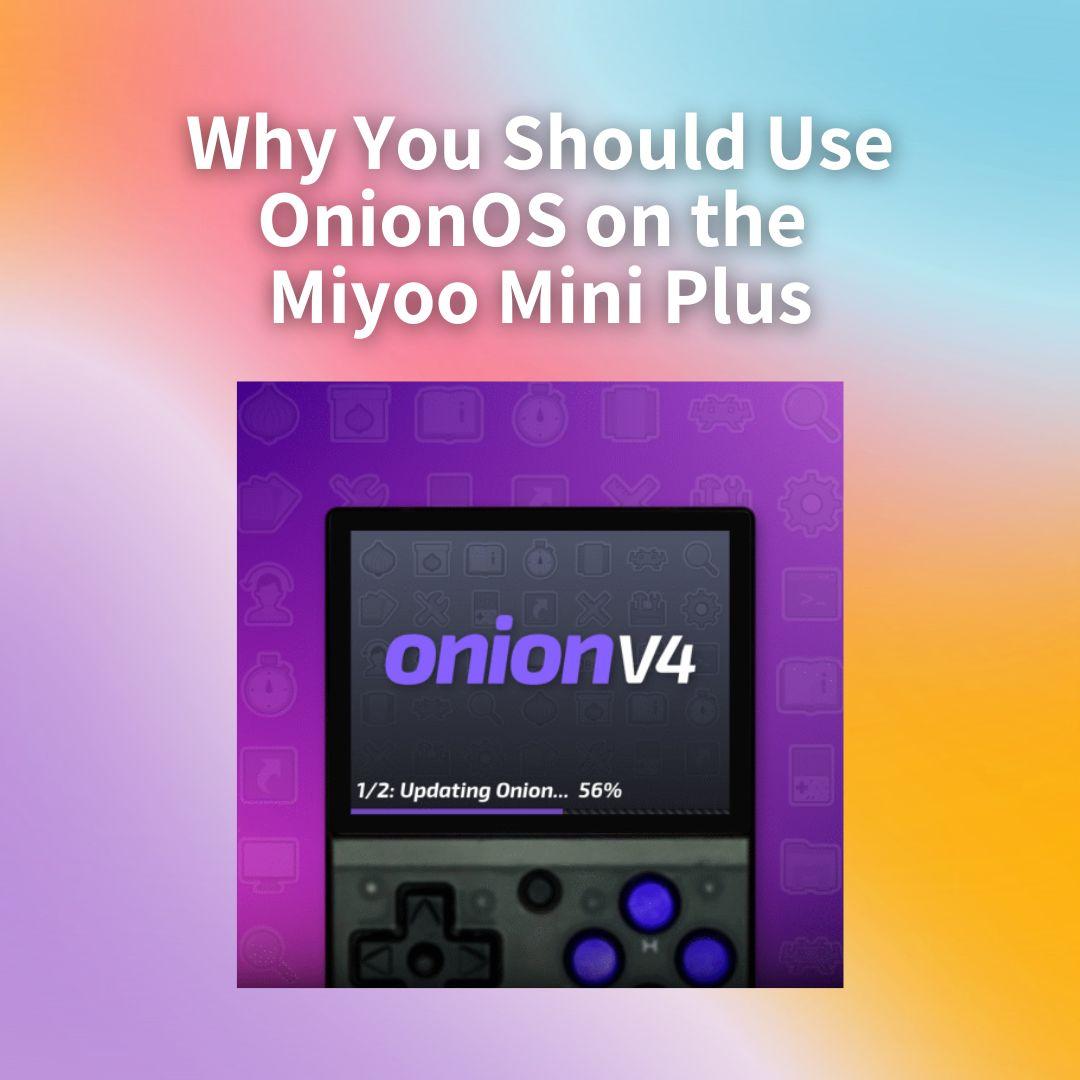
Search for OnionOS and the Miyoo Mini Flip and you get a mess of contradictions: sellers listing the Flip with "Onion OS V4.4.0", a Reddit thread asking whether Onion is coming to the Flip at all, and YouTube guides showing it running. All three can be true at once, and the explanation matters if you are about to spend money. Start with the OnionOS guide if you want the background on the firmware itself.
The short answer
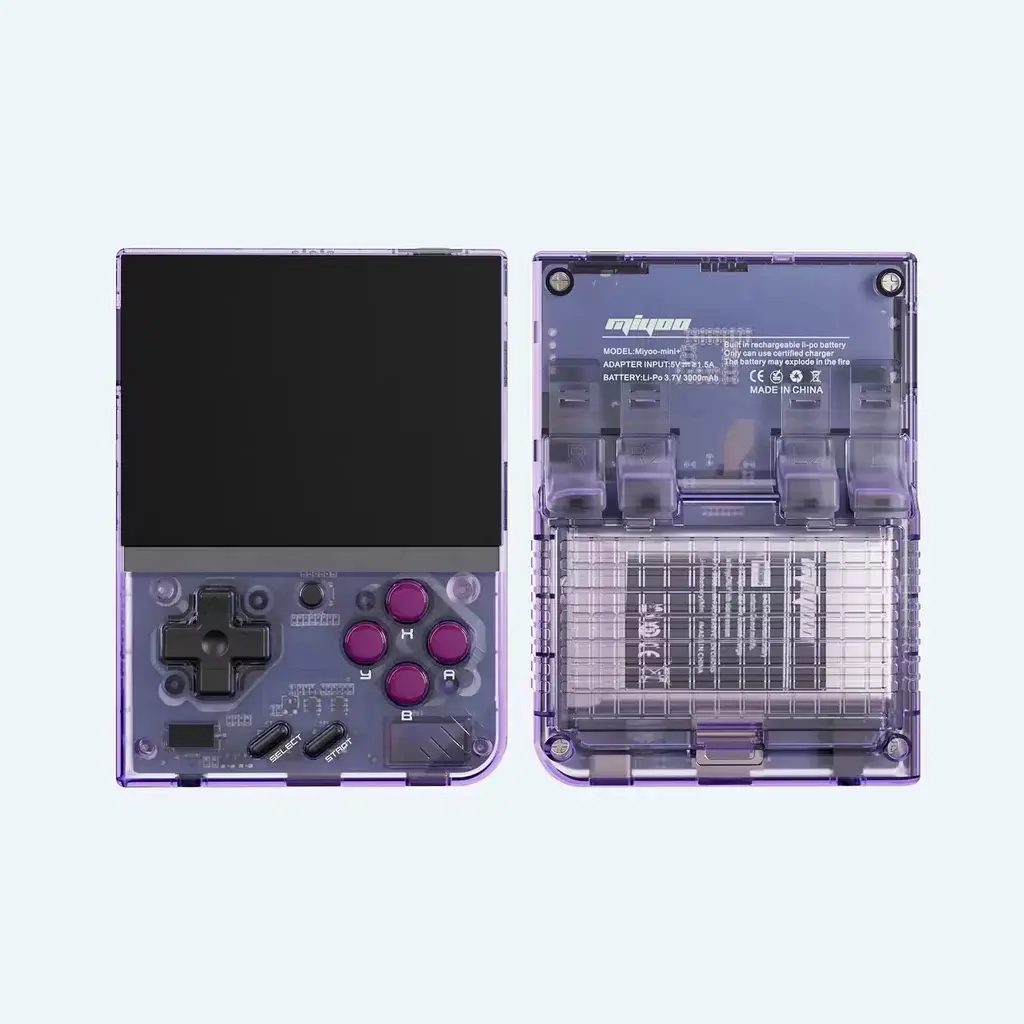
Official OnionOS does not support the Miyoo Mini Flip. The OnionUI project targets two devices — the Miyoo Mini and the Miyoo Mini Plus — and the Flip has never been added to that list.
What you see advertised is a community and vendor adaptation, most commonly branded "Surwish Onion OS", sold pre-loaded on SD cards by retailers. It is a modified build maintained outside the official project. It works, people use it daily, and it is not the same thing as running official Onion on a supported device.
What you are actually buying
When a listing says the Miyoo Mini Flip ships with Onion OS, it means an SD card prepared with one of these adapted builds. The version numbers moved past the official project's releases some time ago, which is why you see "V4.4.0" on vendor listings while the official project sits on the 4.3 line — they are not the same release track.
Practically, that means:
- It is a card, not a firmware flash. The adaptation lives on the SD card like any Onion install, so it is reversible.
- Support comes from the vendor and the community, not the OnionUI project. Do not expect the official documentation or the official Discord to troubleshoot it.
- Updates are on the vendor's schedule. Some sellers have shipped meaningful updates for the Flip specifically; others sell a card and never touch it again.
What breaks
The adapted builds are good, but the Flip has hardware the original Onion was never written for — chiefly the hinge — and that is where the rough edges show up:
Lid sleep and wake. The clamshell's close-to-sleep behaviour is the most commonly reported gap. Depending on build and add-on scripts, closing the lid may not suspend cleanly, or waking may not restore properly.
Audio routing. Reported quirks around output switching, which is the sort of thing that is fine until it isn't.
Screen ratio and overlays. Onion's overlays and filters were tuned for the Mini's panel. Getting them right on the Flip can need manual tweaking rather than working out of the box.
None of this makes the device unusable — the community consensus is closer to "almost perfect" than "broken" — but if your mental model is "it's just Onion", calibrate. You are running an unofficial port with known gaps, on a project whose upstream development has slowed.
The alternatives
Allium has become the community's default recommendation for the Flip, and increasingly the thing long-term Flip owners land on after trying an Onion card. It was built with the newer hardware in mind rather than adapted to it, which is exactly the difference that shows up in things like lid behaviour.
Stock firmware is more capable than it used to be and handles the hinge correctly by definition, since Miyoo wrote it for this device. It is slower to navigate and less customisable, but nothing about it is broken.
Official Onion on a Mini Plus. If what you want is specifically the Onion experience — GameSwitcher, the theme library, the whole ecosystem — the honest answer is to buy the device it was written for. The Miyoo Mini Plus remains the best way to run Onion, and it is cheaper than the Flip.
Should you buy a Flip with an Onion card?
A reasonable way to decide:
- You want a clamshell above all else — buy the Flip, and treat the firmware as a choice you will revisit. Try the bundled card, then look at Allium.
- You want Onion specifically — buy a Miyoo Mini Plus and install it yourself. Fifteen minutes, official support, no caveats.
- You want the least fuss — a pre-loaded card from a reputable seller is genuinely convenient, provided you understand you are buying the vendor's build and the vendor's support.
One buying note that applies either way: whatever the listing claims about firmware, the SD card in the box is the variable. Two listings for the same handheld at the same price can ship completely different software experiences, and that is the thing to read the description for.
Frequently asked questions
Does the Miyoo Mini Flip support Onion OS? Not officially. It runs community-adapted builds, most commonly the Surwish adaptation sold pre-loaded by retailers.
Is Surwish Onion OS the same as OnionOS? No. It is a third-party adaptation that borrows the name and the interface. Version numbers do not line up with official releases.
Can I install official Onion on the Flip myself? Not usefully — the official build targets the Mini and Mini Plus. Installing it is not a supported path, which is why the community builds exist.
What is the best OS for the Miyoo Mini Flip? Allium is the most common recommendation for the Flip specifically. An Onion adaptation is the better fit if you already know the Onion interface and want it on a clamshell.