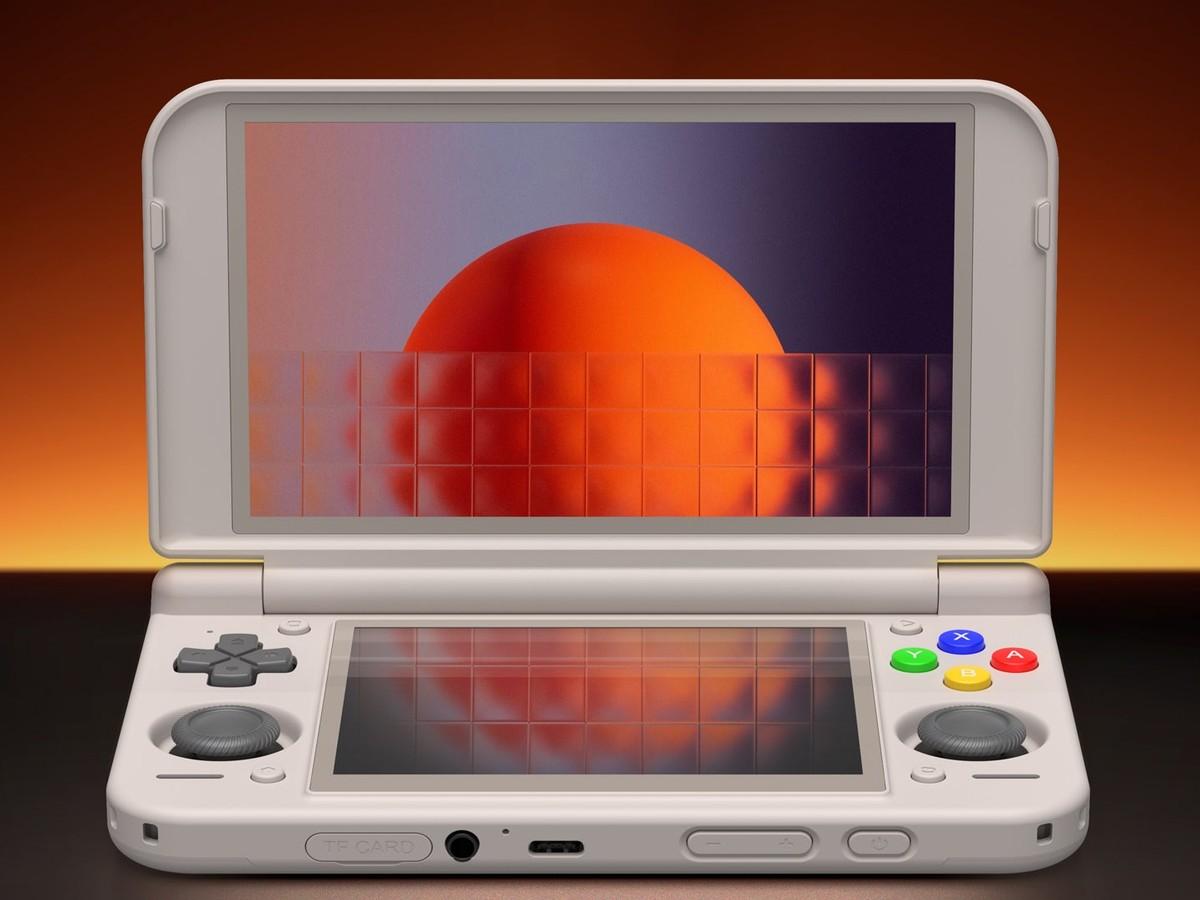
Cocoon 3: Android Handheld Frontend Gets a 3DS-Style Redesign, Pods and Steam Achievements
Cocoon 3 redesigns the free Android frontend for handhelds like the AYN Thor and RG DS. Version 3.1 (26 October 2026) adds suspend and resume and self-updates.
 news
news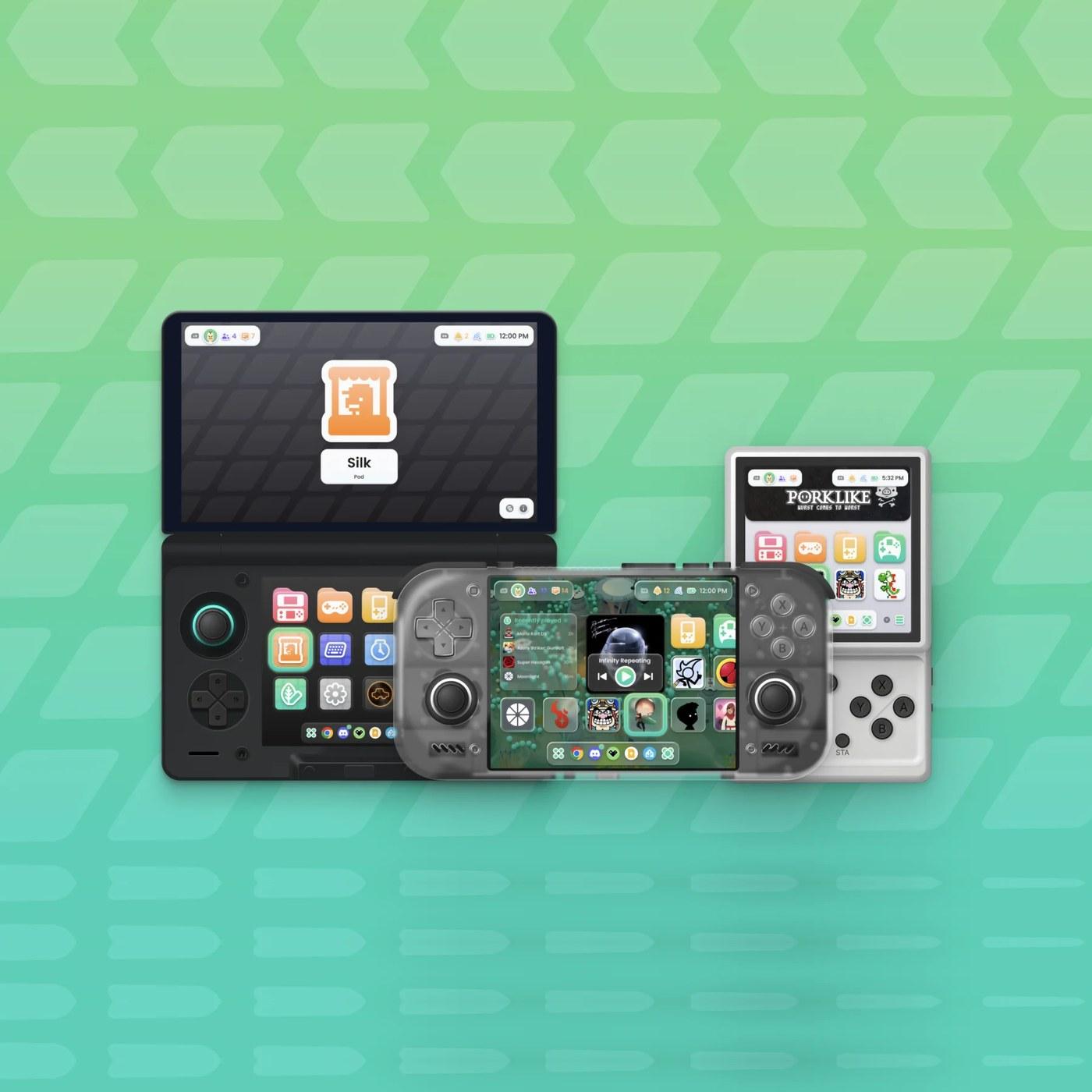
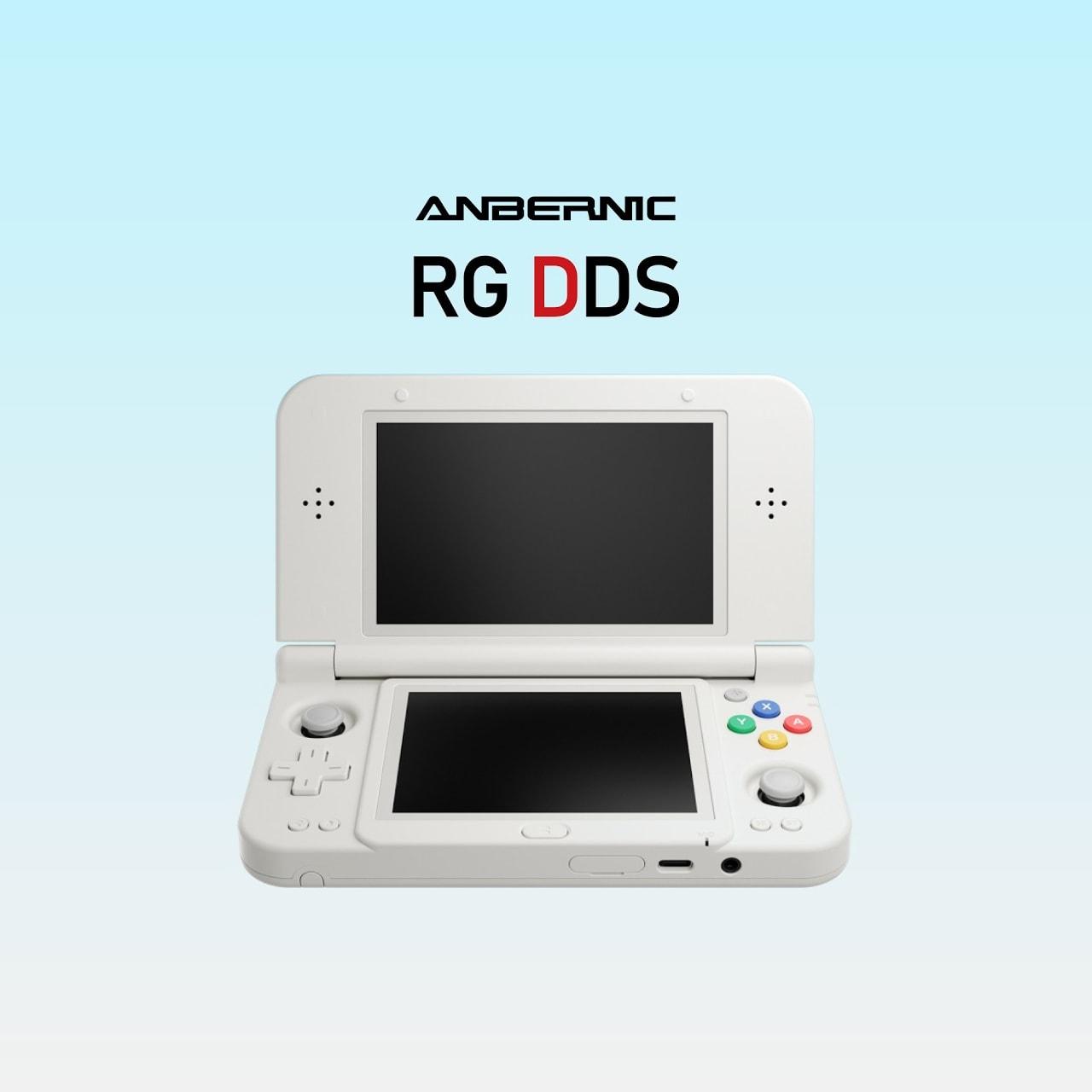
Cocoon 3 is a full redesign of Cocoon, the free Android frontend for retro gaming handhelds. It shipped on 18 July 2026 under the name Project Metamorphosis, and the current build, Beta 3.1, came out on 26 October 2026. The update gives Cocoon a home screen modelled on the Nintendo 3DS, widgets that sit beside your games, a set of mini apps called Pods, HowLongToBeat times, RetroAchievements and Steam achievements, and a scraper the team says handles up to 50 games a minute. Cocoon is a free APK from the project's GitHub releases page and runs best on dual-screen handhelds like the AYN Thor and Anbernic RG DS.
We have not run it ourselves. Everything below comes from the developers' Cocoon 3 release post, the 3.1 post and the GitHub release notes, all read on 28 October 2026. The images are the developers' own.
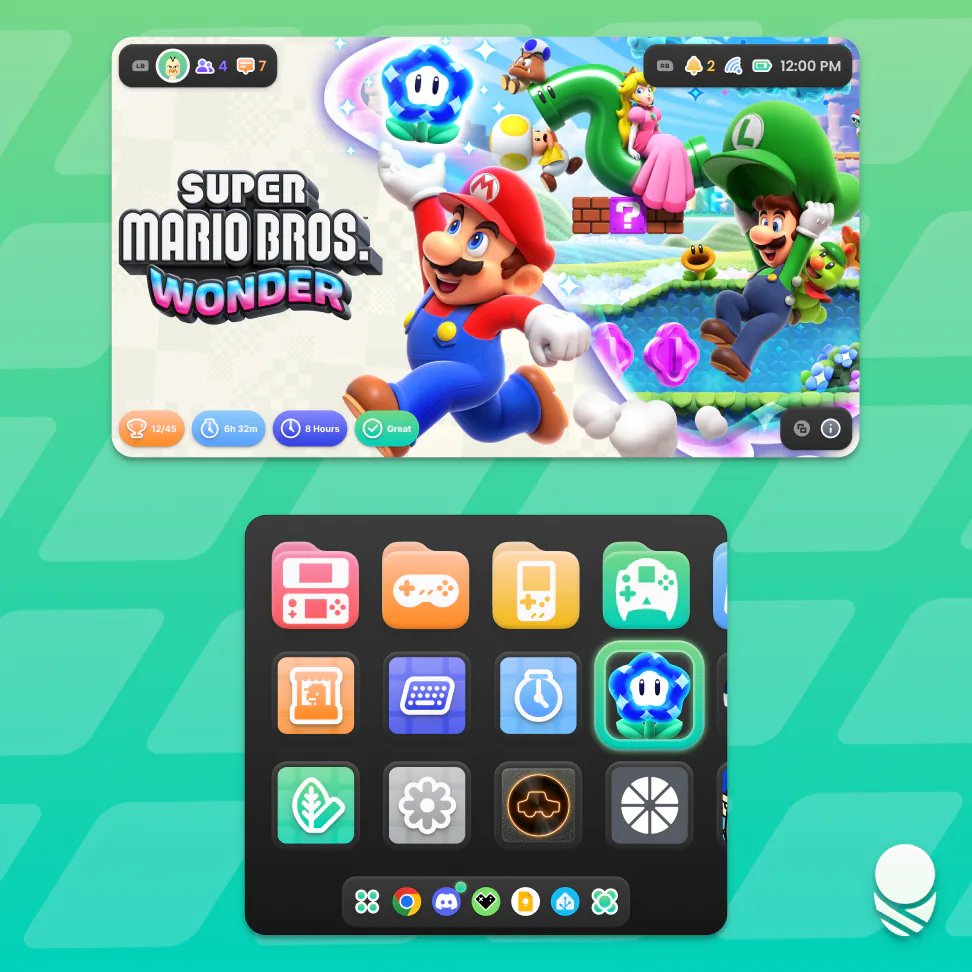
Cocoon 3's dual-screen home: hero art up top, the grid and dock below. Image: Cocoon Shell. The header image is the release banner, padded to a square. Used with credit; Cocoon is not affiliated with this site.
What Cocoon is
Cocoon is a launcher. It replaces your handheld's Android home screen with a controller-first library, scrapes box art, logos and game info, and starts each game in RetroArch or a standalone emulator. The project describes itself as "a customisable Android frontend for retro gaming handhelds." It has a theme store (Silk), a Discord and a feedback board.
It has moved fast. The first beta went up on GitHub on 10 December 2025, Beta 2.0 followed on 12 February 2026, and 3.0 arrived on 18 July. The Beta 3.0 APK has been downloaded 91,545 times from GitHub, and the 3.07 build from 30 September had 109,629 downloads when we checked.
The Retro Game Corps dual-screen guide calls Cocoon its "preferred launcher for dual-screen devices" and says it "nicely replicates a 3DS-like experience." That is the reputation Cocoon 3 builds on.
What Cocoon 3 changed
| Area | Cocoon 3.0 (18 July 2026) |
|---|---|
| Home screen | Larger icons, the selected game fills the space, folders coloured by platform |
| Dock | Up to five icons, auto-hide, can be pinned to the top of the screen |
| Grid | Page Mode with set rows and columns; games resizable like widgets (Start, Edit Grid, then Y) |
| Widgets | Clock, Recently Played, Last Played, music player, image pin, Picnic, Log, Random Game, any native Android widget, ThemePlaza badges |
| Info screen | Over 120 new icons in Colorful, Accented or Flat styles; per-game logo position and size |
| Game info | Trailer or gameplay video, screenshots, HowLongToBeat times |
| Achievements | RetroAchievements tab, Steam achievements once signed in to Steam |
| Activity | Playtime stats and a weekly graph per game |
| Status panel | Wi-Fi, Bluetooth and Do Not Disturb toggles, Android notifications, Single Screen Mode on the AYN Thor |
| Scraping | LaunchBox, IGDB and HowLongToBeat added; up to 50 games a minute, per the developers |
| Look | Experimental Glass surface with blur, refraction, tint and rim settings |
| Audio | Full JamesDSP support |
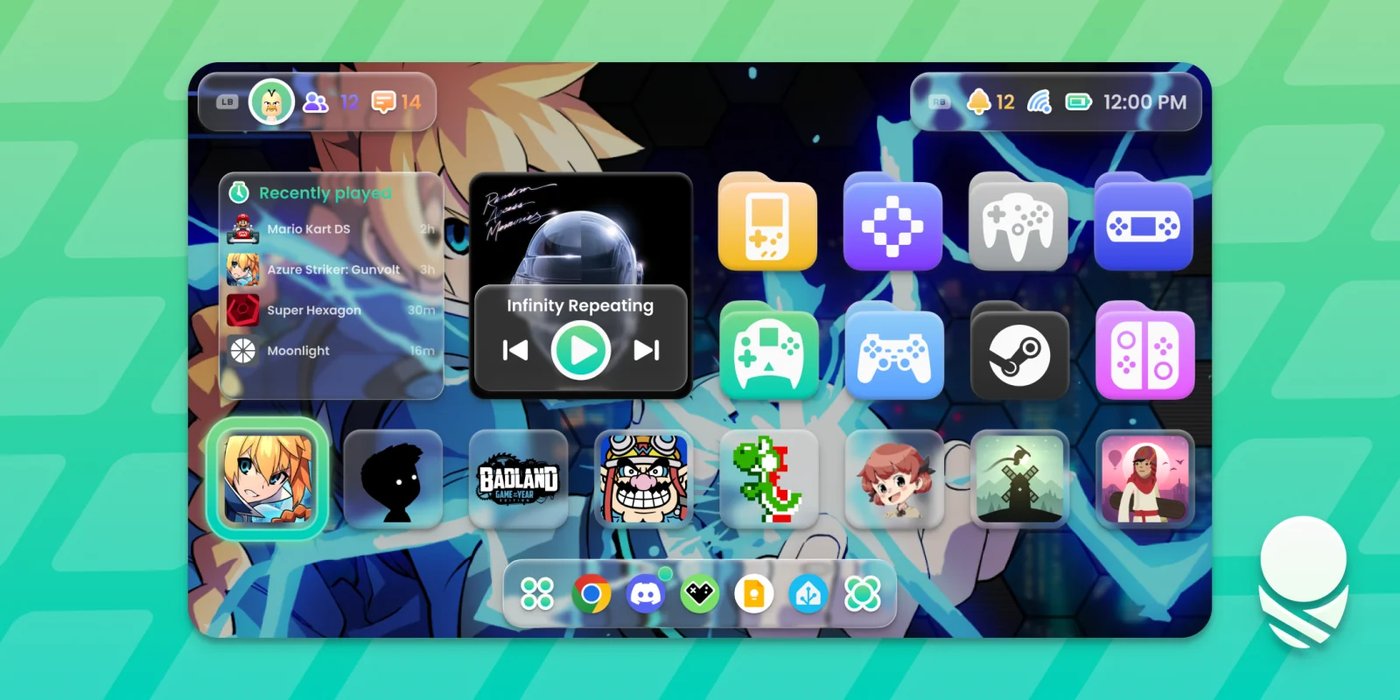
Widgets now share the grid with games. Image: Cocoon Shell.
The new asset picker pulls artwork from SteamGridDB, LaunchBox Games Database, IGDB and ScreenScraper, and the release post says LaunchBox and IGDB need no account. The scraper shows a live preview of each match, so a wrong game can be renamed and fetched again without leaving the menu. ES-DE users can keep their scraped media: Cocoon can put ES-DE's assets first, check them for updates at launch and map platform names such as Steam to Windows. It also now treats folders ending in .m3u or .easyrpg as a single game, as ES-DE does.
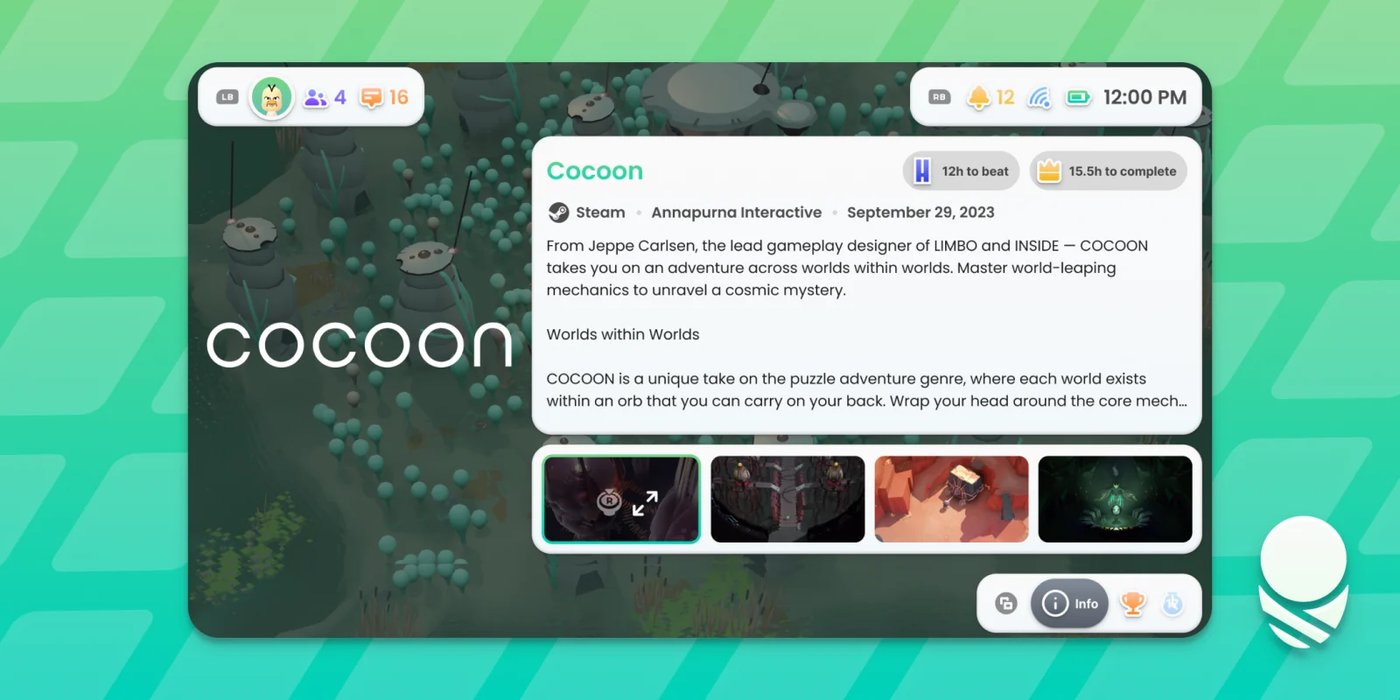
The Game Info tab with HowLongToBeat times, which the developers say they use with that team's permission. Image: Cocoon Shell.
Sessions end on their own after 30 seconds without activity, and if Android closes Cocoon for memory, your game sessions and playtime come back when you return. The developers say Cocoon frees CPU, GPU and memory while a game is running, which matters most on handhelds with less RAM.
Pods
Pods are small apps inside Cocoon, each with dual-screen and single-screen layouts:
- Log tracks playtime per game, ranks your library by time played, and makes a share graphic of your stats.
- Picnic sorts screenshots by game and has basic colour edits, doodles and stickers.
- Silk is the theme store, with browsing on the bottom screen and a preview on the top.
- Settings shows a live preview of each change on the other screen.
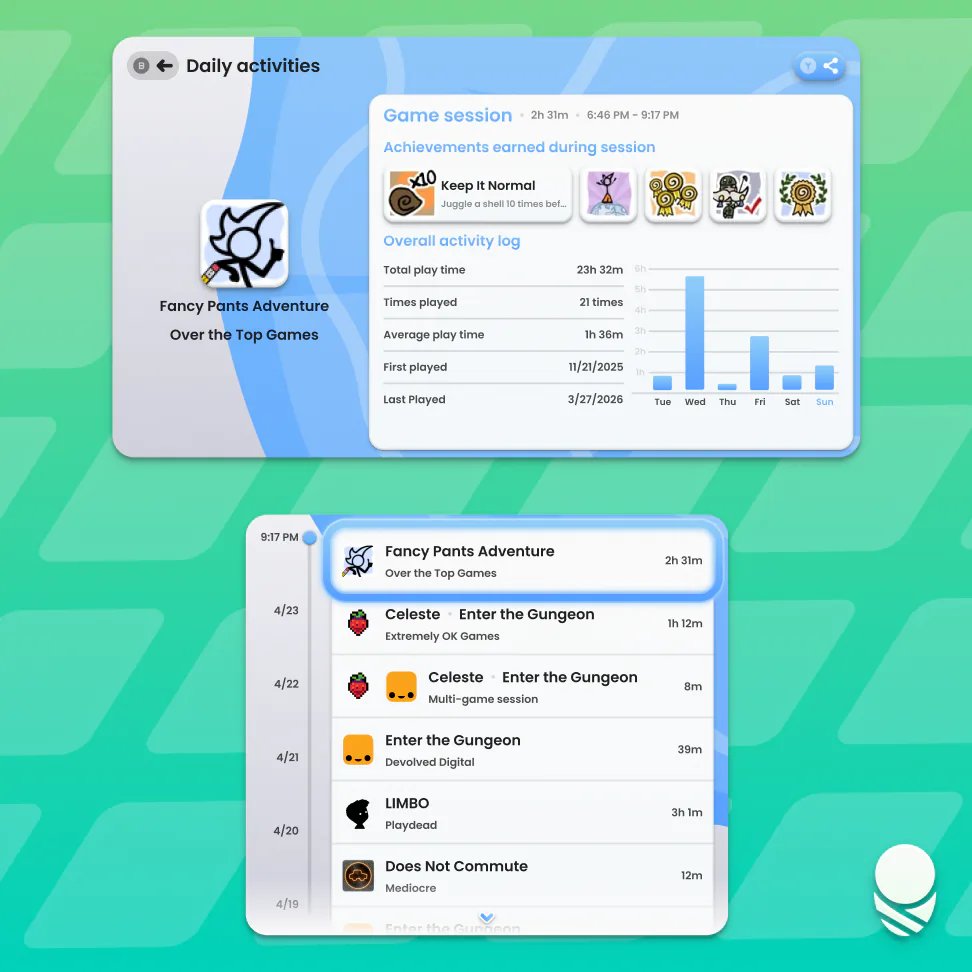
The Log Pod's daily activity and ranking screens. Image: Cocoon Shell.
What changed after launch
Two parts of the July release have since gone. Beta 3.0.5 (1 September) removed the Discord friends features from the social panel "to prepare for Hive", a project the developers explain in their Discord. Discord Rich Presence still works and no longer needs you to sign in. Then 3.1 removed per-zoom layouts: you can still zoom, but home and each folder keep one layout, and Cocoon asks which one to keep the first time 3.1 starts.
Beta 3.0.6 (4 September) added Nintendo, PlayStation and Xbox button icons, plus an input correction option for handhelds whose button mapping does not match the printed A, B, X and Y.
What 3.1 adds
From the 26 October release post:
| Area | Change in 3.1 |
|---|---|
| Suspend and resume | Home suspends a game to the home screen; A resumes, X closes it and its companion apps. AYN, Retroid and some AYANEO devices only, for now |
| Swap screens | The game menu moves a running game to the other screen on dual-screen devices |
| Performance | Smoother on lower-end hardware, naming the Anbernic RG DS and Retroid Pocket Duo Lite; a new Disable Animated Assets toggle is on by default on slower devices |
| Grid editing | Hold A or hold a tile to move or resize it by touch or controller; X removes it, with undo |
| Pages | Home is split into pages; Scrolling navigation brings back a continuous grid |
| Updates | Built-in updater under Settings, About, which installs an optimisation profile with each update |
| Icons | All system icons redrawn; per-app and per-dock icons, icon pack support |
| Launch | The game's artwork fills both screens as it opens |
| Log | Transfer game time moves playtime from one game to another |
| Single Screen Mode | Dual-screen settings hidden, two rows suggested at setup, suspended games shown bottom-left |
The 3.1 APK is 217.8 MB and had 12,292 downloads on GitHub on 28 October, two days after release. If you install APKs by hand, Cocoon will offer to "optimise" itself, which reinstalls the same version with the profile and takes about a minute. The developers recommend it, because Android otherwise compiles that code later while the device is idle and charging, and Cocoon may stutter until then. They also suggest Obtainium users switch to the built-in updater.
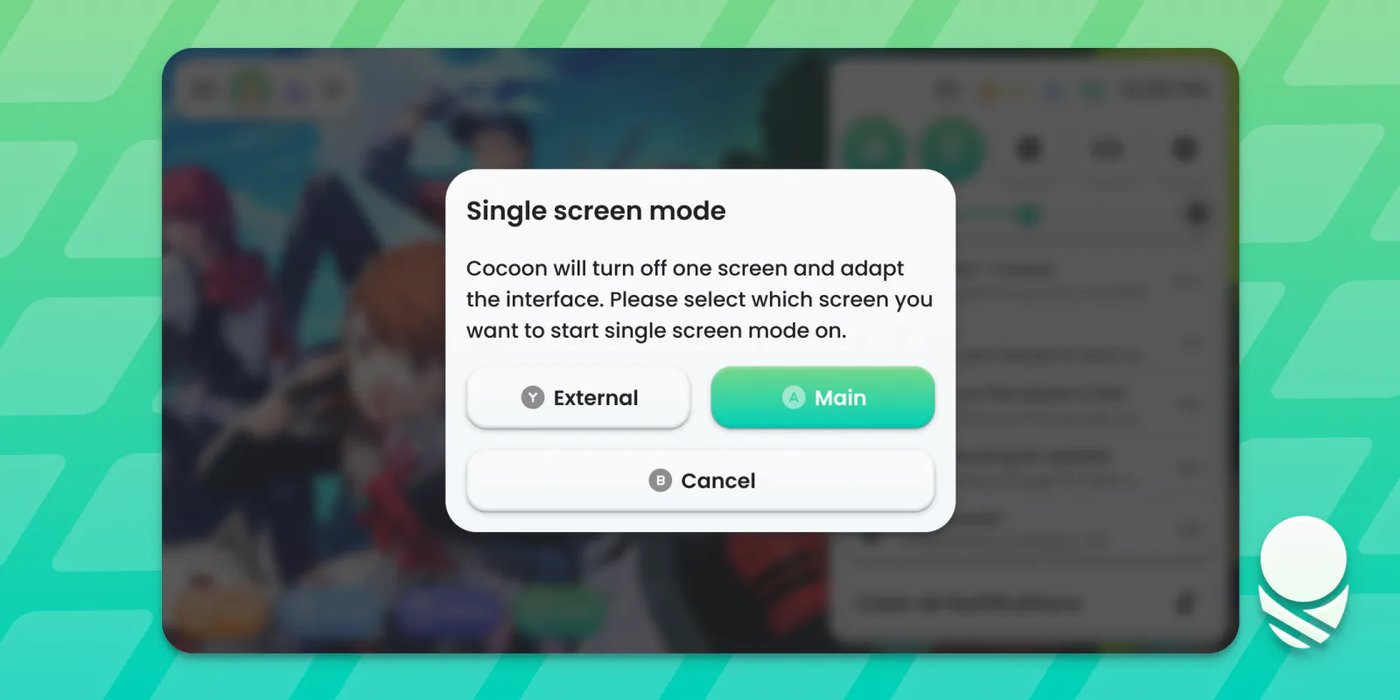
Single Screen Mode, shown here on the AYN Thor, switches one display off and adapts the layout. Image: Cocoon Shell.
Which handhelds it suits
Cocoon's release posts name five devices. Prices below were checked at each store's product listing on 28 October 2026.
| Device | What Cocoon does on it | Price, 28 October 2026 |
|---|---|---|
| AYN Thor | Dual-screen home, Single Screen Mode toggle, suspend and resume | $469.99 (Base) to $789.99 (Max) at LitNXT; Lite out of stock |
| Anbernic RG DS | Dual-screen layouts; 3.1 targets it for smoother menus | $94.99 at Anbernic (US warehouse out of stock; $109.99 with a 64 GB card in stock) |
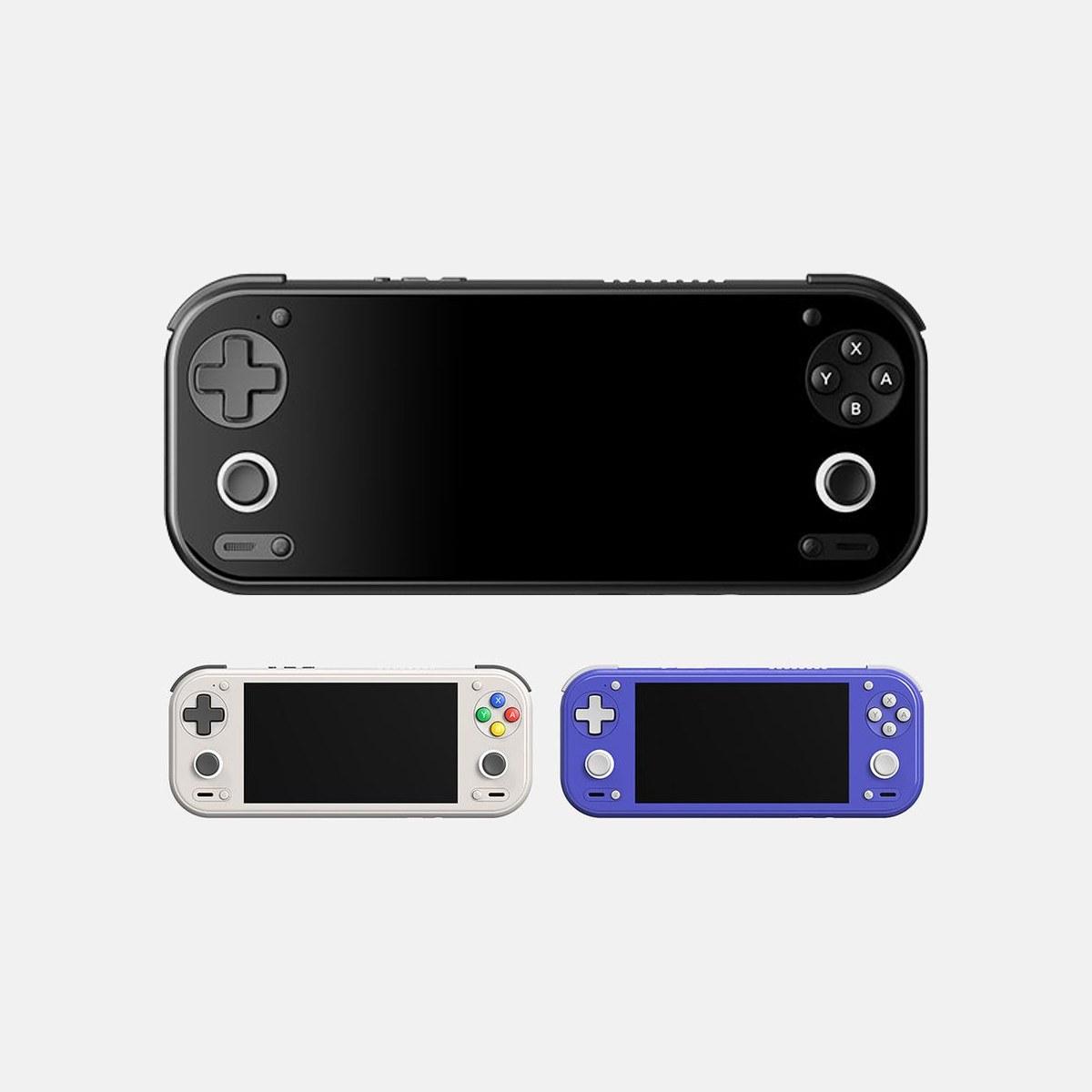
| Retroid Pocket Duo Lite | 3.1 targets it for smoother menus; suspend and resume | From $149 at Retroid's store |
| Retroid Pocket Duo | Dual-screen layouts; suspend and resume | $269 at Retroid's store |
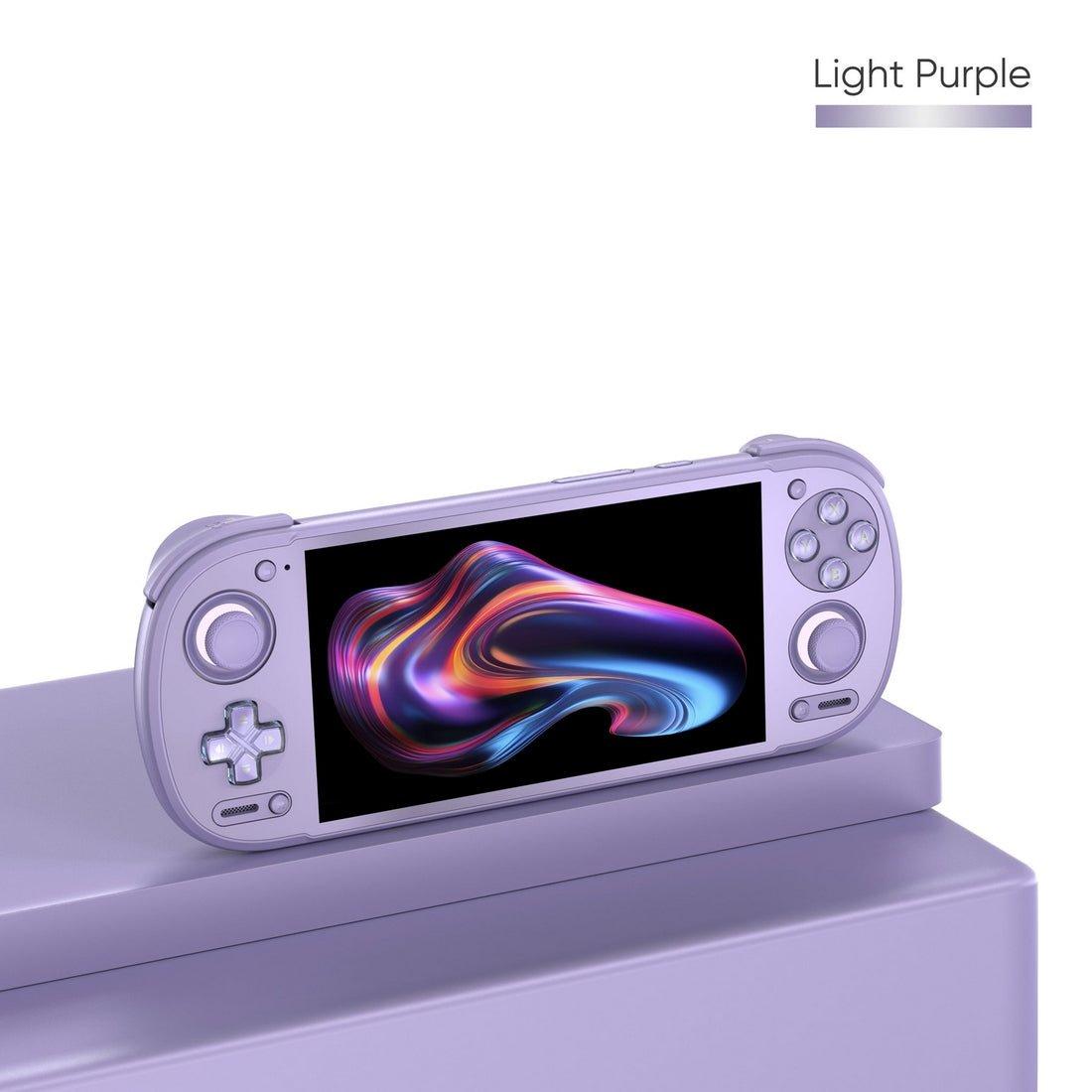
| Anbernic RG Rotate | Landscape clock and media screen while closed, tuned grids | $79.99 at Anbernic (Polar Black; US warehouse out of stock) |
The AYANEO Pocket DS is named as a dual-screen device that can use the single-row layouts, and 3.1's suspend and resume covers "some AYANEO devices." The release post does not say which.
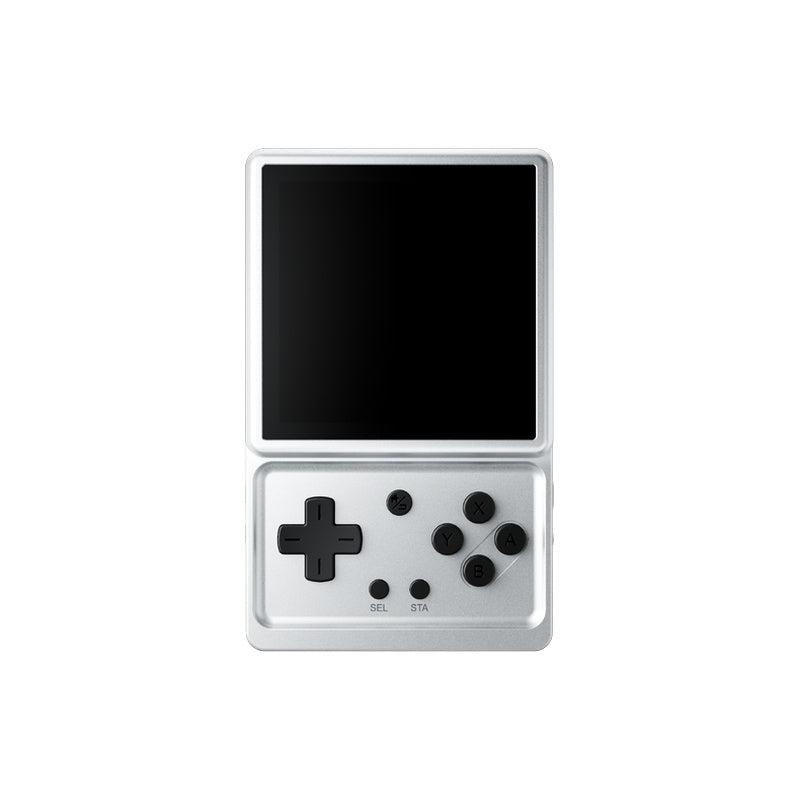
If your handheld has one screen, Cocoon still works. The single-row Standard, Carousel and Cover Flow layouts were made for it, and when docked to an external display Cocoon can switch layouts and use up to five rows.
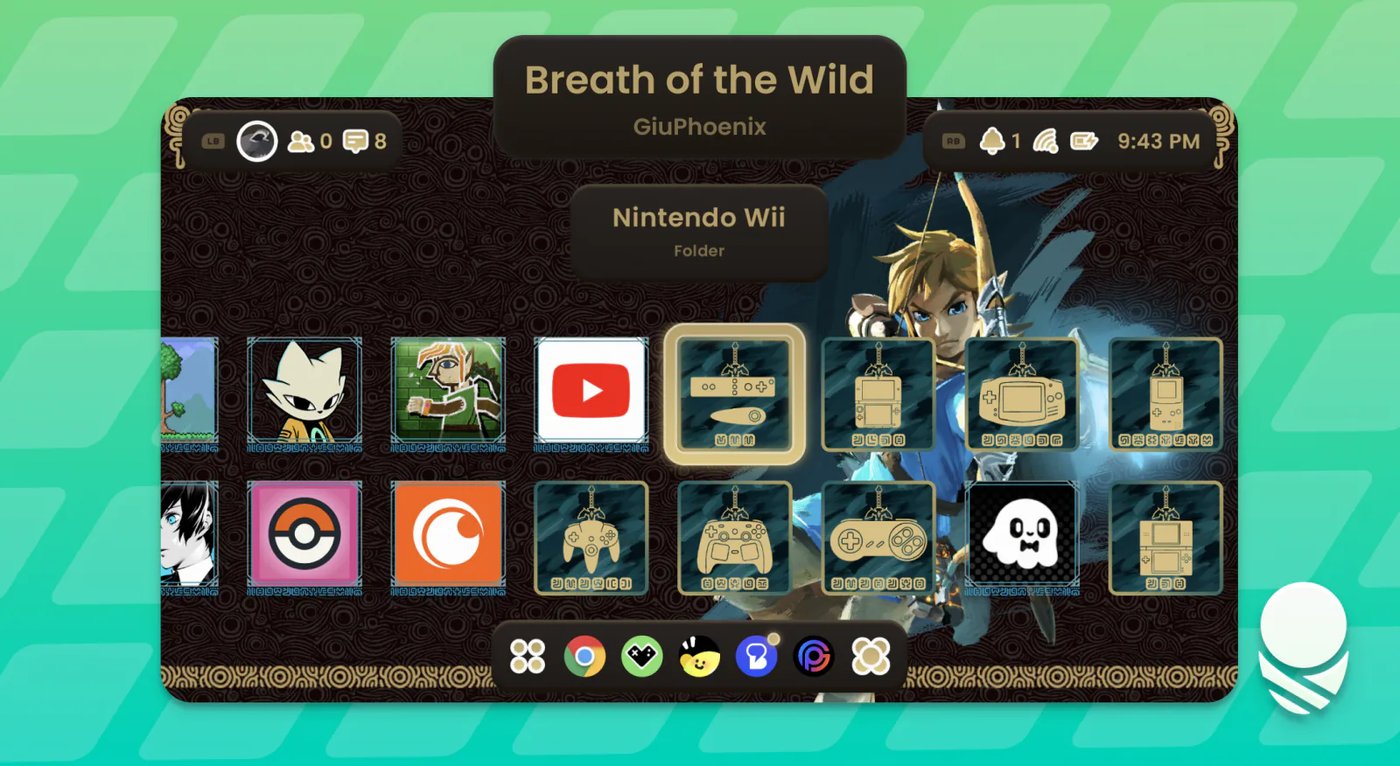
A Breath of the Wild community theme from Silk. Most older Silk themes work with Cocoon 3, per the developers. Image: Cocoon Shell.
For the Thor's screens and chip, see our AYN Thor Max news piece. For the swivel-screen Anbernic, see the RG Rotate review round-up. Every other Android handheld we track is on the devices page.
Cocoon or Cartridge?
The other free frontend Thor owners talk about this month is Cartridge, which shows your library as 3D cartridges, discs and boxes and also runs on SteamOS, Mac and Windows. Cocoon is Android only, and it goes further on the handheld side: playtime tracking, screenshots, widgets, notifications and now suspend and resume. Cartridge is about the look of the shelf. Both are free, so trying both on one device costs nothing but storage.
What to watch
First, Hive, the project that replaced Cocoon's Discord social features in September; the developers have only described it in their Discord so far. Second, which AYANEO handhelds get suspend and resume, since 3.1 covers "some" of them. Third, the beta label: every Cocoon build to date is marked beta on GitHub, and a 1.0-style stable release would be the point to recommend it to people who do not want to re-learn their home screen every few weeks.
Cocoon does not include games, BIOS files or emulators. You need your own game dumps and RetroArch or standalone emulators installed before it has anything to show.
Frequently asked questions
- What is Cocoon?
- Cocoon (Cocoon Shell) is a home-screen launcher for Android gaming handhelds. It finds your ROMs and installed games, scrapes artwork and game info, and hands each game to the emulator you already use. It is built around dual-screen devices such as the AYN Thor and Anbernic RG DS, and it has single-screen layouts as well. It does not include games, BIOS files or emulators.
- Is Cocoon free?
- Yes. Every build is a free APK on the project's GitHub releases page, linked from cocoon-shell.com, with no paid tier listed. The team takes optional support through Ko-fi. The repository lists no licence, so it should not be described as open source.
- What is the latest version of Cocoon?
- Beta 3.1, released on 26 October 2026 as cocoon-31.apk (about 218 MB). It adds suspend and resume on AYN, Retroid and some AYANEO handhelds, touch and controller grid editing, a built-in updater and redrawn icons. Cocoon 3.0 itself came out on 18 July 2026, and every release so far is still labelled beta.
- What is the best frontend for the AYN Thor?
- It depends on how you want the second screen used. The Retro Game Corps dual-screen guide calls Cocoon its preferred launcher for dual-screen devices and says it recreates a 3DS-like setup. ES-DE is more focused on one screen, and Cartridge is the free option if you want your library shown as 3D cartridges and discs.
- How do I update Cocoon to 3.1?
- From 3.1, Cocoon can update itself under Settings, then About, and installs an optimisation profile with each update so it runs smoothly from first launch. If you install the APK by hand, Cocoon offers an optimisation patch that reinstalls the same version with that profile, closing for about a minute. The developers advise Obtainium users to switch to the built-in updater.
- Does Cocoon work on single-screen handhelds?
- Yes. Cocoon 3 added single-row layouts in Standard, Carousel and Cover Flow styles, and every Pod has a single-screen layout, including one for squarer displays. Version 3.1 hides dual-screen-only settings when Single Screen Mode is on and suggests a two-row grid at first setup.