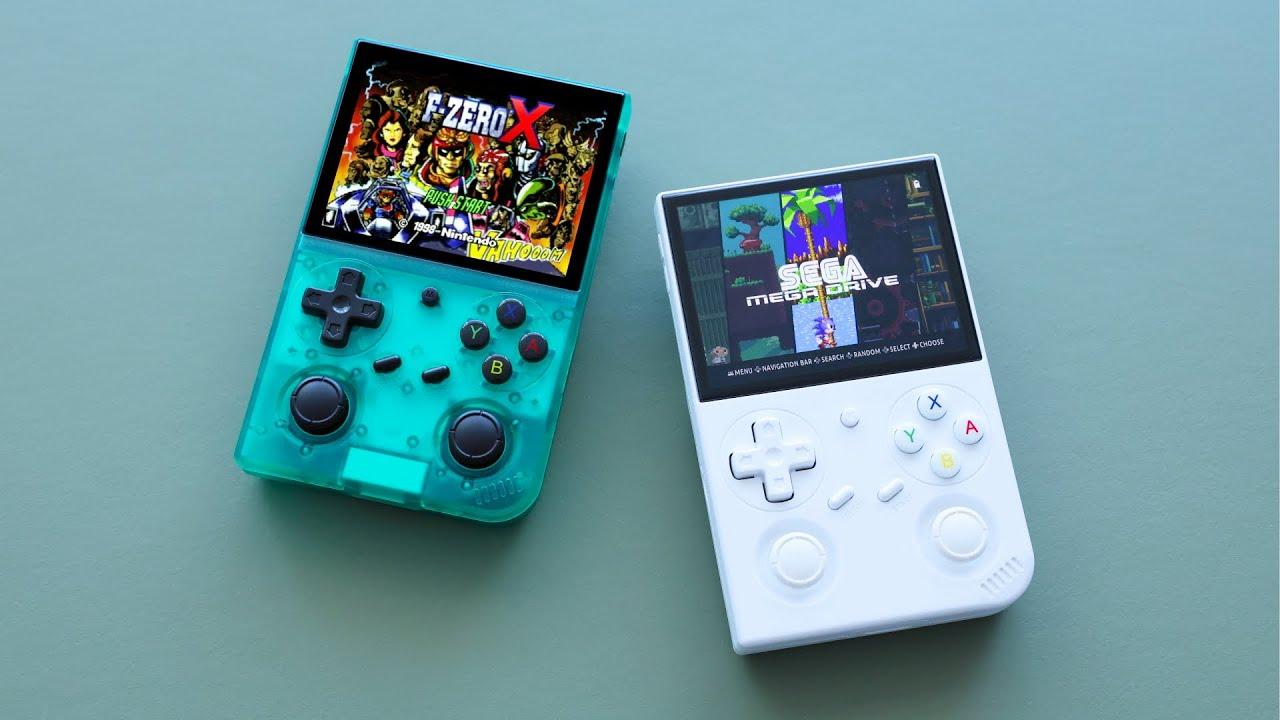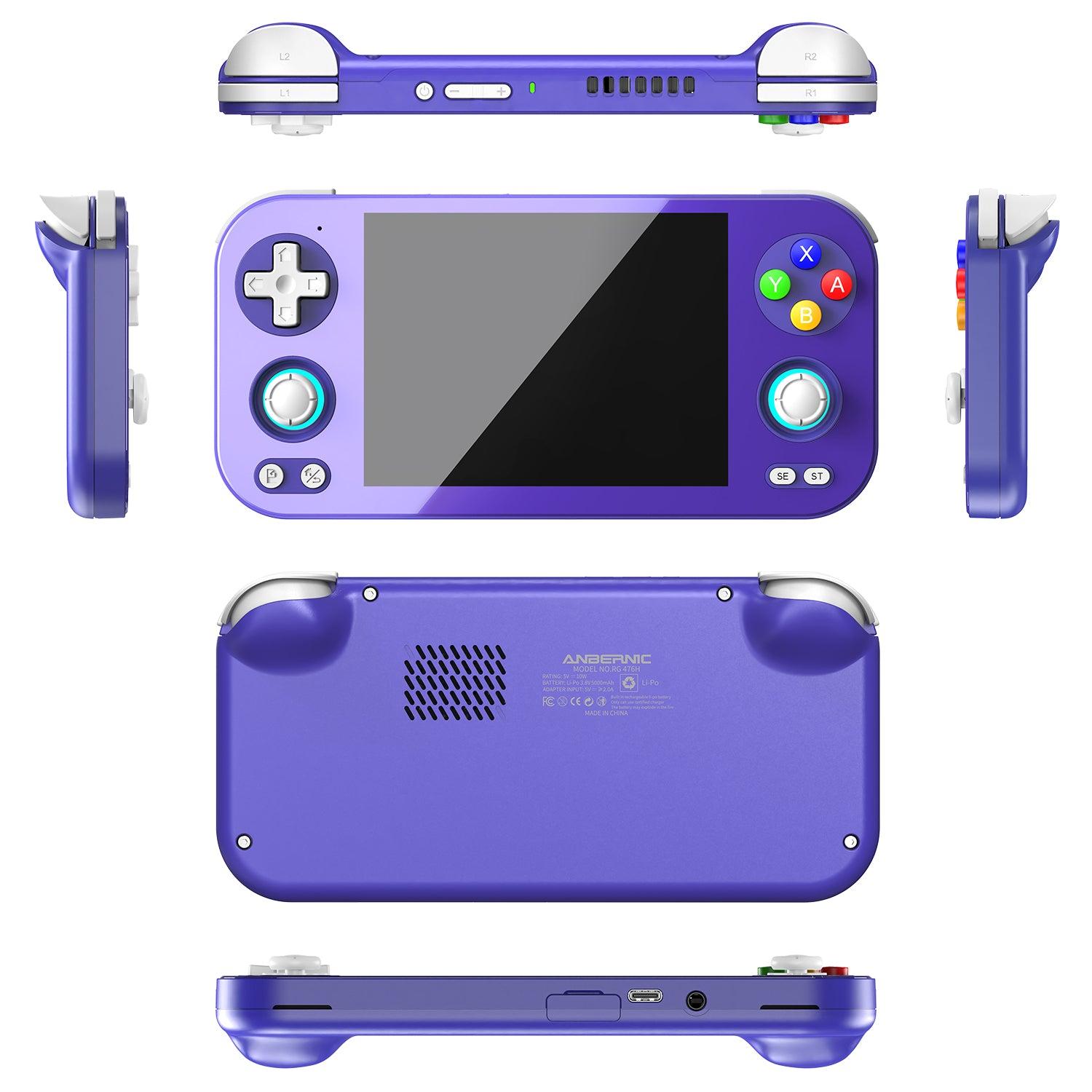
The short answer: the best handheld for Pokemon is the Miyoo Mini Plus ($69.99 console-only at LitNXT, in stock on 4 October 2026). It plays every Pokemon game from Red and Blue through Emerald, FireRed and LeafGreen, fits in a pocket, and its Onion OS firmware adds save states and fast-forward for grinding. If you want to spend less, the Anbernic RG35XX ($43.99 from Anbernic's China warehouse) covers the same three generations in a vertical Game Boy-style shell. If you also want the GameCube spin-offs, Pokemon Colosseum and XD, you need something much stronger, such as the Anbernic RG406V ($239.99).
| If you play… | Best handheld for Pokemon | Price (4 Oct 2026) | In stock? |
|---|---|---|---|
| Any generation, one device | Miyoo Mini Plus | $69.99 | Yes |
| Any generation, lowest price | Anbernic RG35XX | $43.99 | Yes (China warehouse) |
| Red to Crystal on a square screen | Powkiddy RGB30 | $99.99 | No, sold out |
| GBA Pokemon with WiFi | Anbernic RG35XX Plus | $89.99 | No, sold out |
| Colosseum and XD as well | Anbernic RG406V | $239.99 | Yes |
Prices and stock were read from each store's own product listing on the date shown and change often. The rest of this guide explains each pick generation by generation, then covers setup, save files and ROM hacks.

Pokemon games look fantastic on modern handheld emulators with enhanced screens and save state support.
Why Use a Handheld Pokemon Emulator?
Before diving into device recommendations, let's explore why handheld emulators are perfect for Pokemon games:
Perfect Screen Scaling
Handheld emulators designed for retro gaming offer pixel-perfect scaling for Game Boy, Game Boy Color, and Game Boy Advance games. Unlike playing on a phone or tablet, these devices maintain the authentic aspect ratio and visual quality of the original games.
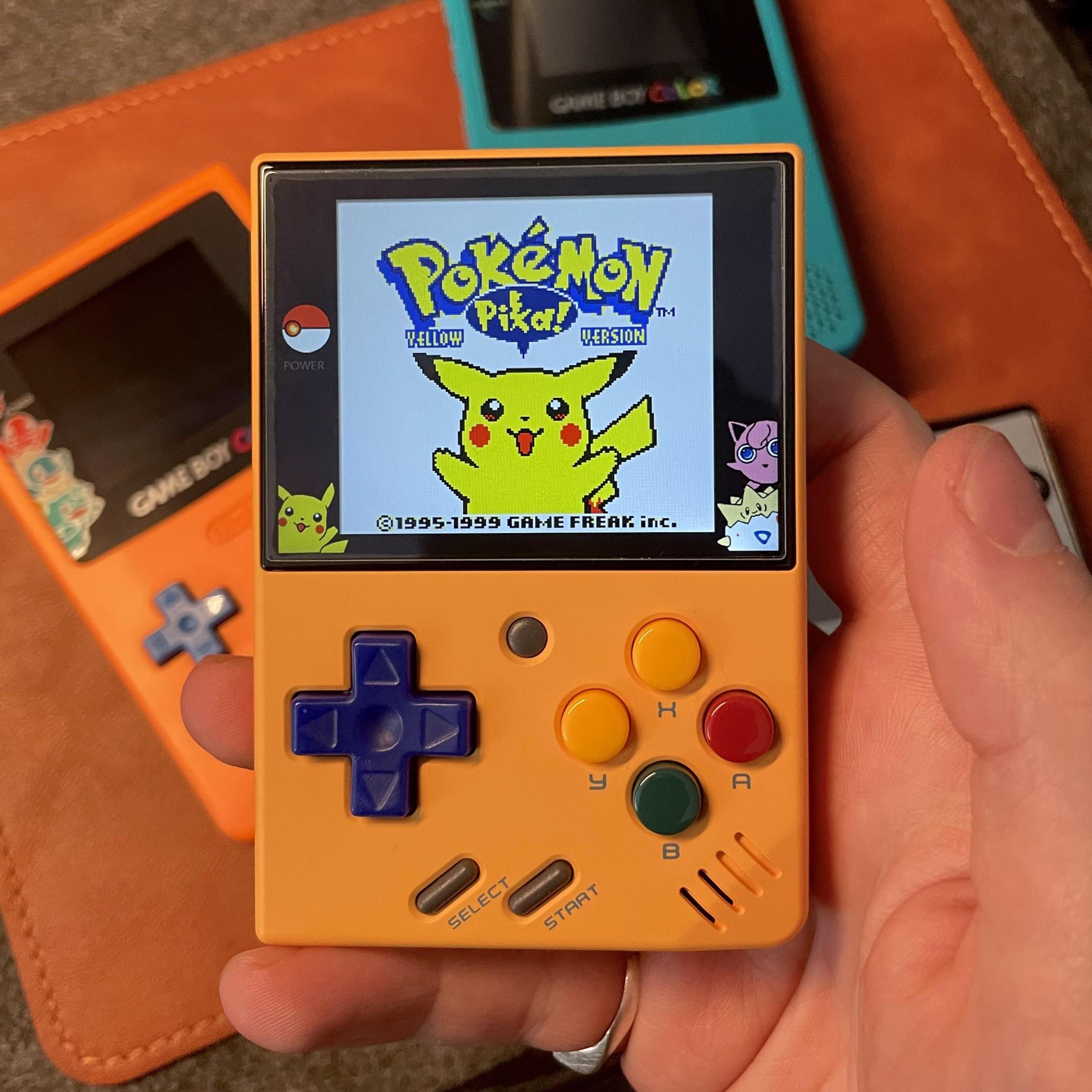
Original Pokemon games (Red, Blue, Yellow) look perfect on handheld emulators with proper screen scaling.
Save State Support
Modern Pokemon emulator devices support save states, allowing you to save your progress at any moment—perfect for those challenging gym battles or when you need to pause during a long play session.
Enhanced Features
Many handheld emulators add quality-of-life improvements like fast-forward for grinding, better battery life than original hardware, and backlit screens that make playing in any lighting condition possible.
Portability
These devices are designed to be pocket-friendly, making it easy to take your Pokemon journey anywhere—just like the original Game Boy experience, but better.
Best Pokemon Emulator Devices for Game Boy & Game Boy Color
The original Pokemon games (Red, Blue, Yellow, Gold, Silver, Crystal) were designed for the Game Boy and Game Boy Color. Here are the best devices for playing these classics:
Best Budget Option: Miyoo Mini Plus
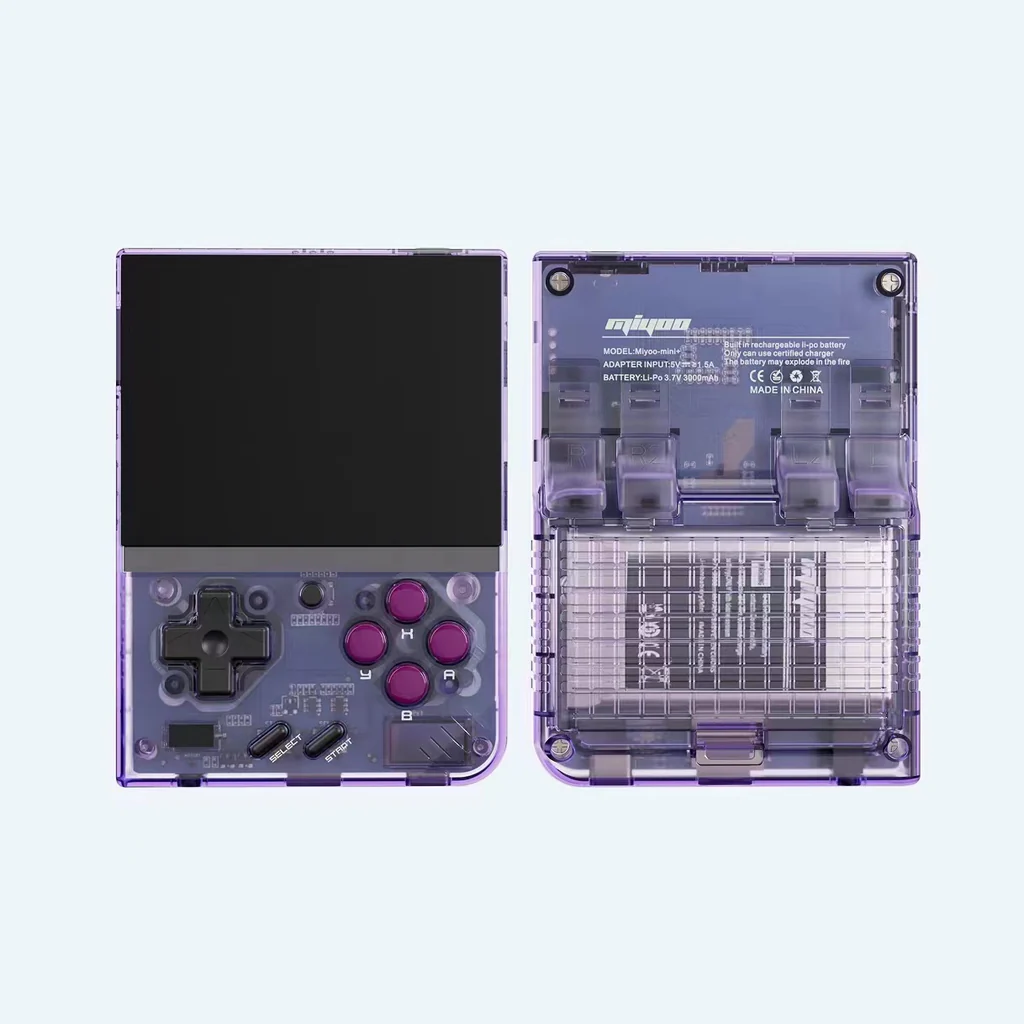
Price: $69.99 console-only (in stock at LitNXT, 4 October 2026; bundles with a pre-loaded Onion OS card cost $109.99 to $169.99)
The Miyoo Mini Plus is our top recommendation for Pokemon emulator enthusiasts on a budget. This ultra-compact device excels at Game Boy and Game Boy Color Pokemon games, offering excellent value and performance.
Why it's perfect for Pokemon:
- 3.5-inch IPS Screen: Crisp, vibrant display that makes Pokemon sprites look fantastic
- OnionOS Support: Custom firmware with excellent Pokemon game compatibility
- Save States: Multiple save slots for different playthroughs
- Fast Forward: Speed up grinding and repetitive battles
- WiFi Connectivity: Easy ROM and save file management
- Pocket-Friendly: Perfect size for on-the-go Pokemon adventures
Pokemon Games It Handles:
- Pokemon Red, Blue, Yellow (Game Boy)
- Pokemon Gold, Silver, Crystal (Game Boy Color)
- Pokemon Ruby, Sapphire, Emerald (Game Boy Advance)
- Pokemon FireRed, LeafGreen (Game Boy Advance)
The Miyoo Mini Plus runs all Pokemon games from the first three generations flawlessly, making it the ideal Pokemon emulator for most players.
Best Classic Style: Anbernic RG35XX
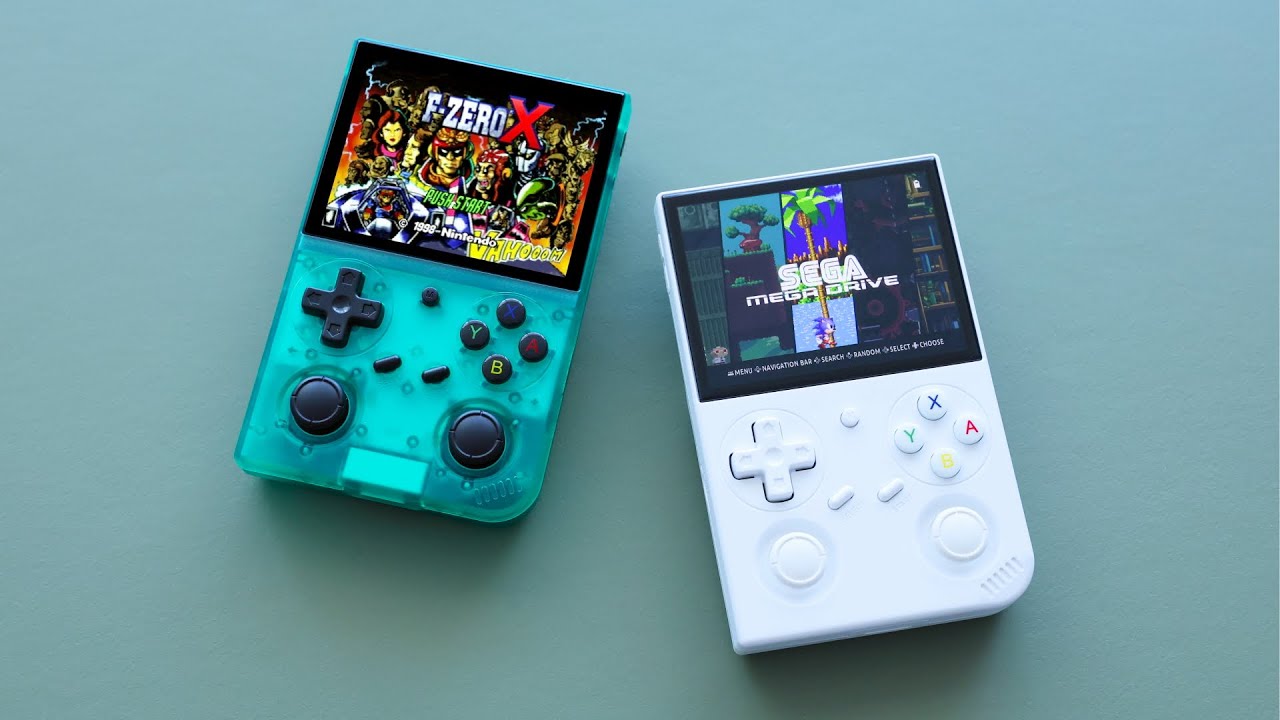
Price: $43.99 (in stock from Anbernic's China warehouse on 4 October 2026; the US, EU, UK and Australia warehouses were sold out)
The Anbernic RG35XX captures the nostalgic Game Boy aesthetic while delivering modern Pokemon emulator performance. If you want that classic vertical Game Boy feel with enhanced features, this is your device.
Why Pokemon fans love it:
- Game Boy Inspired Design: Vertical layout feels authentic
- GarlicOS Support: Excellent custom firmware optimized for Pokemon games
- 3.5-inch IPS Display: Sharp, color-accurate screen
- Battery: 2,600mAh, rated by Anbernic at about 6 hours
- Modest Hardware: quad-core Cortex-A9 with 256MB of RAM, which is plenty for Game Boy through GBA but little beyond that
Perfect for:
- Players who want the authentic Game Boy experience
- Long Pokemon play sessions
- Collecting all Pokemon across multiple games
Best Square Screen: Powkiddy RGB30
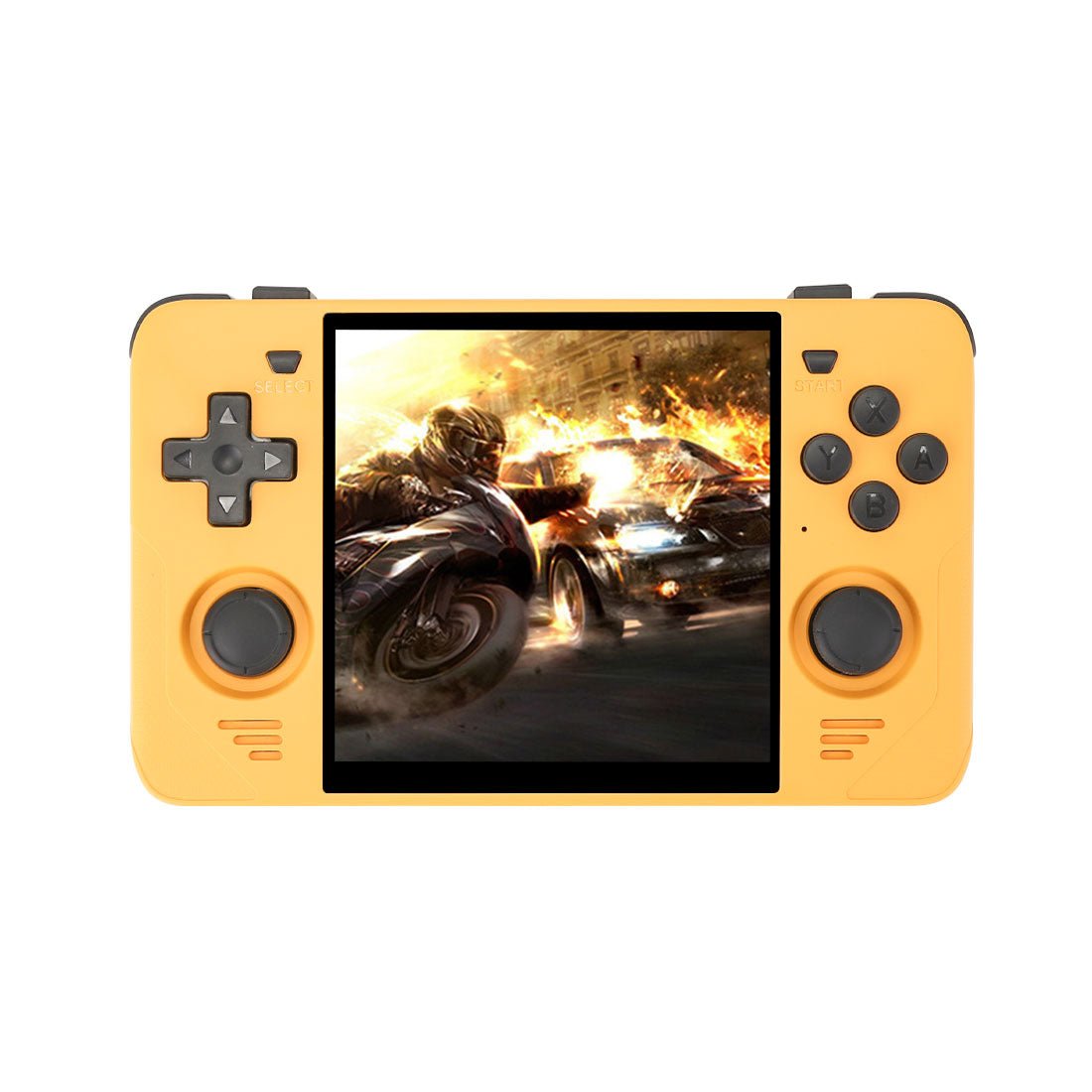
Price: $99.99 console-only (sold out at LitNXT on 4 October 2026)
The Powkiddy RGB30 features a unique 4-inch 720×720 square screen that's perfect for Game Boy and Game Boy Color Pokemon games. The Game Boy's 160×144 picture scales up exactly four times to 640×576, so Pokemon sprites stay sharp with no uneven pixels, inside a thin border.
Why it's great for Pokemon:
- Perfect Pixel Scaling: Game Boy games look absolutely stunning
- Square Screen: Close to the Game Boy's near-square 10:9 picture, so far less of the screen goes unused than on a 4:3 display
- Linux OS: Ships with JELOS, according to the LitNXT listing
- WiFi: Easy file management
- Great for GB/GBC: Best visual experience for original Pokemon games
Ideal for:
- Pokemon Red, Blue, Yellow enthusiasts
- Pokemon Gold, Silver, Crystal players
- Anyone who wants the most authentic Game Boy visual experience
Best Pokemon Emulator Devices for Game Boy Advance
The Game Boy Advance Pokemon games (Ruby, Sapphire, Emerald, FireRed, LeafGreen) benefit from slightly more powerful hardware. Here are the best options:
Best Overall: Anbernic RG35XX Plus
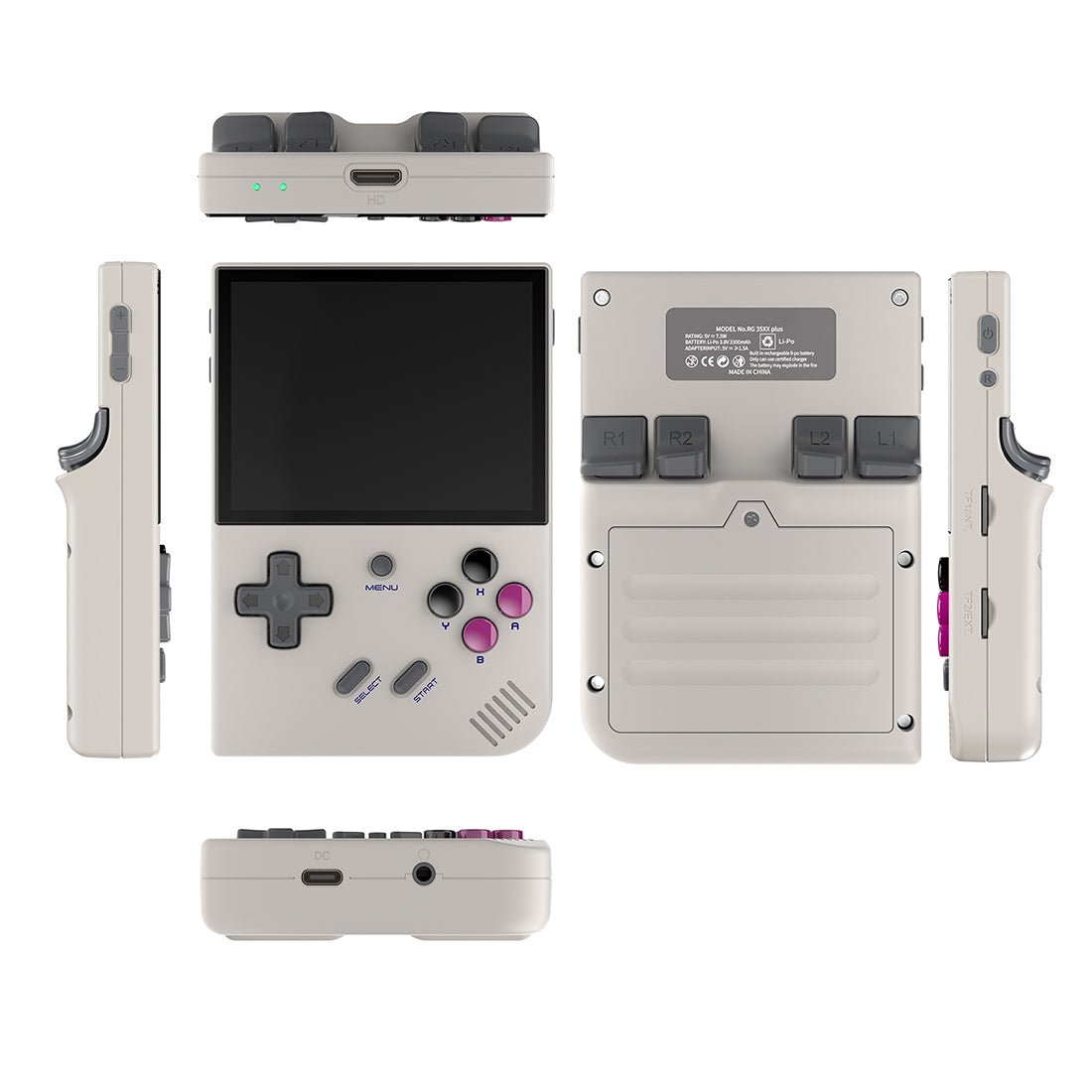
Price: $89.99 (sold out at LitNXT on 4 October 2026; if it is still unavailable, the Miyoo Mini Plus or RG35XX above play every GBA Pokemon game too)
The Anbernic RG35XX Plus is the enhanced version of the RG35XX, specifically optimized for Game Boy Advance games. When it is in stock, it is the pick for players who want WiFi and a little more speed for the whole range of Pokemon titles.
Why it suits GBA Pokemon:
- WiFi Connectivity: Easy ROM and save file transfer
- Enhanced Performance: Smooth gameplay for all GBA Pokemon games
- Battery: 3,300mAh, rated by the store listing at 8 hours
- Faster Chip: H700 quad-core Cortex-A53 at 1.5GHz with 1GB of RAM
- GarlicOS Support: Excellent Pokemon game compatibility
- Save State Support: Multiple save slots for different Pokemon teams
- Fast Forward: Speed up grinding and leveling
Pokemon Games It Handles Perfectly:
- All Game Boy Pokemon games (Red, Blue, Yellow)
- All Game Boy Color Pokemon games (Gold, Silver, Crystal)
- All Game Boy Advance Pokemon games (Ruby, Sapphire, Emerald, FireRed, LeafGreen)
Best Premium: Anbernic RG406V
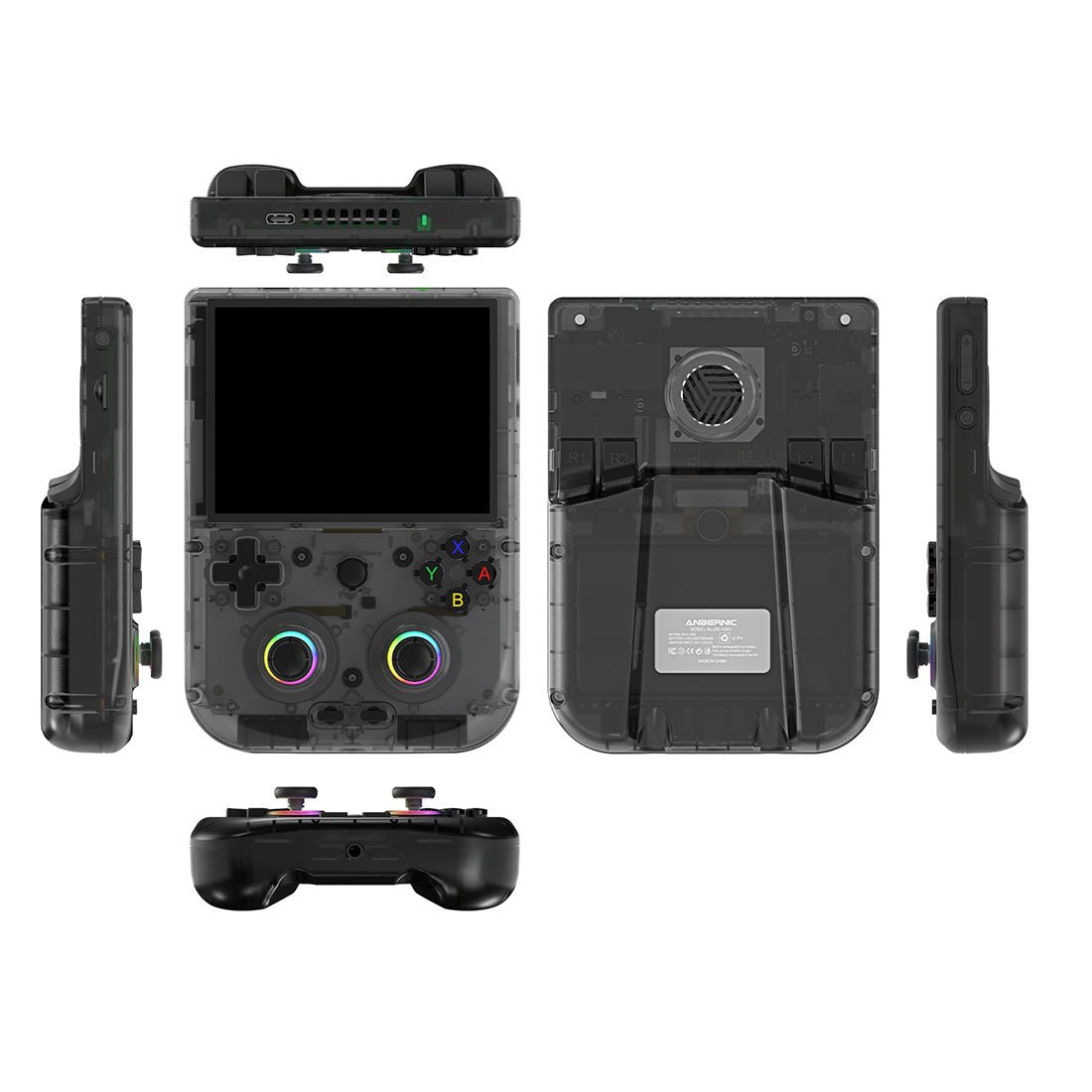
Price: $239.99 (in stock at LitNXT on 4 October 2026)
The Anbernic RG406V pairs a sharp 4-inch 960×720 IPS display with a Unisoc T820 chip and 8GB of RAM, far more power than any Game Boy-era Pokemon game needs. If you want the best visual experience for your Pokemon emulator, this is the device.
Premium Pokemon emulator features:
- 4-inch 960×720 IPS Display: The 4:3 panel fits GBA games better than Game Boy ones
- Android 13: Access to advanced emulator features
- Hall Effect Joysticks: Precise controls for menu navigation
- Battery: 5,500mAh, rated by the store listing at 8 hours
- GameCube Capable: Can even play Pokemon Colosseum and XD
Perfect for:
- Pokemon fans who want the best visual experience
- Players who want to play Pokemon Colosseum and XD
- Anyone who values premium build quality
Pokemon Emulator Comparison Table
| Device | Price | Screen | Best For | Pokemon Games Supported |
|---|---|---|---|---|
| Miyoo Mini Plus | $69.99 | 3.5" IPS | Best for most players | GB, GBC, GBA |
| Anbernic RG35XX | $43.99 | 3.5" IPS | Classic Style | GB, GBC, GBA |
| Powkiddy RGB30 | $99.99 (sold out) | 4" Square IPS | Game Boy Games | GB, GBC, GBA |
| Anbernic RG35XX Plus | $89.99 (sold out) | 3.5" IPS | All Pokemon Games | GB, GBC, GBA |
| Anbernic RG406V | $239.99 | 4" IPS | Premium Experience | GB, GBC, GBA, GameCube |
Which Pokemon Emulator Device Should You Choose?
For Budget-Conscious Pokemon Fans
If you're looking to spend under $70, the Anbernic RG35XX at $43.99 is the cheapest way in and handles every Pokemon game from Game Boy through Game Boy Advance. Stretch to $69.99 for the Miyoo Mini Plus and you get a smaller body plus WiFi for easy ROM management.
For Classic Game Boy Aesthetics
If you want the authentic Game Boy vertical form factor, the Anbernic RG35XX at $43.99 offers the look at the lowest price. The classic design feels perfect for Pokemon Red, Blue, and Yellow.
For Perfect Game Boy Visuals
If you primarily play original Game Boy and Game Boy Color Pokemon games, the Powkiddy RGB30 with its square screen provides the most authentic visual experience. Exact 4× integer scaling keeps Pokemon sprites sharp.
For Complete Pokemon Library
If you want to play every Pokemon game from Game Boy through Game Boy Advance, the Anbernic RG35XX Plus at $89.99 adds WiFi and a faster chip to the RG35XX formula. It was sold out on 4 October 2026, so the Miyoo Mini Plus is the in-stock choice that does the same job.
For Premium Experience
If you want the absolute best visual quality and don't mind spending more, the Anbernic RG406V with its sharp 4-inch screen is the most capable device here. It's also capable of playing Pokemon Colosseum and XD on GameCube.
Setting Up Your Pokemon Emulator
Once you've chosen your Pokemon emulator device, here's how to get started:
Step 1: Install Custom Firmware
Most Pokemon emulator devices benefit from custom firmware:
- Miyoo Mini Plus: Install OnionOS for the best Pokemon game compatibility
- Anbernic RG35XX/Plus: Install GarlicOS for enhanced features
- Powkiddy RGB30: Use the latest custom firmware for optimal performance
Step 2: Add Pokemon ROMs
- Create ROM folders on your SD card (e.g.,
Roms/GB,Roms/GBC,Roms/GBA) - Add your legally obtained Pokemon ROM files
- Ensure ROMs are properly named and in the correct format
Step 3: Configure Emulator Settings
For the best Pokemon emulator experience:
- Enable Save States: Allows multiple save slots
- Set Fast Forward: Speed up grinding (typically 2x-4x speed)
- Configure Controls: Ensure comfortable button mapping
- Adjust Screen Settings: Enable integer scaling for pixel-perfect visuals
Step 4: Transfer Your Saves
If you have existing Pokemon save files from original cartridges or other emulators:
- Rename save files to match ROM names exactly
- Place .sav files in the same folder as ROMs
- Most emulators will automatically detect and load saves
Pokemon Emulator Tips and Tricks
Save State Management
Use save states strategically:
- Create a save state before important battles
- Save before legendary Pokemon encounters
- Keep multiple save states for different playthroughs
Fast Forward for Grinding
Most Pokemon emulator devices support fast-forward:
- Speed up leveling your Pokemon
- Accelerate egg hatching
- Make repetitive tasks faster
ROM Hacks and Fan Games
Many Pokemon emulator devices can run Pokemon ROM hacks:
- Pokemon Crystal Clear
- Pokemon Unbound
- Pokemon Prism
- Pokemon Gaia
Check compatibility with your specific device and emulator.
Trading Pokemon Between Games
Trading is the weak spot of handheld Pokemon emulation. Link-cable support depends on the firmware and emulator core, not the hardware, and it is not a standard feature on these devices. If finishing the Pokedex matters to you, check what your firmware supports before you start a playthrough.
Popular Pokemon Games to Play on Your Emulator
Based on classic gaming communities and Pokemon fans, here are the most popular Pokemon games to play on your Pokemon emulator:
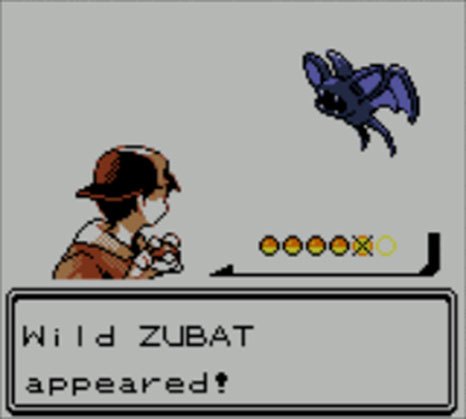
Pokemon Gold, Silver, and Crystal introduced 100 new Pokemon and the Johto region, making them fan favorites for handheld emulators.
Game Boy Pokemon Games
- Pokemon Red & Blue: The original Pokemon games that started it all
- Pokemon Yellow: Enhanced version with Pikachu as your starter
Game Boy Color Pokemon Games
- Pokemon Gold & Silver: Introduced 100 new Pokemon and the Johto region
- Pokemon Crystal: Enhanced version with animated sprites and Suicune storyline
Game Boy Advance Pokemon Games
- Pokemon Ruby & Sapphire: Hoenn region adventures with new Pokemon
- Pokemon Emerald: Enhanced version with Battle Frontier
- Pokemon FireRed & LeafGreen: Remakes of the original games with modern features

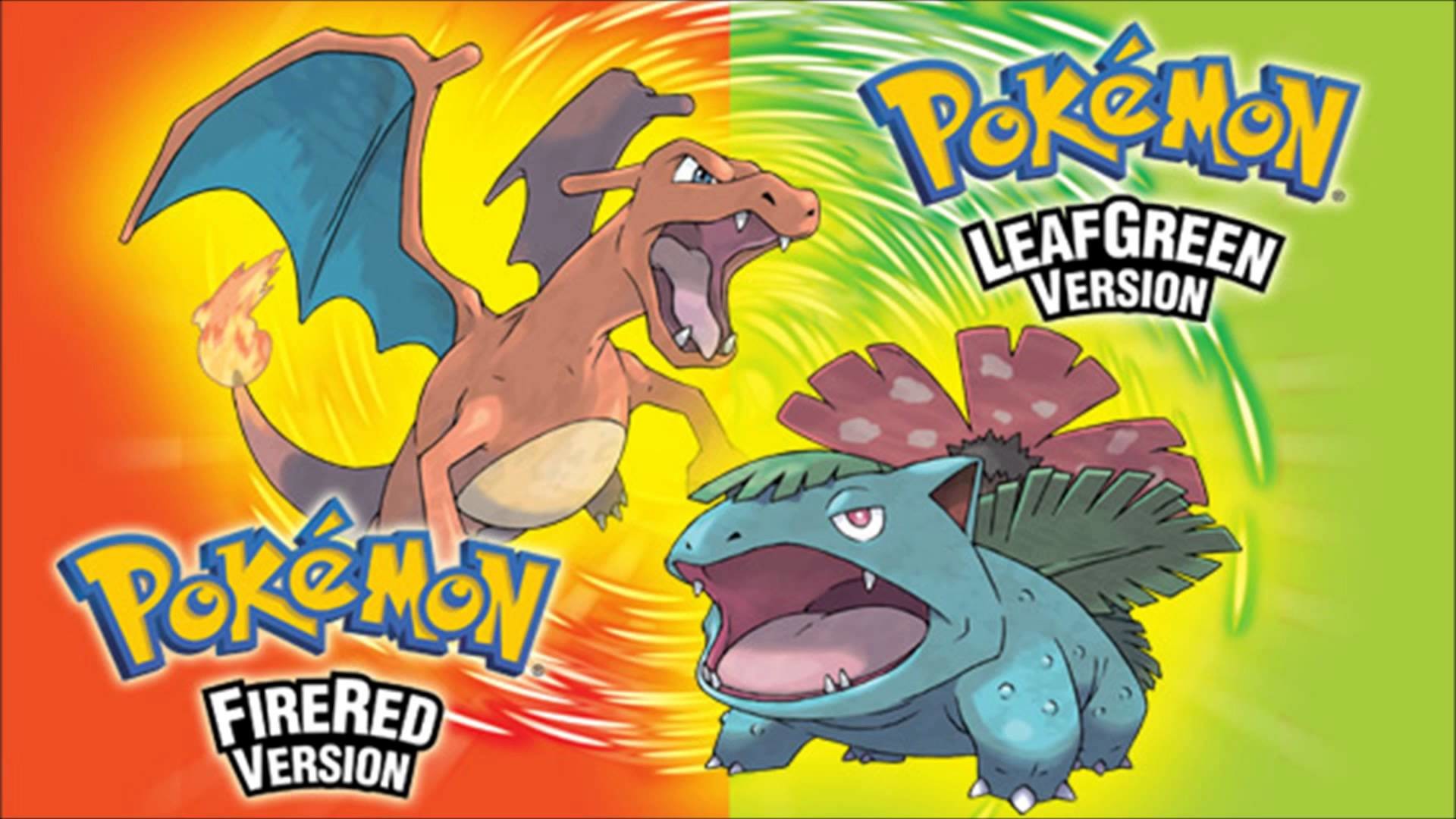
Pokemon FireRed and LeafGreen are faithful remakes of the original Pokemon Red and Blue, featuring updated graphics and new features while maintaining the classic gameplay.
Game Boy Advance Pokemon games feature enhanced graphics and new gameplay mechanics, perfect for modern handheld emulators.
Pokemon Emulator FAQ
Can I trade Pokemon between games on an emulator?
Not reliably. Link-cable trading depends on your firmware and emulator core rather than the device, and it is not a standard feature on the handhelds in this guide. Check your firmware's documentation before counting on it.
Do Pokemon emulator devices support Pokemon ROM hacks?
Most modern Pokemon emulator devices can run Pokemon ROM hacks, though compatibility varies. Popular hacks like Pokemon Crystal Clear and Pokemon Unbound work well on most devices.
Which Pokemon emulator is best for Pokemon FireRed and LeafGreen?
Any device in this guide runs FireRed and LeafGreen well. The Miyoo Mini Plus is the in-stock pick on 4 October 2026; the Anbernic RG35XX Plus adds WiFi and a faster chip but was sold out that day.
Can I play Pokemon Colosseum on a handheld emulator?
Yes! Premium devices like the Anbernic RG406V can handle GameCube emulation, allowing you to play Pokemon Colosseum and Pokemon XD: Gale of Darkness.
Do Pokemon emulator devices support save states?
Yes! All modern Pokemon emulator devices support save states, allowing you to save your progress at any moment—perfect for challenging gym battles or when you need to pause.
Conclusion: Choosing Your Perfect Pokemon Emulator
The best Pokemon emulator device depends on your budget and preferences:
- Best for Most Players: Miyoo Mini Plus ($69.99) - Every generation, pocket-sized, in stock
- Best Value: Anbernic RG35XX ($43.99) - Cheapest way into Pokemon emulation
- Best for Game Boy Games: Powkiddy RGB30 ($99.99, sold out) - Exact 4× scaling for Game Boy games
- Best with WiFi on a Budget: Anbernic RG35XX Plus ($89.99, sold out) - Faster chip, WiFi
- Best Premium: Anbernic RG406V ($239.99) - Enough power for Colosseum and XD
No matter which Pokemon emulator device you choose, you'll be able to enjoy classic Pokemon games with enhanced features like save states, fast-forward, and better screens than the original hardware.
Ready to start your Pokemon journey? Check out our complete device comparison guide or explore our buying guides for more information on choosing the perfect retro gaming handheld.
Start your Pokemon adventure today with the perfect Pokemon emulator device!